
I just did a new Search in Help and have been unable to find a way to do this.
This is already possible with tags
(deleted-OmuA), Aug 13, 2019
@viboon.wora Nope.
Recruitment and sales should be tags.
You are very unnecessary splitting those into Quire Projects and they should all be under the same single Quire Project then separated by tags. Trust me.
(deleted-OmuA), Aug 13, 2019
Hi @peggy Yes, I think sub-tasks should remain intact with its parent. In addition to that, only top-parent tasks are allow to coexist in multiple projects. This will make it more simple.
Duplicating identical tasks are not ideal in term of collaboration (status update, chat and so on).
Viboon Wora, Aug 14, 2019
Hi Viboon, noted with thanks. The implementation and logic of this are complicated and difficult, I shall pass it to our team. Please give us time to think about it.
Peggy, Aug 20, 2019
Project is project. Tag is tag. With tag you cannot set the permission nor can you organize its hierarchy (parent-sub tasks).
Viboon Wora, Aug 13, 2019
Of couse my picture is lack of context. If I wanna show the context I'd need to show the whole of both 2 projects which is irrelevant here.
It just anwers @peggy questions that is all.
Back to the topic. Tags are good at organizing tasks. But to manage tasks you need to have them well outlined in projects.
For example: Supposed I am overseeing 2 projects, Recruitment project and Retail Sales project. In the Recruitment project, along with other tasks, there are list of positions that has to be hunted. Including Shop Manager.
In the Retail Sales, you have many tasks there. One of them is to open a new shop and you need to acquire a new Shop Manager.
In this scenario hunting Shop Manager task should be in both projects.
Viboon Wora, Aug 13, 2019
Hi @peggy Just like in Asana. I find this very practical and convenient.
Viboon Wora, Aug 13, 2019
You know you can bookmark filters, right? Just like Todoist.
(deleted-OmuA), Aug 13, 2019
I second that. i really would love to be able to have the same tasks in different projects
Lina Zinglersen, Sep 2, 2020
Hi @viboon.wora , could you please elaborate more on “key directly in the task detail”?
Do you mean like when you type /project A after the task name, this task will be also added in /project A as well?
A visual example would be super helpful. Thanks in advance. 😃
Peggy, Aug 13, 2019
I think task permission is governed by project, so yes the Task A is visible to both people is PrjX and PrjY. but it's not necessary that people who can see TaskA will be able to see all the projects that TaskA is hosted in.
Viboon Wora, Aug 15, 2019
@viboon.wora Nope. You're stick in a way of thought that is broken. You need to add A to multiple B's without duplicating A . You're problem is that you need to switch A and B .
The picture you sent lacks any context . It just shows test task and test project.
You are likely thinking of projects as @contexts and that will not work. You will run into many issues with that work flow.
Quire projects must be tough of as GTD areas. They are a group of GTD projects and tasks .
What you most likely have done is made Quire project categories with out thinking logically.
Follow my example and what your are trying to achieve will be possible
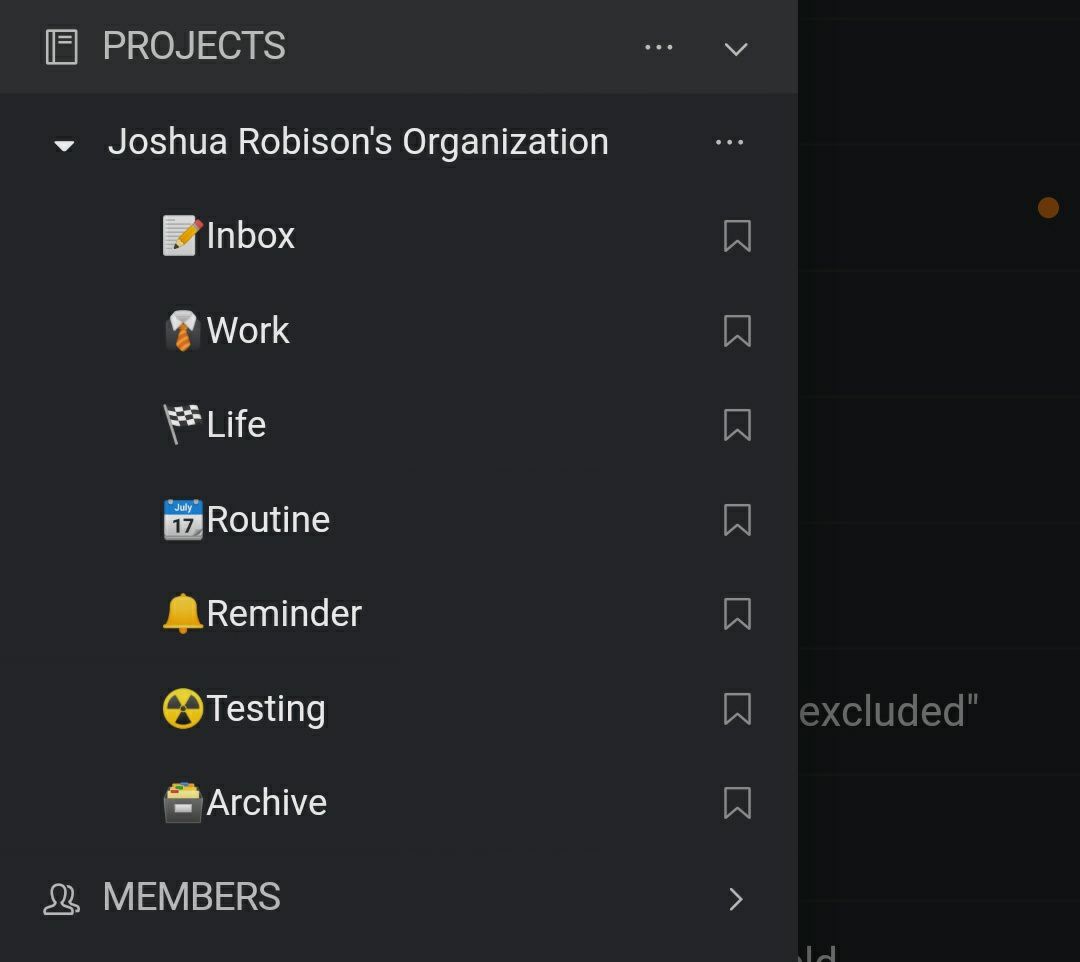
In fact WORK and LIFE could even just be combined into a project called "PROJECTS" and everything should be put in there.
@ contexts
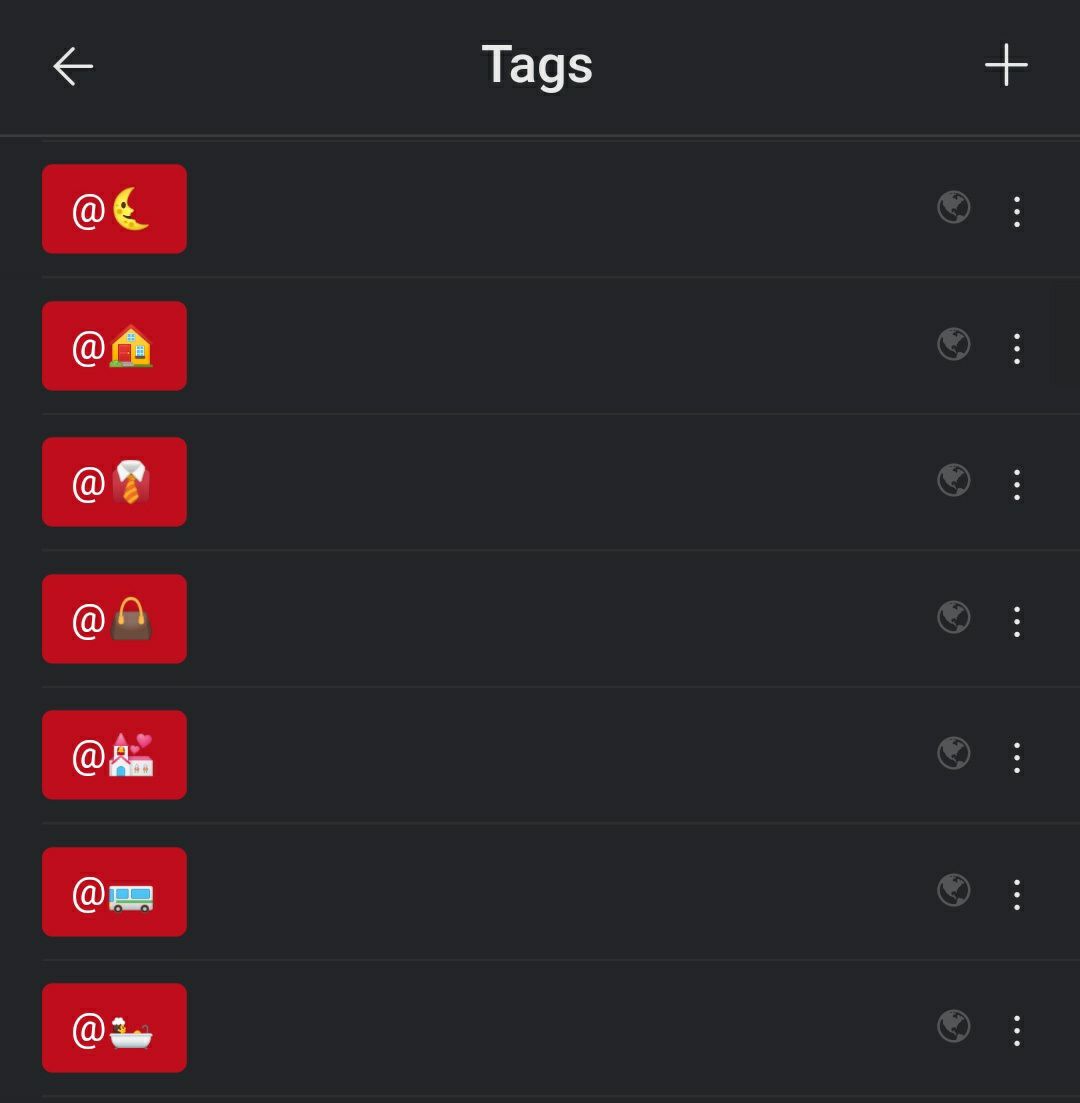
Projects Areas
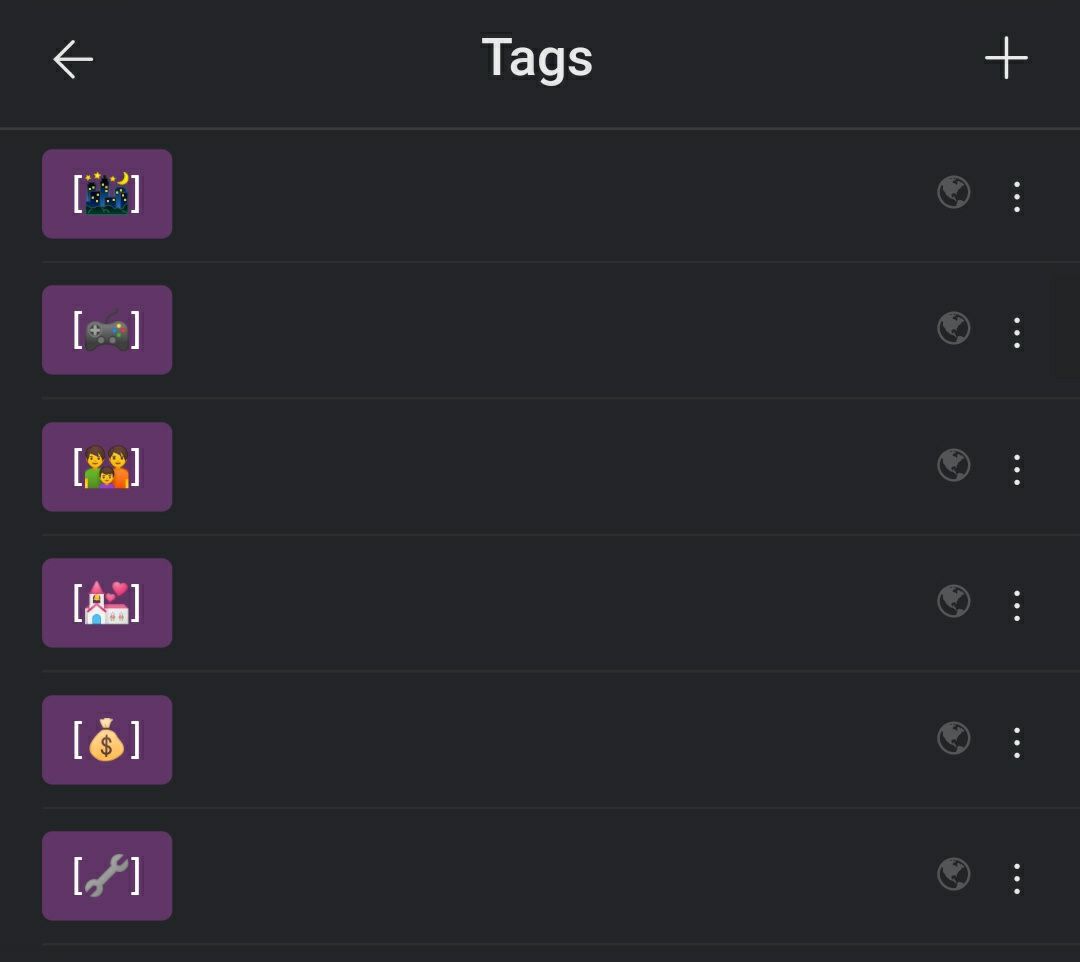
You should make your @ contexts tags otherwise you're going to struggle
(deleted-OmuA), Aug 13, 2019
All of those things should be tags that gives you the power to display them how you want using filters.
(deleted-OmuA), Aug 13, 2019
Hi Francesco, noted, I will pass it to our team, thanks.
Peggy, Jun 4, 2019
@joshuarobison.biz All I can say is different people/organization have different way of working, please respect that. especially organization with 10 people and 1,000 people definitely don't work the same way.
I am here to suggest how Quire should be improved. Not something else.
@peggy If there is any question please let me know.
Viboon Wora, Aug 13, 2019
Hi Ron, Can you give us a specific example? Eg., you want to add the same tasks to multiple projects at once?
Crystal, Jul 24, 2018
@crystal yes, this would be very useful for me.
Francesco Ambrosini, May 31, 2019
Hi @viboon.wora , thank you for sharing the screenshot with us. Since Quire’s list is nested (tree) structure, we are stricter with the relationships between Projects and Tasks. If we do it the same way as Asana (e.g. allowing Task A to exist in two different projects), the tree structure will become more complicated. For example, what if I add a subtask to Task A, will the subtask also exist in the other project? The workaround for now would be right-click on task to transfer a copy of that task to another project. Hope this helps. 😃
Peggy, Aug 14, 2019
@peggy Vote up for this feature. It would be nice if we can key directly in the tasks detail (the displayed path)
Viboon Wora, Aug 8, 2019
Hi @viboon.wora , if we really can have a task exists in two different projects, another issue would be members permission. Different projects will have different members. e.g. Task A is assigned to John, but John only have access to Project X. If Task A also exists in Project Y, John will then have access to Project X as well? 😱 I will pass your suggestion and example to our team for further discussion.
Peggy, Aug 15, 2019
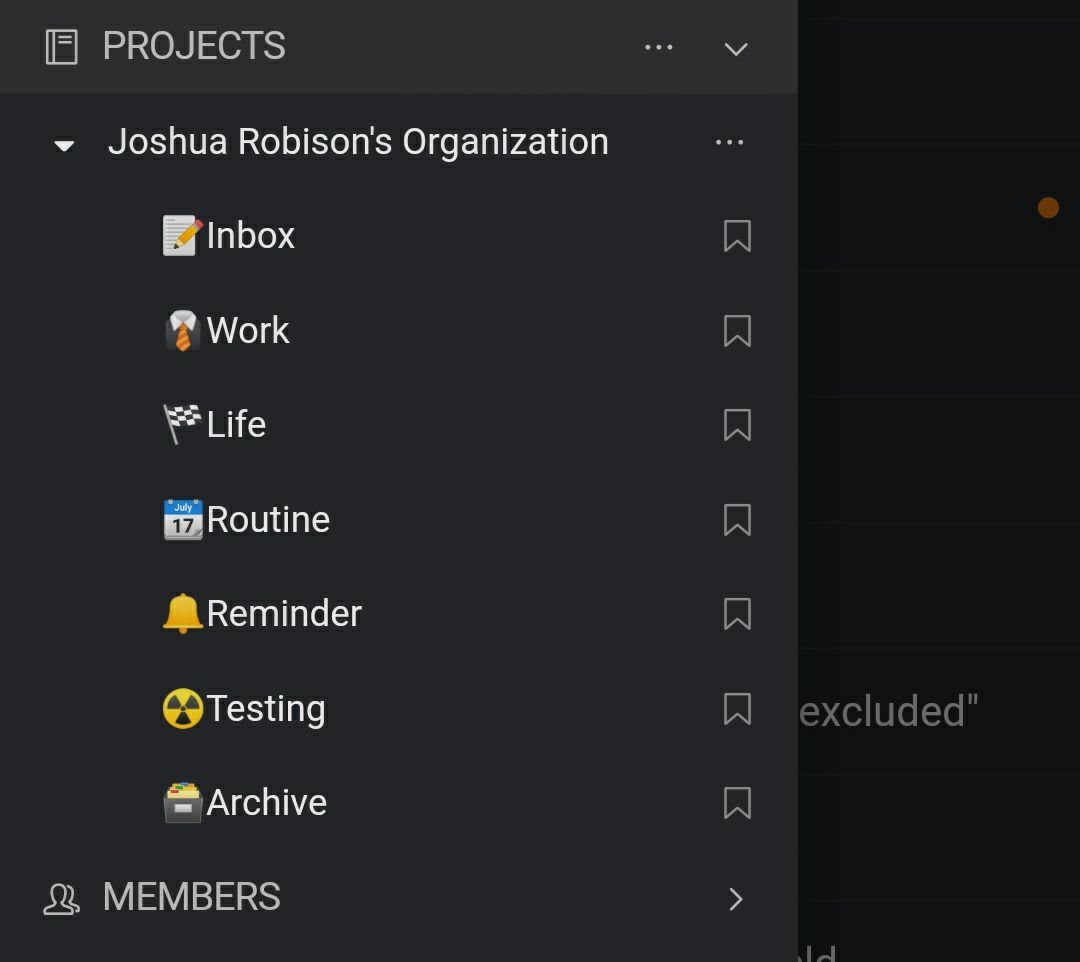
If you put all of your projects in one project folder GTD style, you can already do this using tags.
(deleted-OmuA), Aug 8, 2019
Viboon Wora, Aug 13, 2019