
After I updated to the newest version,I find that no notifications appear in my phone to remind me of due work
Via Quire iOS,ios 10.3.3
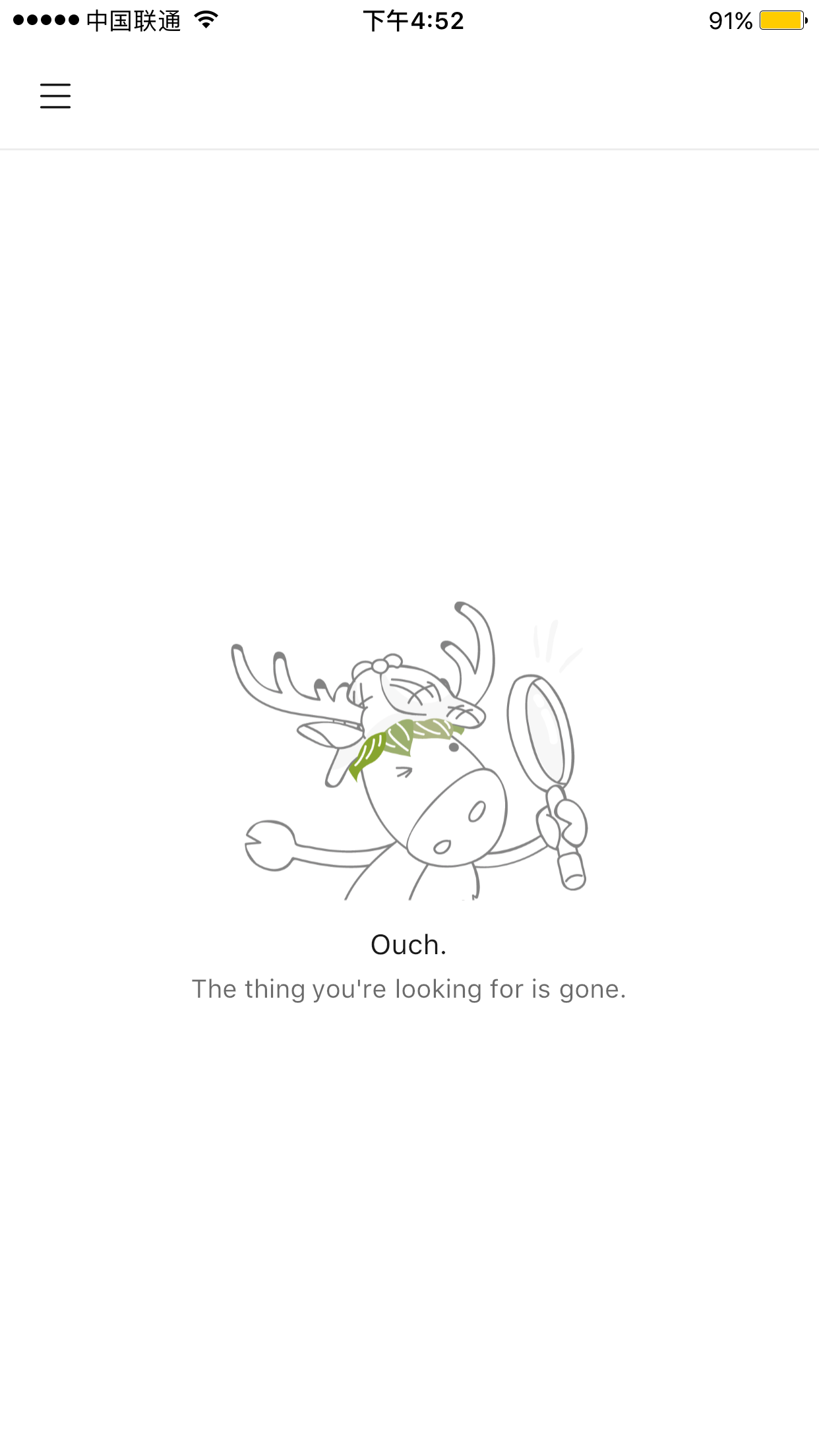
I cannot find it on APP icon now.is there anything wrong with my app? btw,my app cannot work in these days.but my network is OK.After I uninstall app and reinstall from the apple APP store, the app can only work one time and cannot work again.
Leiori, Sep 10, 2018
Hi Leiori, It is working fine at our end. 😞 Can you please check if 1) reminder notifications are set in your Account Settings, and 2) you are an assignee of tasks with due date, or that the tasks are created by you? Thanks.
Crystal, Sep 3, 2018
Hi,crystal,I can use Quire in my mobile browser.I posted these issues and photos above by the Safari.I cannot log out in the app because wherever i touch,the app doesn't feedback.
Leiori, Sep 13, 2018
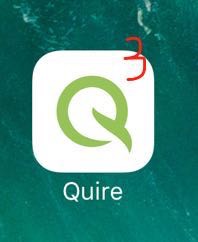
Hi Leiori, Let’s say you have 3 unread notifications. When you tap on the badge icon, the number will not disappear; That is, we will show the same number — as inside the Quire app — on the badge icon in a future version.
Crystal, Sep 10, 2018
Hi Leiori, Quire is working fine in Android at our end. Can you please go to your mobile browser, and see if you can use Quire there? If you can, please go to the mobile app, sign out and log in again, and let me know if you can use Quire then.
Crystal, Sep 12, 2018
Hi Leiori, Awesome. 👍
Crystal, Sep 14, 2018
Hi ,Crystal ,all the issues are solved after I updated my Quire, thanks.
Leiori, Sep 14, 2018
my issue is that there should be a number upon the app icon on the desktop when my tasks are due.
Leiori, Sep 8, 2018
Leiori, Sep 12, 2018