
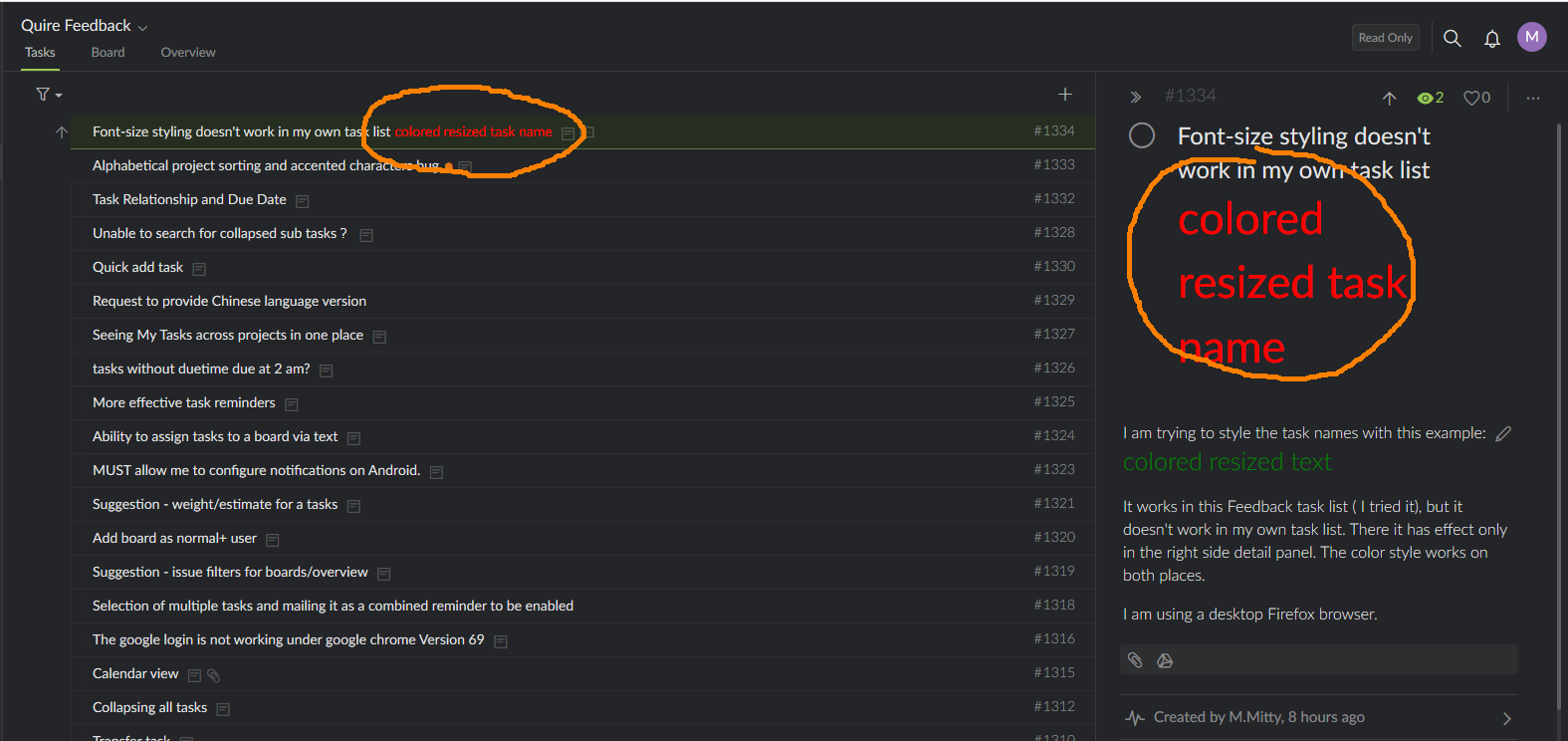
I am trying to style the task names with this example: colored resized text
It works in this Feedback task list ( I tried it), but it doesn't work in my own task list. There it has effect only in the right side detail panel. The color style works on both places.
I am using a desktop Firefox browser.
I see what is happening: presing CTRL toggles the styling effects. If this purposeful, or is it a bug?
M.Mitty, Oct 15, 2018
Hi Ricky, I have entered the same text & style in a task name in Firefox, Windows 10, and it looked fine. What OS (eg., Windows 10) and browser version are you using? And can you please provide us with a screenshot of what you see, and also a screenshot of your Console (after right-click on webpage —> select Inspect —> go to Console tab)? They would help us look into it. Thanks.
Crystal, Oct 15, 2018
Hi M.Mitty, Ah I see. Yes, when you toggle Ctrl (to see task ID, description and comment icons, etc., of tasks), the size of the task name changes. It is because when you sort/filter and toggle Ctrl, we need space to display the "breadcrumbs" (aka parent tasks, grandparent tasks, etc.) of tasks. Let us think about it.
Crystal, Oct 16, 2018
Browser screenshot:
M.Mitty, Oct 15, 2018
My system: Windows 8.1 64bit Firefox Quantum 62.0.3 (64-bit)
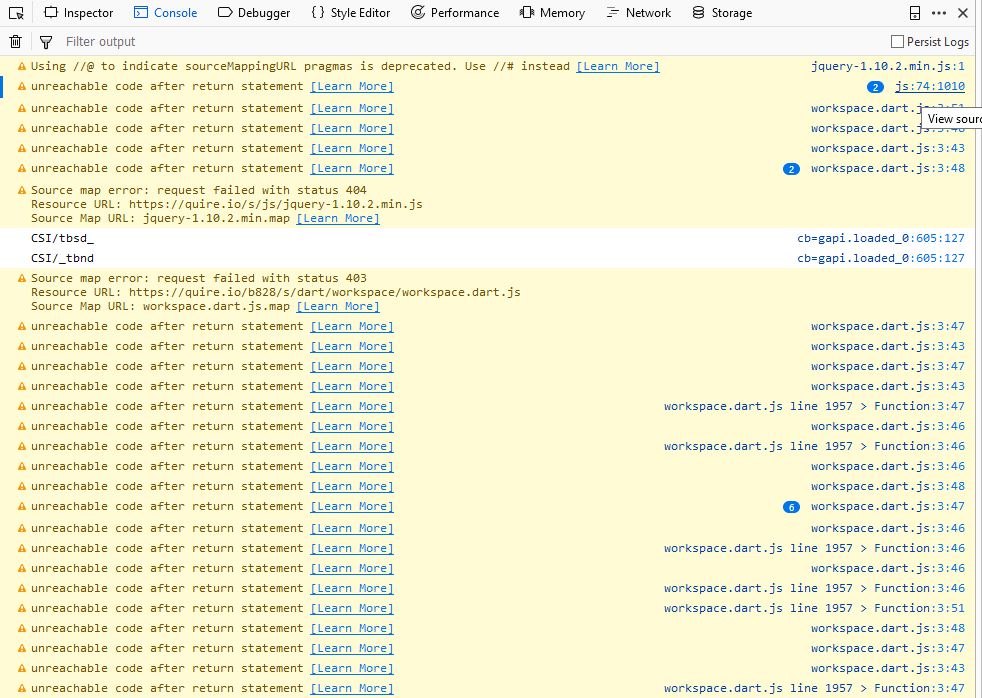
Console log:
M.Mitty, Oct 15, 2018
Hi M.Mitty, This issue should be resolved now. 😃
Crystal, Oct 18, 2018
Funny, sometimes it works:
M.Mitty, Oct 15, 2018