
Hello. Upload picture for profile, company, project not work in Safari 12.1 (13607.1.40.1.5), macOS Hight Sierra 10.13.6 (17G5019)

still not working
Алексей Полываный, Apr 3, 2019
Attaching files to a task works. I attached files to this task.
Алексей Полываный, Apr 1, 2019
Hi @alexndlm , Would you mind uploading using a private window? And see if it works?
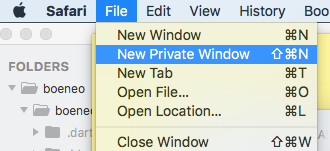
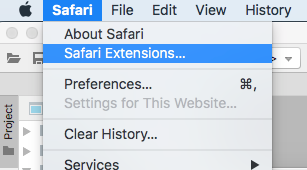
Also, have you added any Safari extensions before? If so, would you mind turning them off and uploading again? Thanks for your help!
Peggy, Apr 9, 2019
Hello @peggy
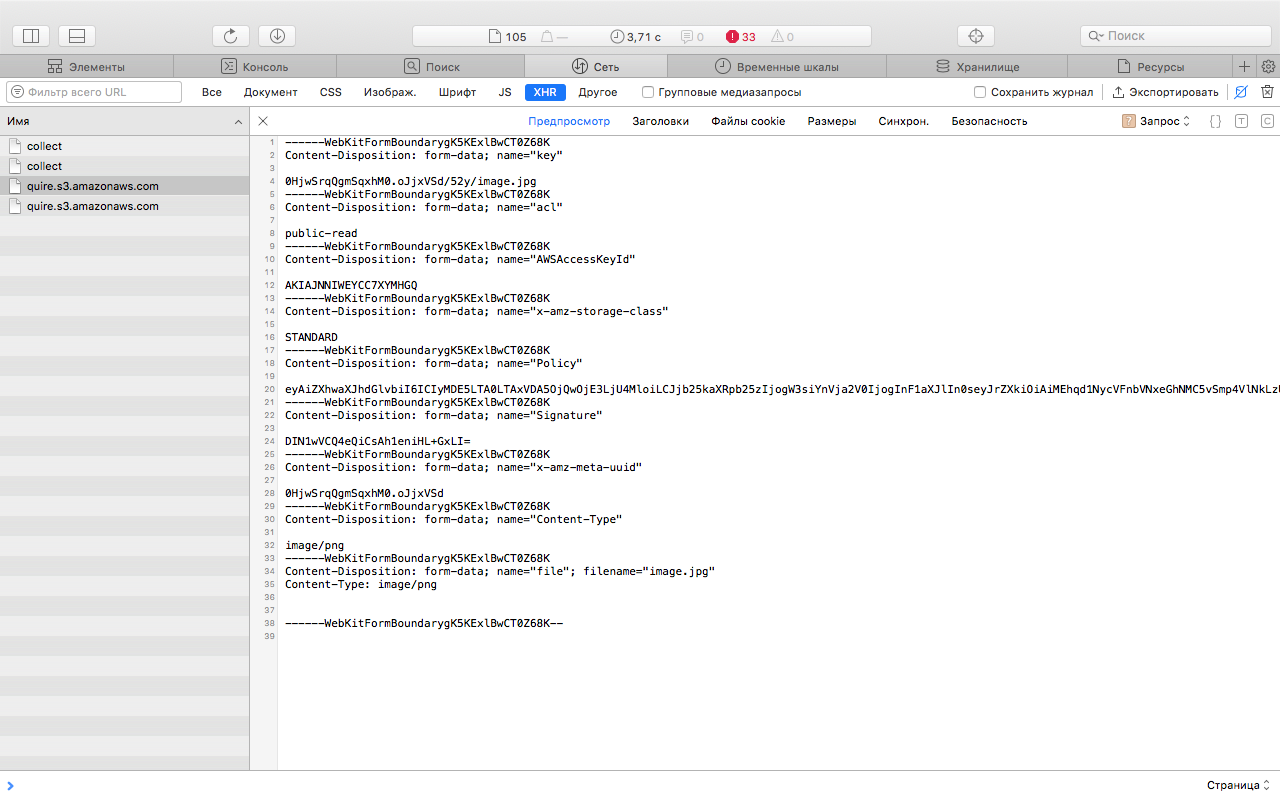
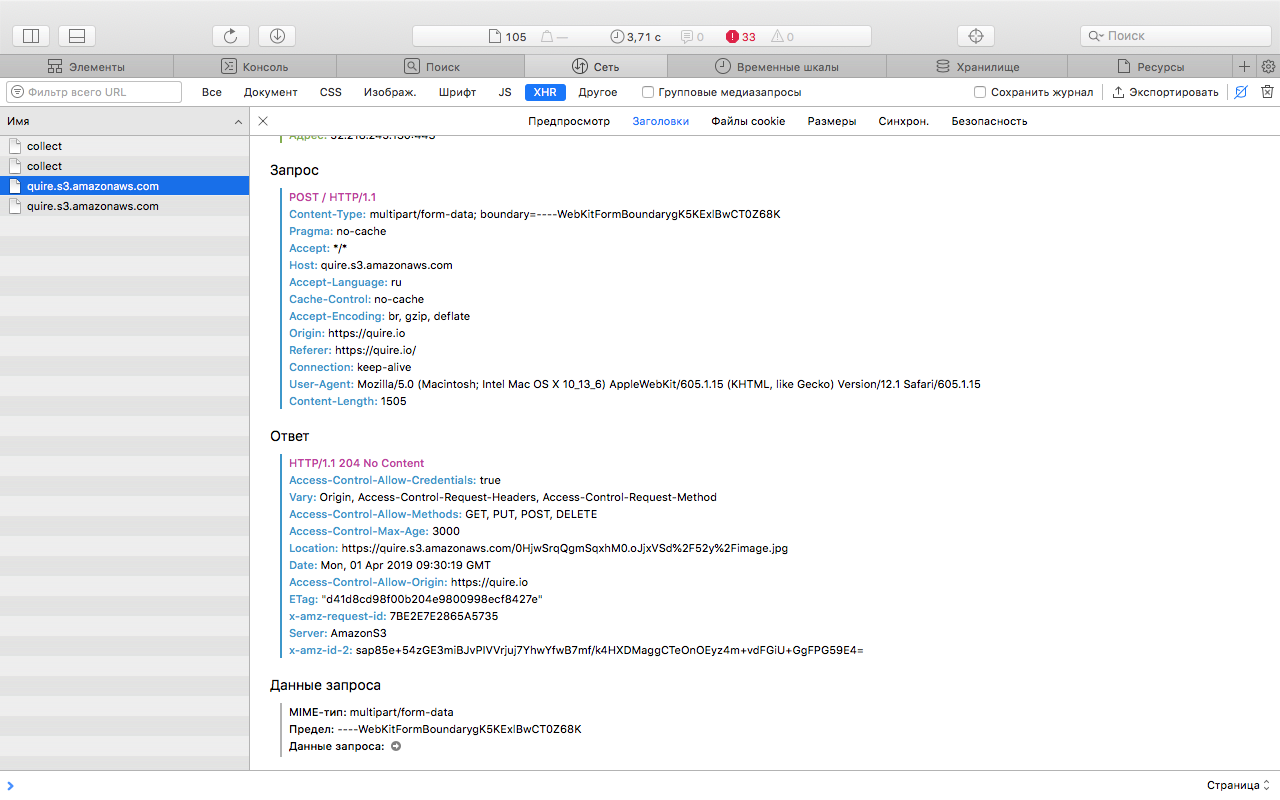
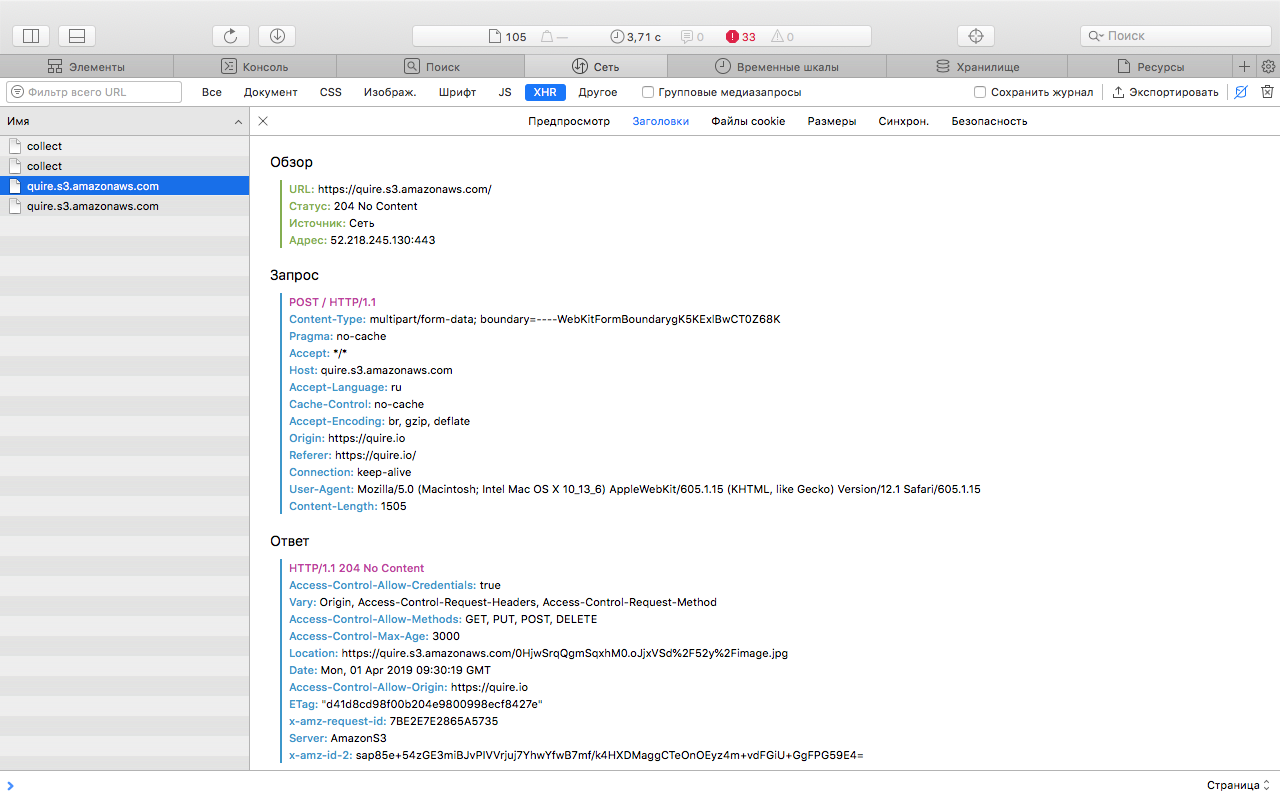
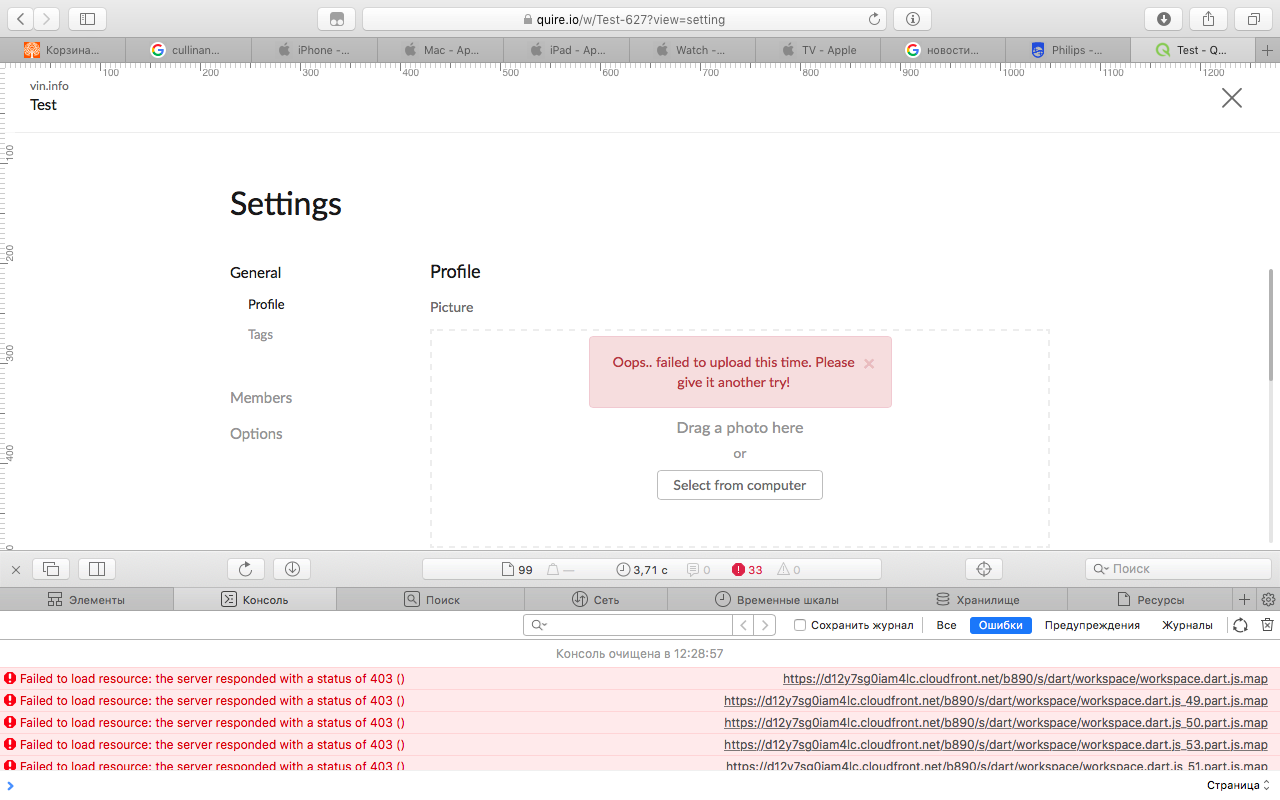
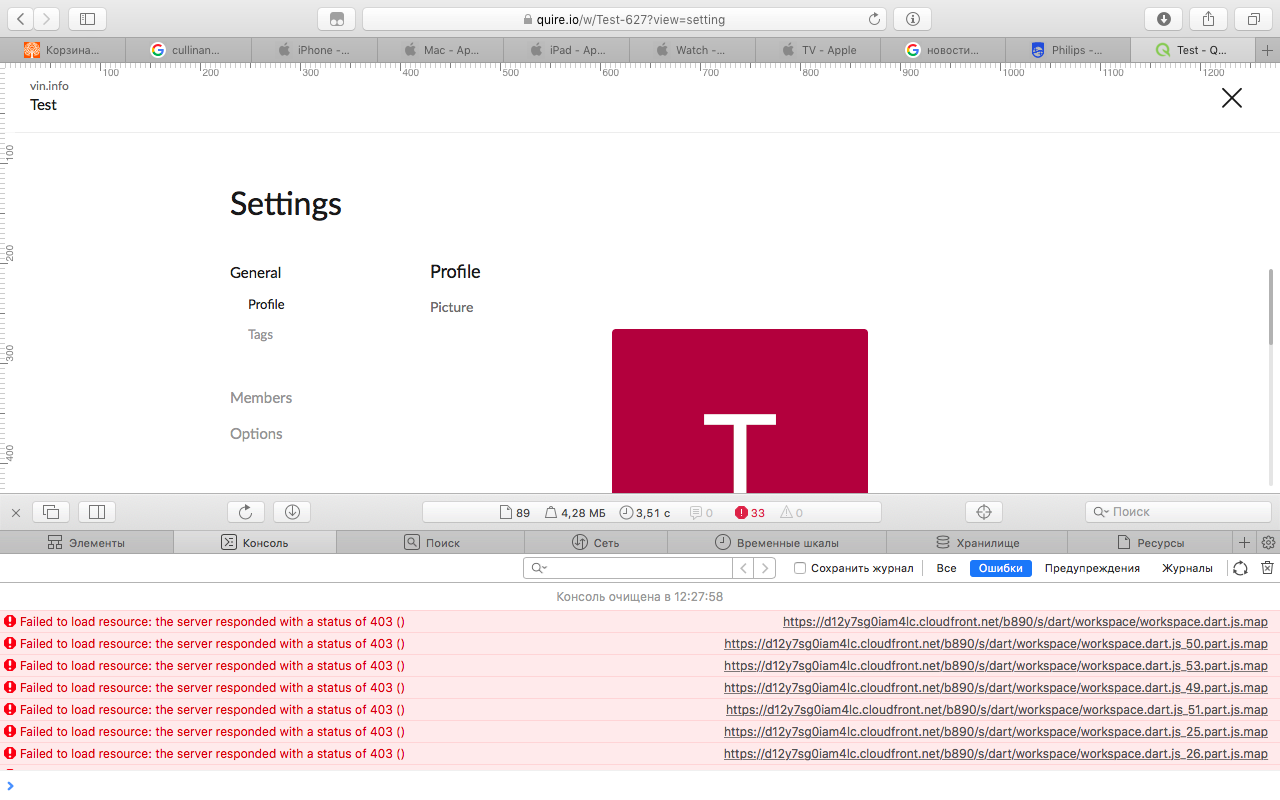
There are no JavaScript errors. There are errors loading .map files, but this is not essential.
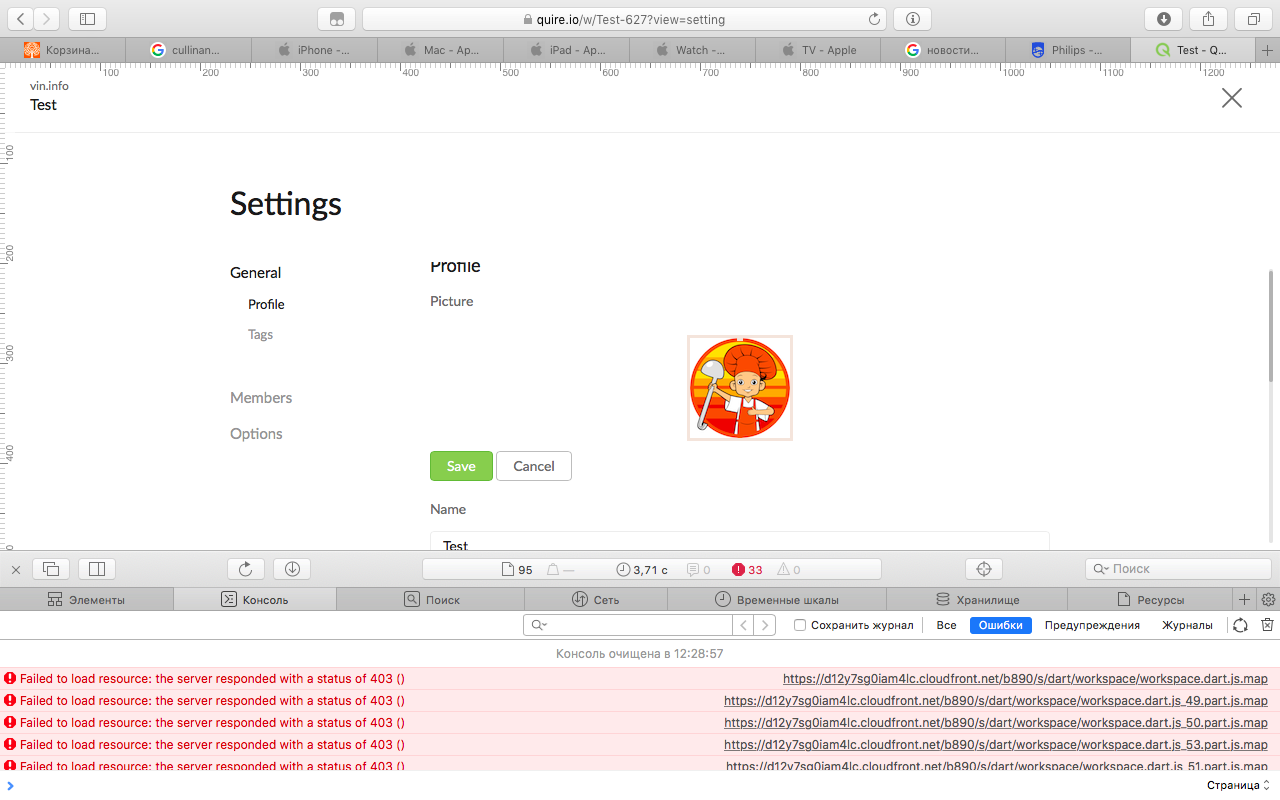
I attached screenshots with the request data that loads the image. Hope this helps.
Алексей Полываный, Apr 1, 2019
Hi @alexndlm , please help to upload pictures again and screenshot the browser console for us to see if there's an error.
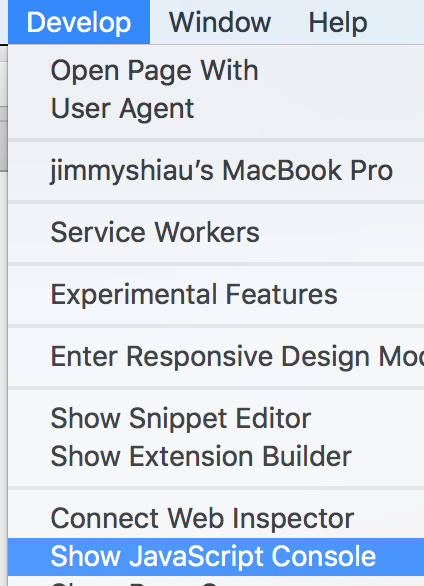
Could you also help to try attaching a file to task and see if's it works? If not, please also send us a screenshot of browser console. Thanks for your help!
Peggy, Apr 1, 2019
Hi @alexndlm , could you try renaming the file name to englishtest.png, then try uploading again? thanks!
Peggy, Apr 3, 2019
Hi @alexndlm , Would you mind creating a new organization/project and try uploading the image? And see it works? Also please help to try on Google Chrome too. Thanks for your help!
Peggy, Apr 2, 2019
Hi @alexndlm , we still couldn't reproduce this issue, please use other browsers, for example, Google Chrome to upload the profile picture. Thanks!
Peggy, Apr 12, 2019
Hello @peggy I did that from the start. I wrote you this bug, just for the sake of what would be your cool product was even better!
Алексей Полываный, Apr 13, 2019
still not working 😞
in Google Chrome work in Fluid app also work
Алексей Полываный, Apr 3, 2019
hello
not work 😞
Алексей Полываный, Apr 12, 2019