
Hi, team! I don’t wanna receive email Notifications about every task or movement. My account settings are configured to “Turn off” notifications but it doesn’t work; every time someone on my team write something, I receive an email. This is like “spam”. I consider that “Notify Me” trough the app will be enough.
There are any form to deactivate completely this email function?
Via Quire iOS
That's how it is. I already tried to configure it from several computers, also from the app and, although it says "NONE" (as you suggest) it still doesn’t work. And everyone in my team/organization happens the same, it's not just in my account.
Matías, Apr 25, 2019
Hi Matías, Thanks for the screenshot. FYI, these kind of emails are different from the tasks notification email. These are sent to you for security reasons to let you know that someone else has created or removed a project from your organization. So basically, it couldn’t be turned off. Also, thanks for the kind feedback. Feel free to share more suggestions with us! 👍
Peggy, Apr 29, 2019
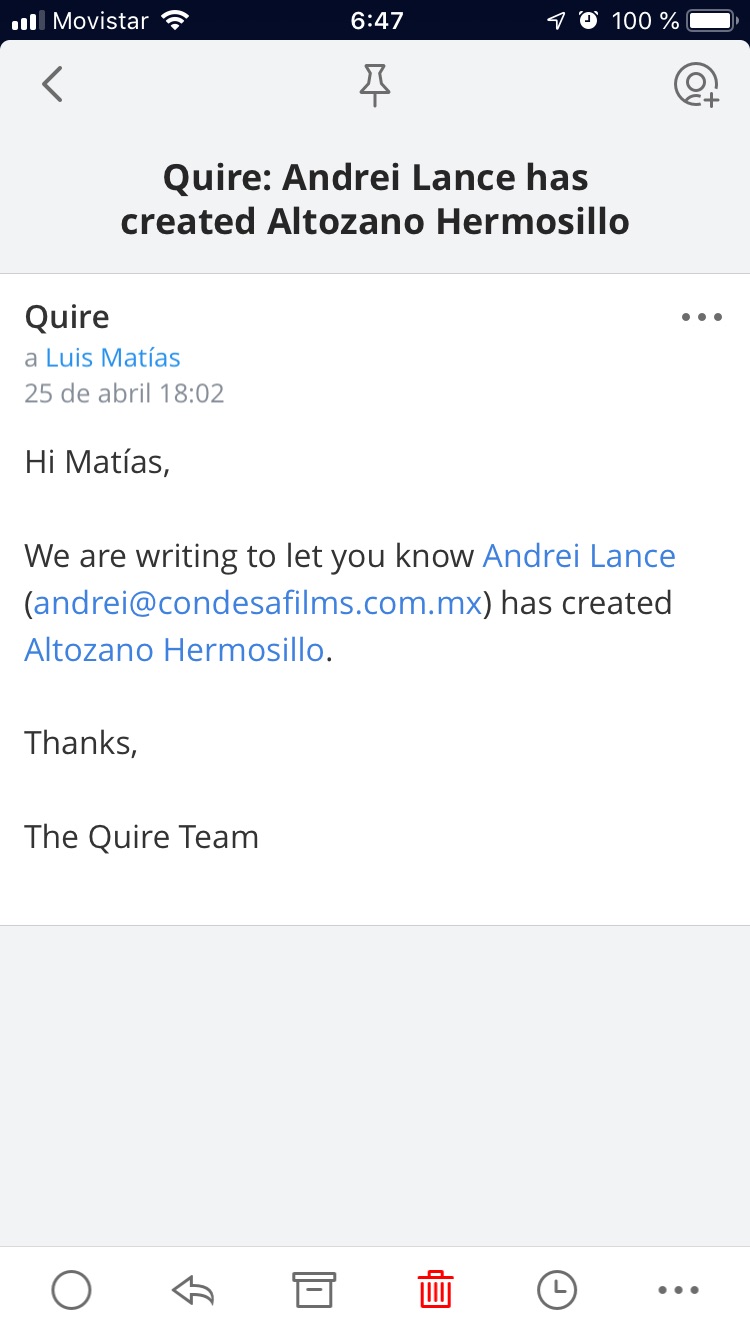
Matías, Apr 26, 2019
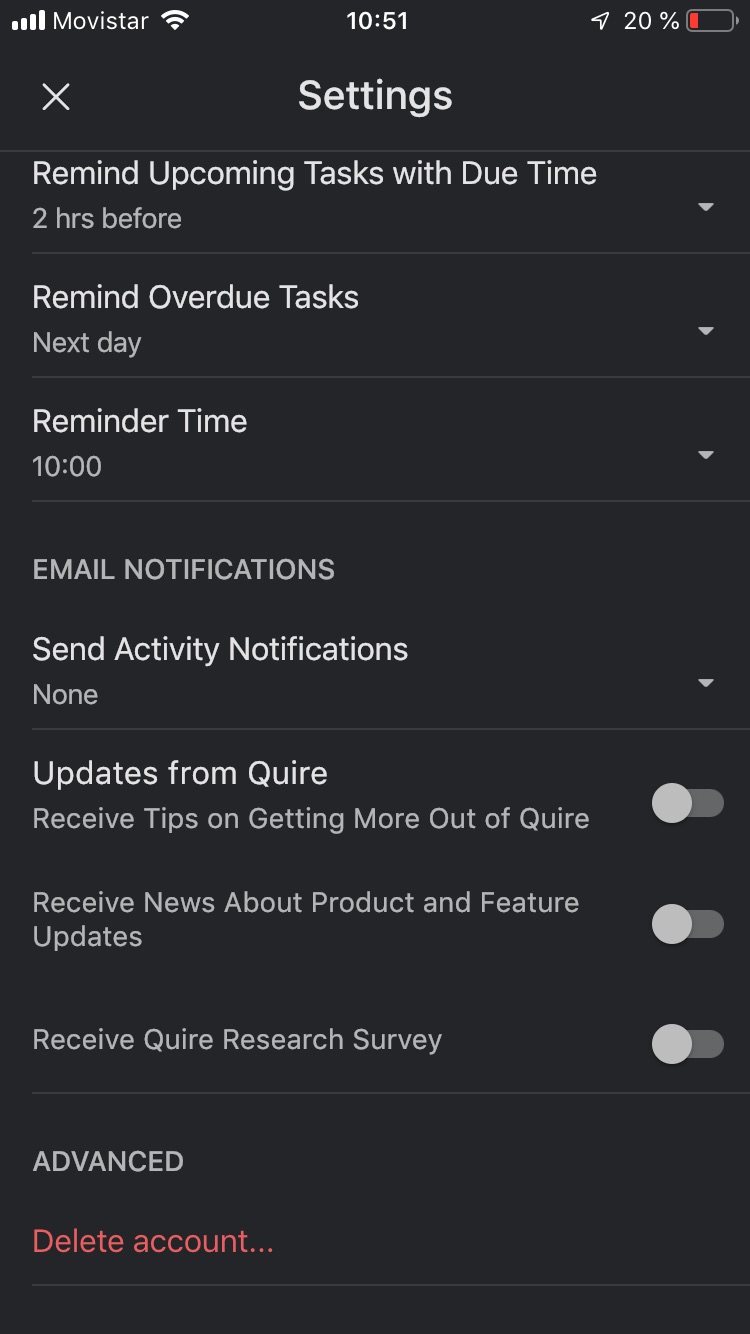
Matías, Apr 25, 2019
Hi Matías, Our tech team had looked into this and couldn’t reproduce this issue. So both of your web browser settings and app settings are set to “None”? Because sometimes the option won’t be saved if your phone was offline. Also, would you mind telling me what kind of email notification you are receiving? A screenshot of the email would be very helpful! It’s fine to cover up the personal information. Thanks for your help!
Peggy, Apr 26, 2019
The system has stopped. the app stopped doing it This is an example of what came with "none" as a criterion, but although it took a couple of days to stop doing so, it is not sending these notifications. thanks for your attention. We hope you succeed with the project! Greetings to your team, Peggy; It is a great development.
Matías, Apr 26, 2019
Hi Matías, Please make sure you have chosen “None” for send Activity Notifications. (Account settings > Email notifications > send Activity Notifications)
Peggy, Apr 25, 2019