
When I open the web app and go to List View, I cannot see whether tasks have been assigned to Kanban Boards or not (visually). I have to navigate to the KanBan Board. This is problematic with larger projects, did I or did I not assign a task to a board?
However, with a number of hours, the iconography on the List page changes and little icons show up against the tasks showing apparently board assigned, comments, attachments etc.
Also, in the Board view, the tasks now show up with task numbers.
Why do these beneficial features show up with significant time and not when I start the web app / navigate to my project? I have not been able to find an Option / Preference to turn this on or off, it just happens by magic (but please could this magic occur when I first log in).
This is repeatable. I am using Firefox 67.0.4 (64-bit) on a Windows 10 Surface Pro 3.
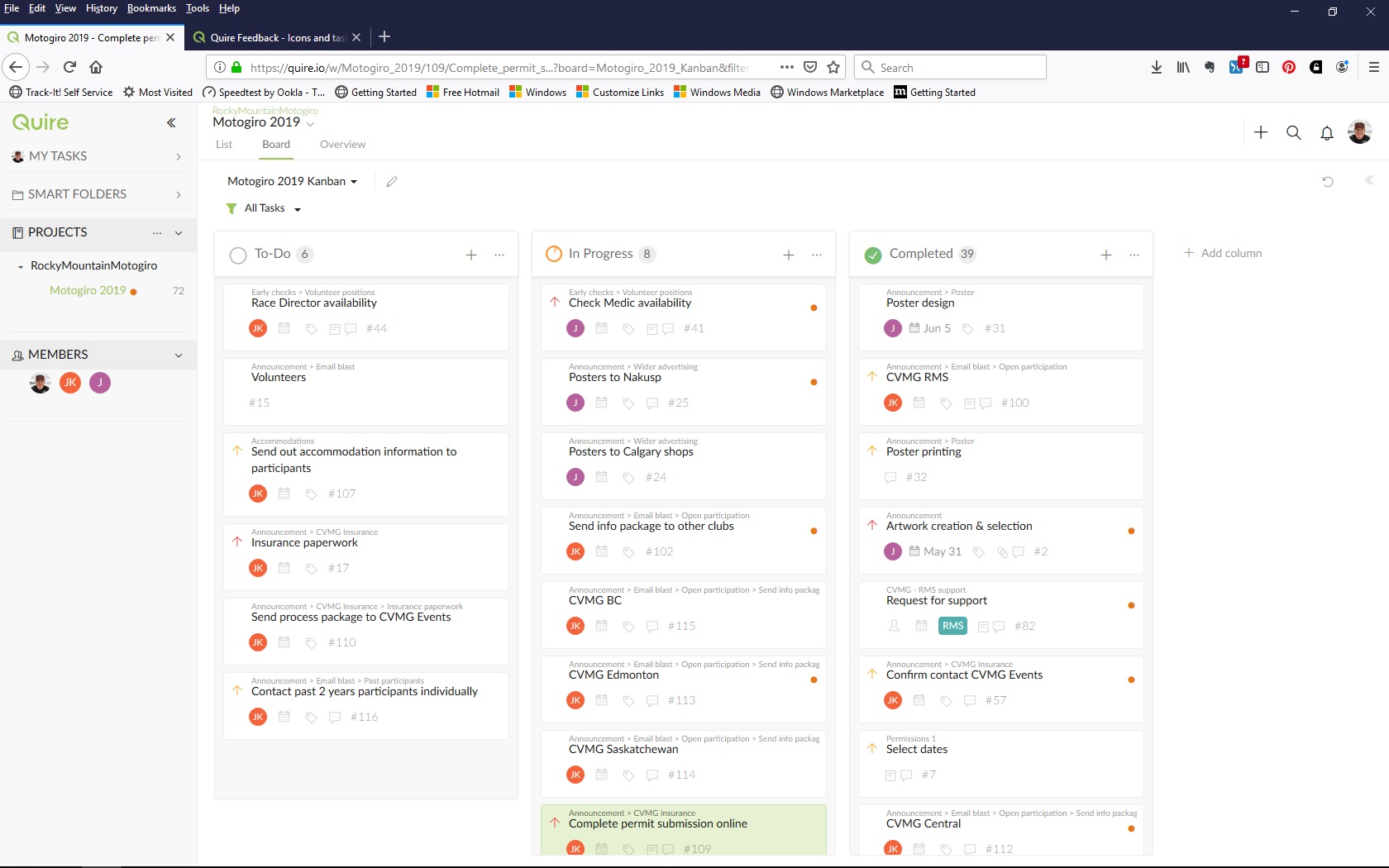
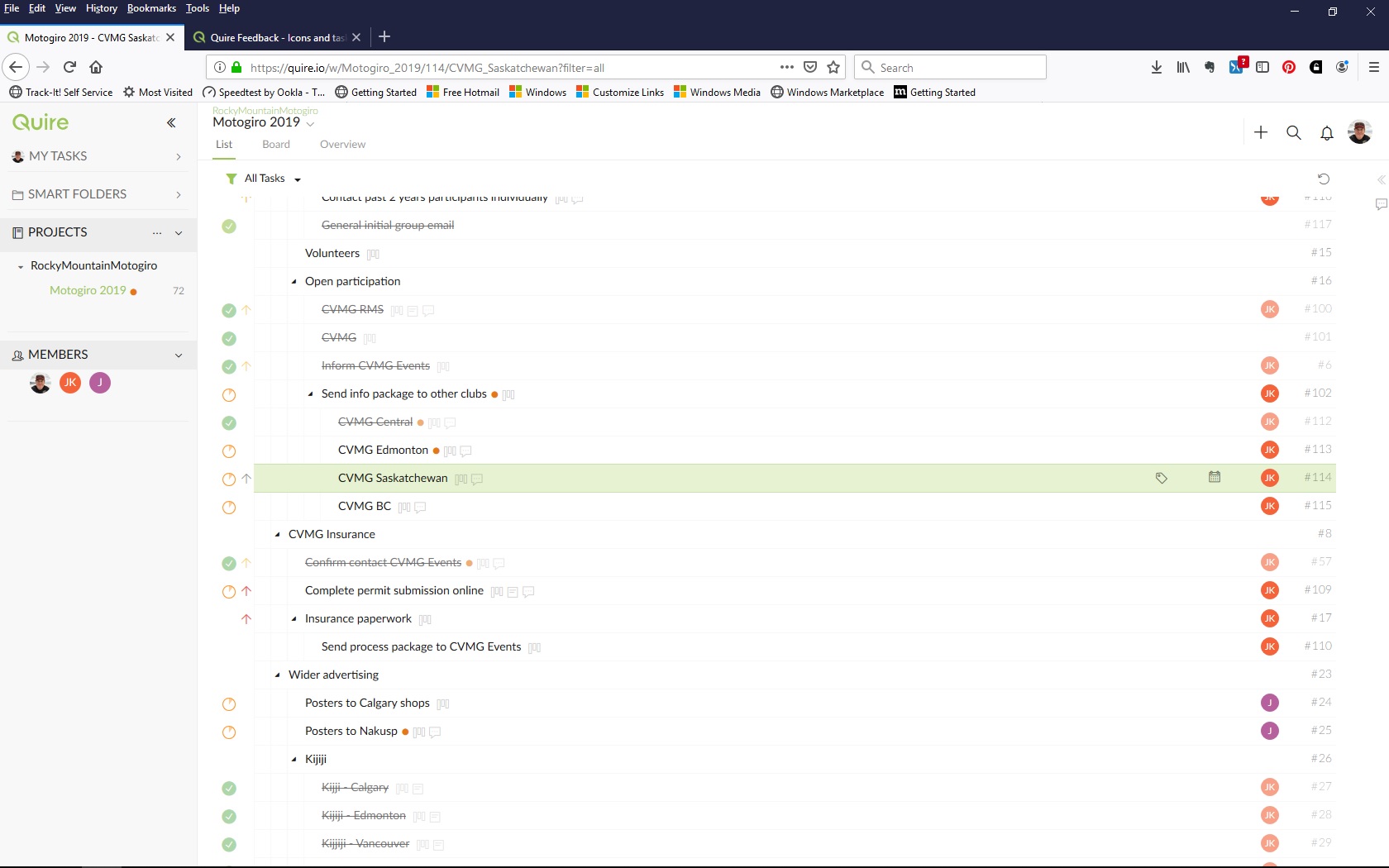
Oh. OK. Thank you! I could not figure out why I was seeing the view change without my apparently doing anything but I must have accidentally hit Ctrl.
It might be useful to add this toggle to Options or Preferences in future so that when the web app starts, it always starts in the user's preferred mode.
Congrats on a very usable product. I will continue to explore its capabilities. Cheers, Jim
Jim Kelsall, Jul 5, 2019
For another example (not my project, your Feedback project) I can no longer see the task number that I was able to see before browser restart. See attached.
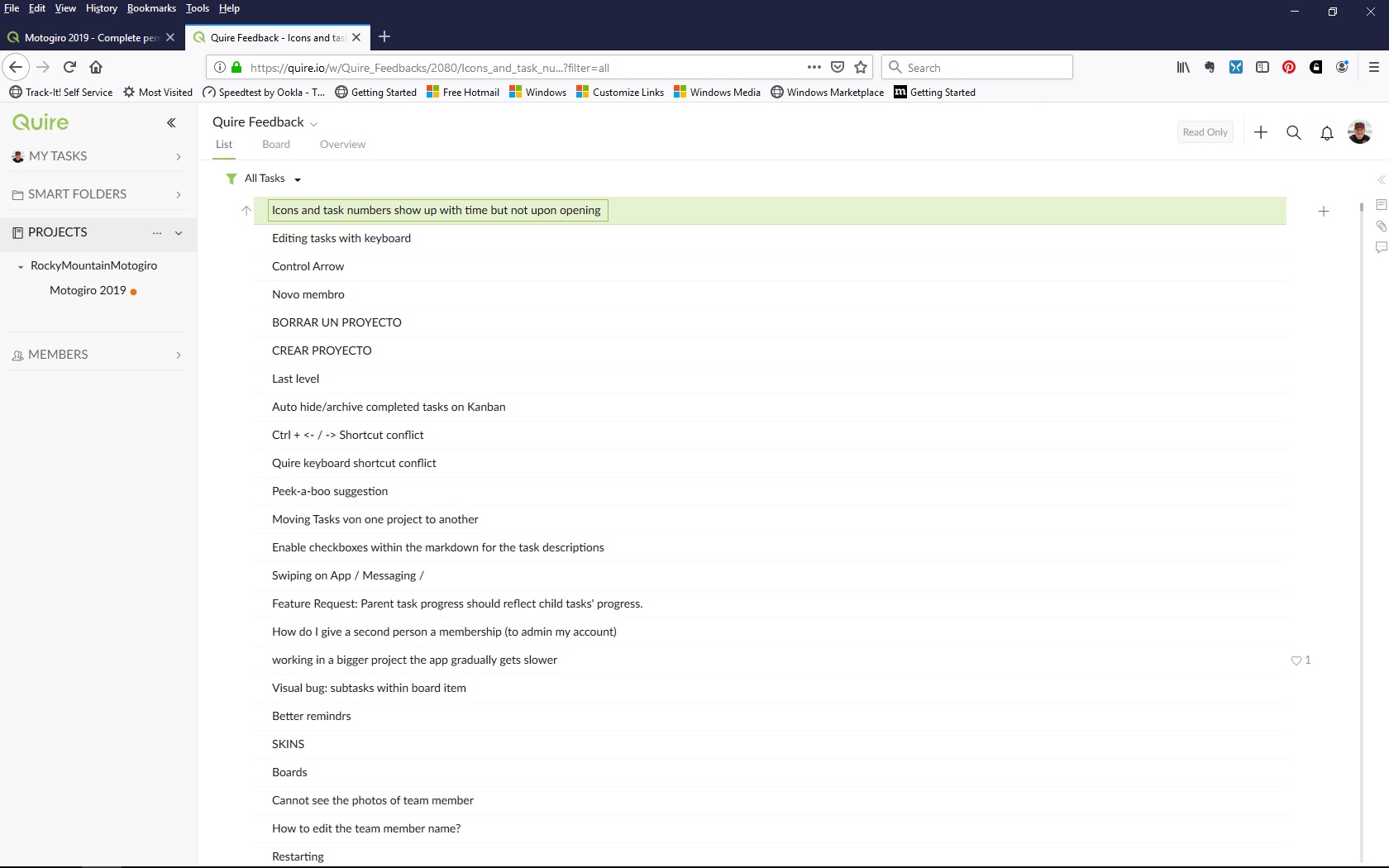
Jim Kelsall, Jul 5, 2019
Sorry @peggy, I didn't realise you were a user helping another. I greatly appreciate that. Regards, Jim
Jim Kelsall, Jul 5, 2019
In general, I quite like Quire, especially the ability to quickly create a Work Breakdown Structure (List) and be able to move the tasks into a KanBan board as I make my way through the project. The icons sure help me understand what and where tasks are between list and board views.
Jim Kelsall, Jul 5, 2019
⭐️ We have closed your thread in order to optimize the performance of the Quire Feedback Forum. Please see our Quire Feedback Official Guideline for more information.
If the request/feedback wasn’t answered or the issue hasn’t been resolved in the newest version, please leave a comment below, the Quire team will be notified.
Peggy, Jul 15, 2021
The attached pictures in the original feedback were views after a couple of hours. I restarted my browser and now all the useful iconography and information is gone. Please see attached.
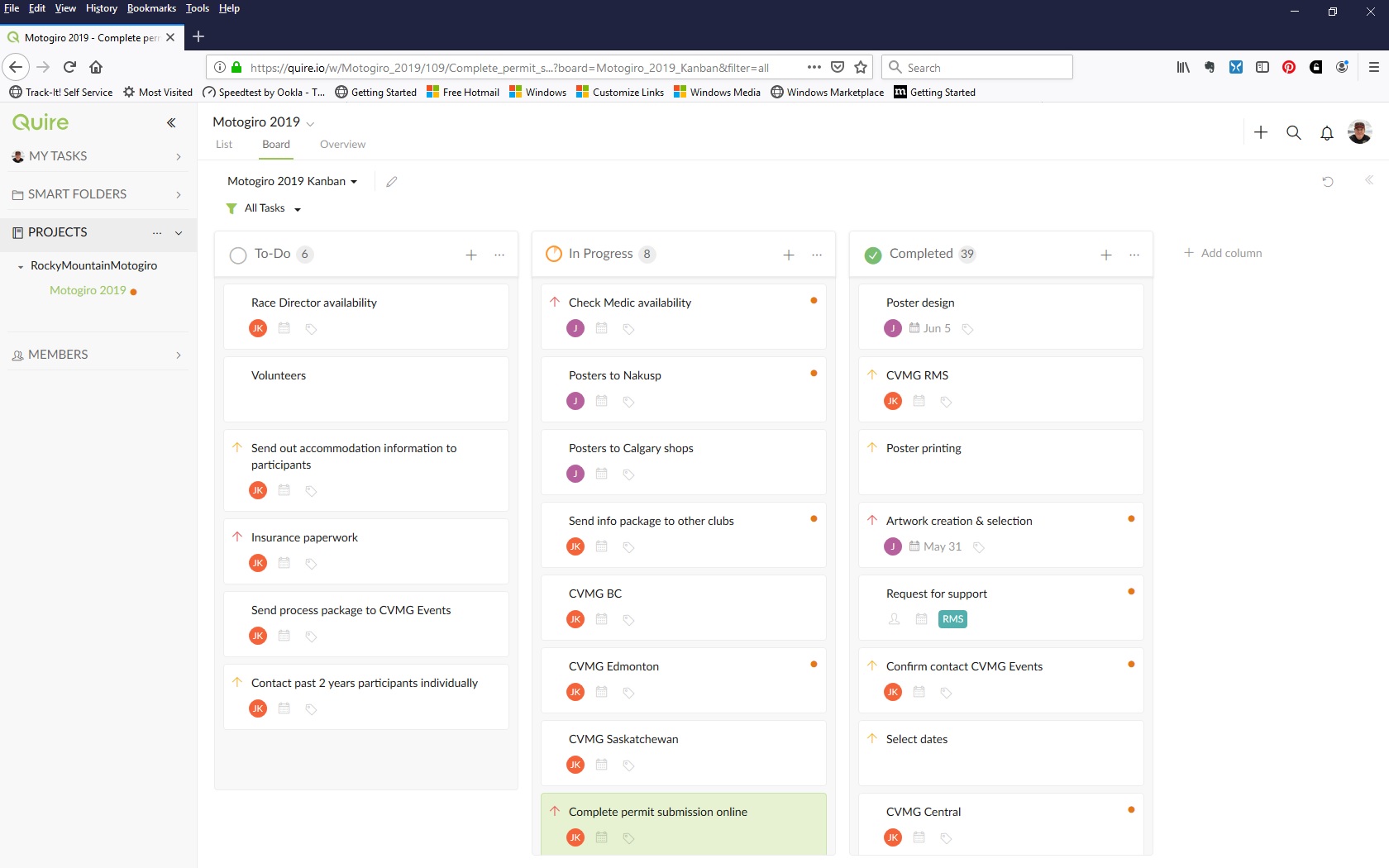
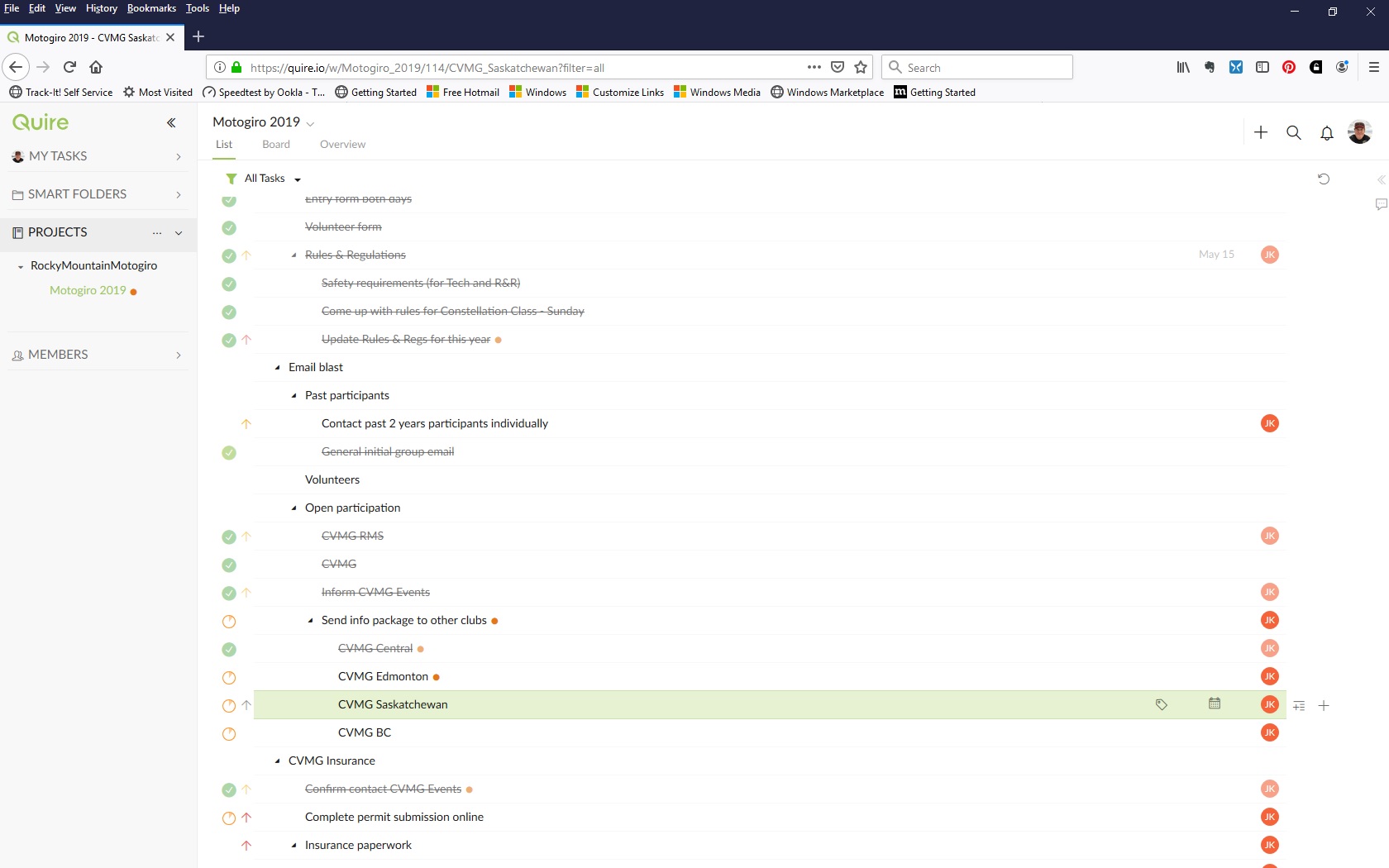
Jim Kelsall, Jul 5, 2019
Hi @info-766 , I'm with Quire team, if you have any questions/ feedback, you are welcome to share them with me. 👍
Peggy, Jul 5, 2019
Hi Jim, hitting Ctrl toggles on and off the breadcrumbs (task IDs, attachments, board, comment icons). Hit Ctrl again to turn it off. Let me know if you have any questions. Thanks.
Peggy, Jul 5, 2019
Hi Jim, you can toggle on and off the icons/task IDs/breadcrumbs by hitting
Ctrl.Peggy, Jul 5, 2019