
Hi,
the description of the new Iphone App version 3.11 says:
- Support adding checklist.
- Support sidebar re-order by drag-and-drop
What do you mean with that ? I can‘t see any change in the app.
With that you can also reorder items. With markdown you have to copy create a space betwenn two items and then paste them there.
Lets go 1 Step back.
One very important aspekt is to break down tasks, epics or however you name it. This is very well done in quire with the list view. But then it ends there. You have always to change the views to add a subtask or delete them or check them as done.
But in your day to day business/life the kanban board is the main board. All other kanban tools i know
- Jira
- Microsoft planner
- wekan
- Trello etc. allow to break down tasks (subtasks or checklists) in the task detail pages. To delete them and so on.
Wouldn‘t it be a good solution to be able to add subtasks, delete them, assign them to a board within a task?
The checklist with markdown is to limited for that.
PS: On the Iphone there are not 6 clicks but 10 clicks for „one“ checkbox in quire necessary. For the brackets you have to click two times on the keyboard so that they apear on a key. But i think the problem should be discussed or better epxperimented from the quire team 1)to create 10 tasks with 5 subtasks inside the main task 2) to reorder the subtaks 3) to delete some subtaks 4) to check some subtasks as done
with let‘s say trello and with quire on the desktop and on the mobile and you will understand what i mean. Its too complicated in quire in the moment.
Undwie, Aug 7, 2019
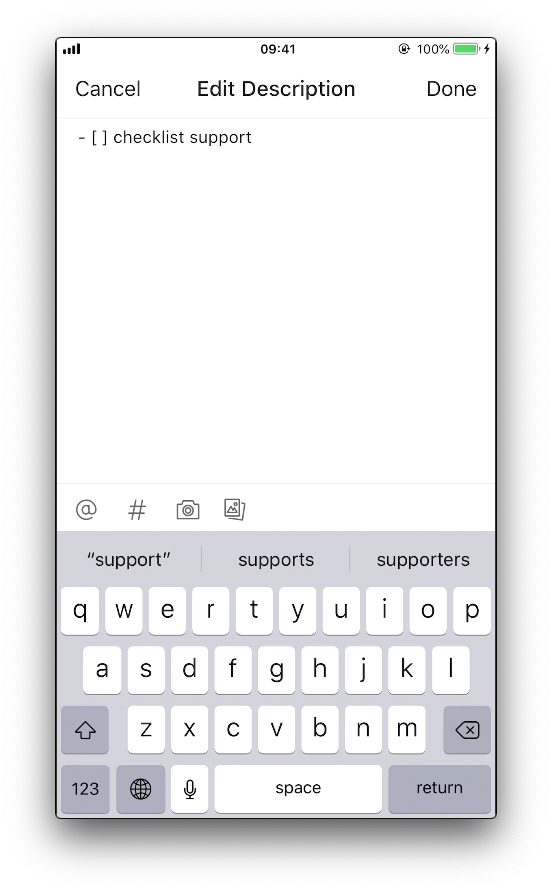
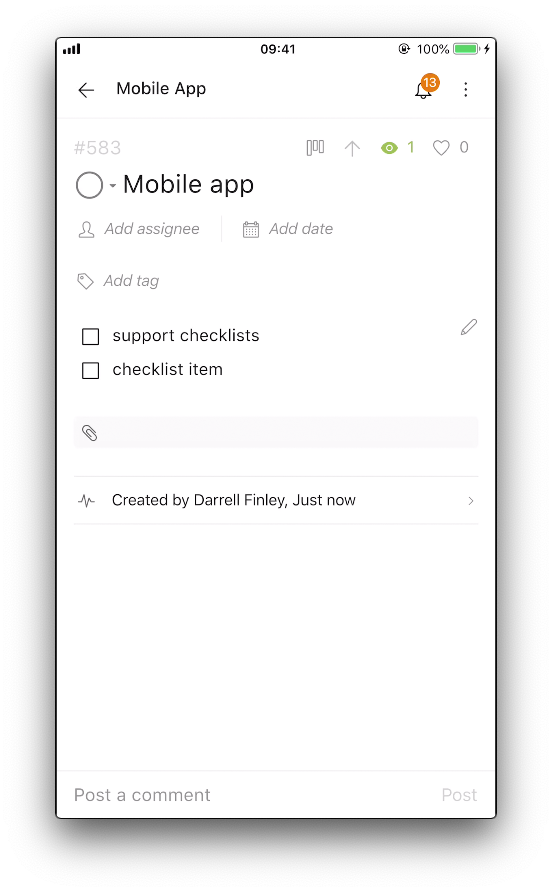
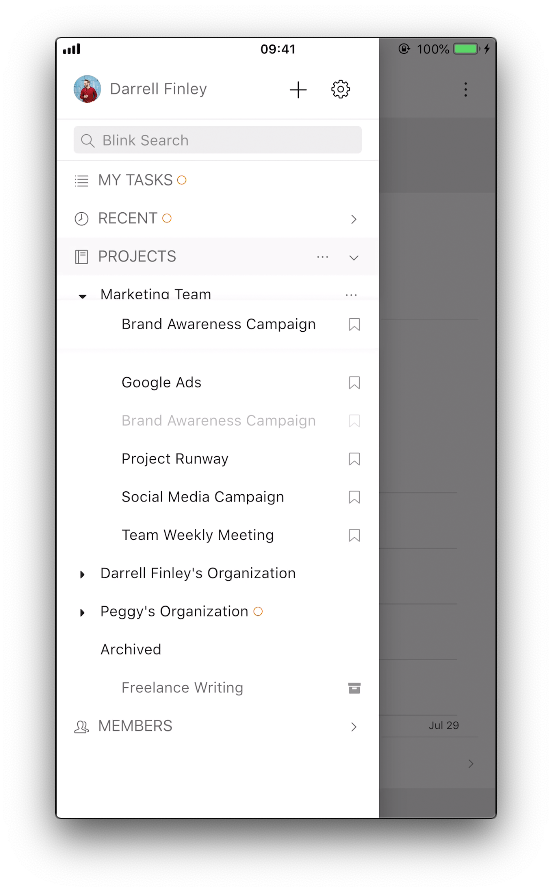
Hi Undwie, you could type - [ ] inside a description to create a checklist. Also, you could drag and drop your projects in the sidebar to reorder them. Please see the attached screenshots. Thank you.
Peggy, Jul 29, 2019
Ok thanks. Typing 6 times every time i want a checkbox ? We have more to do in our jobs and live than spending 6 clicks for one checkbox.
- - 2. Space 3. [ 4. Space 5.] 6. Space
I think you should find a) some way to combine combine checkboxes with the subtasks in the list or b) find a one click solution to create a checkbox.
Quire has his own aproach with the list and kanban view that is really good and outstanding. But subtask/Checkbox Handling have to be improved because they a such important part in our bussy lifes.
- Look please as inspiration to microsoft planner or trello. There you can add a checkbox with one click.
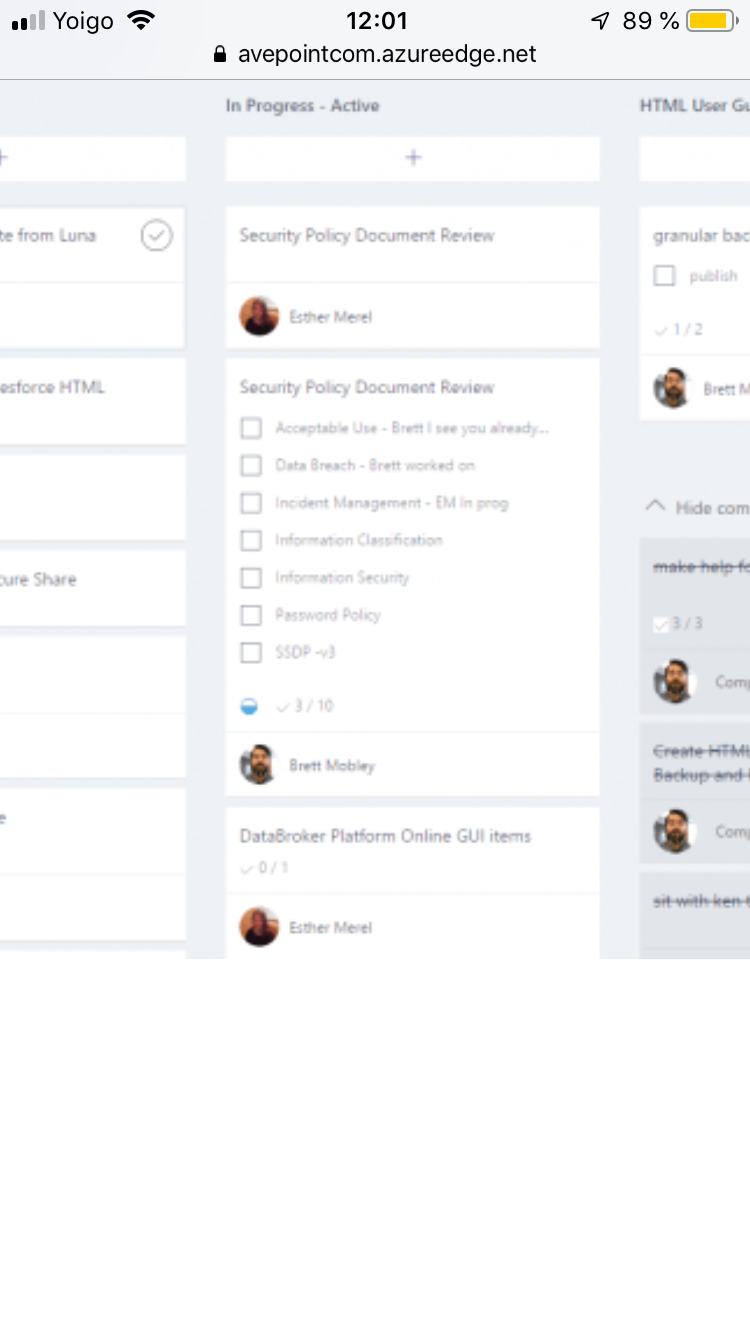
- In microsoft planner you can even see on the card the checkboxes. That is really useful.
Undwie, Aug 1, 2019
Trello like checklists would be very helpful. It's too time consuming and inconvenient at the moment, especially on the the desktop.
Vikramjit Bora, Sep 13, 2019
With the iphone keyboard 6 clicks for a checkbox is to expensive. If i have 5 checkboxes in a task that are 30 clicks compared to 5 clicks of other solutions for checkboxes.
Undwie, Aug 1, 2019
It's a heiphen - with a left [ and right ] bracket
(deleted-OmuA), Aug 1, 2019
That is what i said, 6 Clicks for one checkbox ! Thats to much.
- Click: Hyphen -
- Click: blank
- Click: [
- Click: blank 5.Click: ] 6 Click: blank
Than the text of the checkbox.
Undwie, Aug 1, 2019
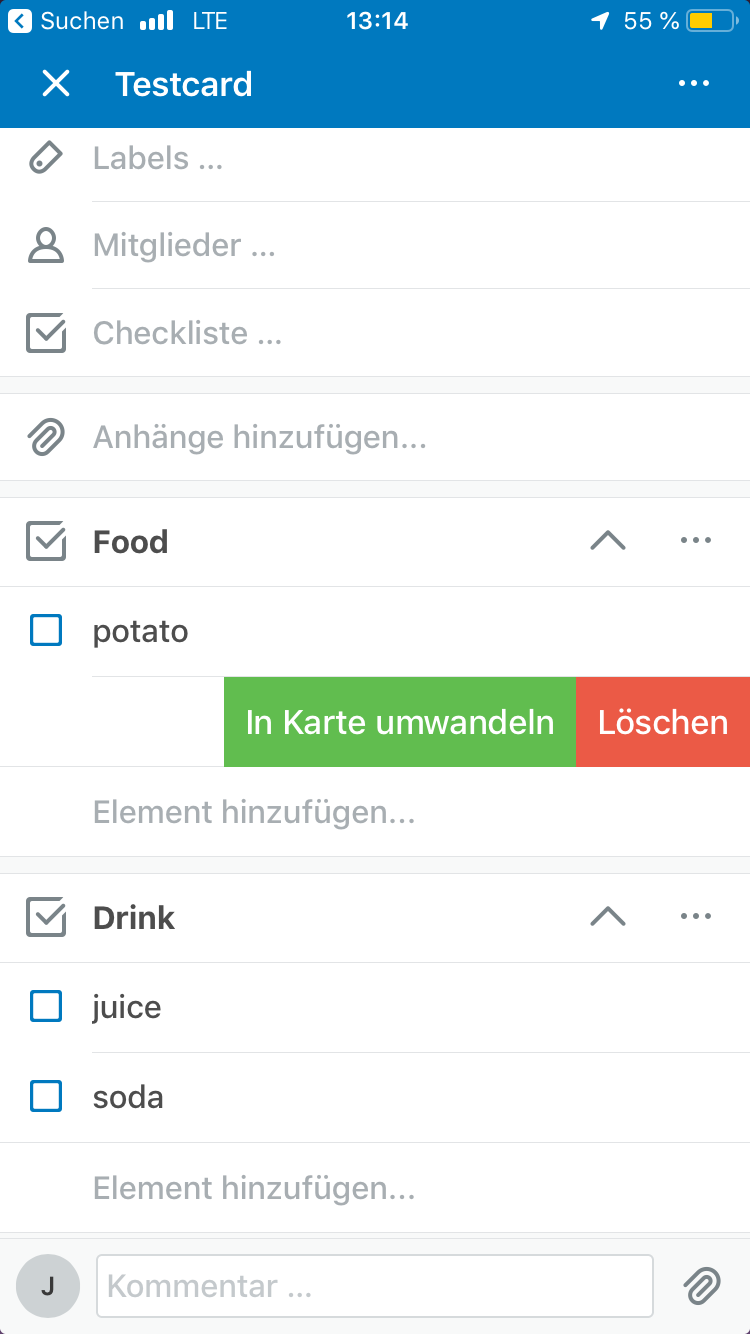
And trello suprised me now (i didn‘t know that) that you can change a checklist item to a normal trello card. (This is similar in quire to transfer a subtask in list view to a board, but unfortunately in quire this is not possible in the board or in the task itself. The picture shows the banana is transfered as a own card in trello.
 )
)
Undwie, Aug 7, 2019
Hi all,
Please update your Quire mobile app to the latest version to see the implementation on markdown styling 😃
Vicky, Sep 16, 2019
Hi Undwie, I have passed your feedback to our developer team. We shall think of a way to make creating a checklist much more easier. Thank you.
Peggy, Aug 7, 2019
Hi,
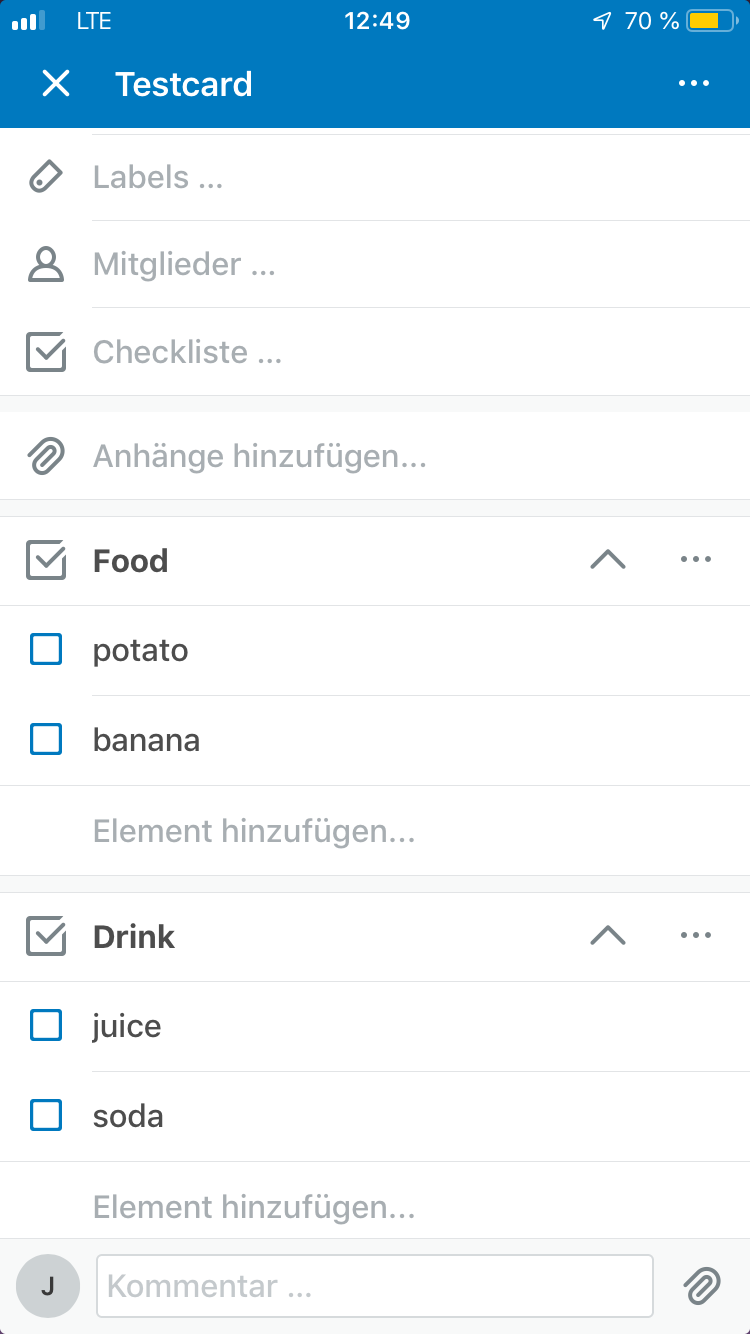
yes titles to checklist are a good idea. But look how Trello implented this. You can create checklist and with „one“ click add an element to them.
Undwie, Aug 7, 2019
To create check boxes all you need is this
Starting lines with that will create a checkbook
(deleted-OmuA), Aug 1, 2019