
When you create a task, you can only create subtasks in Task List panel and it is not possible to create them if you are working from the dashboard panel. Even if I enter in the task, the option to create subtask does not appear.
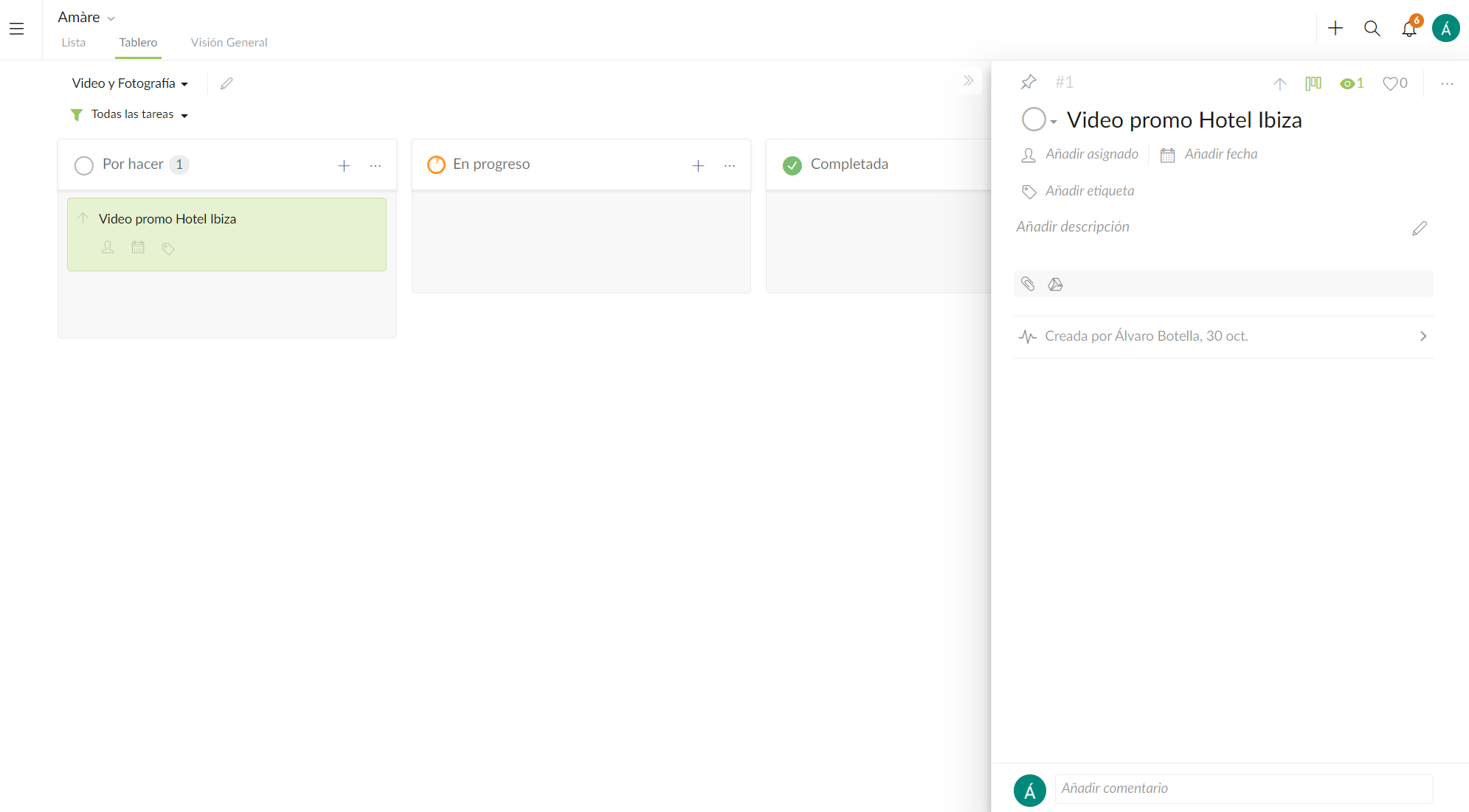
@peggy Let me add a screenshot (it is in spanish) but where I this screenshot can I create a subtask?
Álvaro Botella, Nov 7, 2019
⭐️ We have closed your thread in order to optimize the performance of the Quire Feedback Forum. Please see our Quire Feedback Official Guideline for more information.
If the request/feedback wasn’t answered or the issue hasn’t been resolved in the newest version, please leave a comment below, the Quire team will be notified.
Peggy, Jul 15, 2021
@alvaro-45 - tasks that are added to the board view are all flat (without hierarchy). This is why you are not able to add subtasks in the board view.
Quick tip 💯
- toggle on the Advanced mode to see the breadcrumbs/path.
- in the detail panel, you can see the first level of subtasks, click on it to go directly to the task.
Peggy, Nov 11, 2019
Hi @alvaro-45 , I'm not quite sure what you mean by "dashboard panel", but I am guessing you meant you would like to be able to add a subtask in the detail panel on your phone?
Or if you mean you would like to create a subtask in the main panel (the tree list view), just swipe left on a task, and tap on the Subtask icon. Hope this helps. Thanks.
Peggy, Nov 1, 2019