
I have not been able to remove/delete saved searches from the Android app.
It appears to be an option that shows up sometimes, not always.
Where do I find the "Options" icon?
(deleted-hRWY), Dec 23, 2019
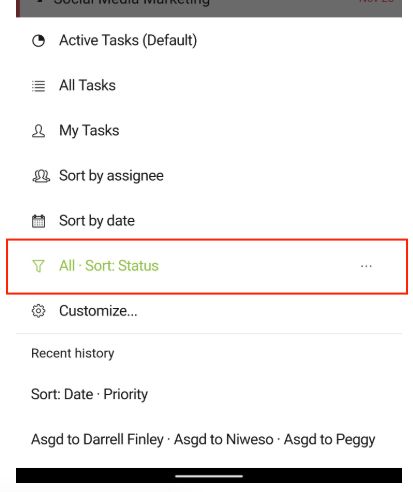
@teresaduhl , you would need to select that filter first, then tap on the Options icon to remove.
Peggy, Dec 23, 2019
As you can see, I don't see those dots. They don't show up.
(deleted-hRWY), Dec 24, 2019
By the way, your image file is blank.
(deleted-hRWY), Dec 23, 2019
Thanks for the response. I mean the "saved custom filters".
(deleted-hRWY), Dec 23, 2019
Yep, that's the issue. That 3 dot icon doesn't consistently show. And, now, it doesn't seem to ahow at all.
(deleted-hRWY), Dec 23, 2019
You should first select one of them and the dots will show up.
Jerrychen, Dec 24, 2019
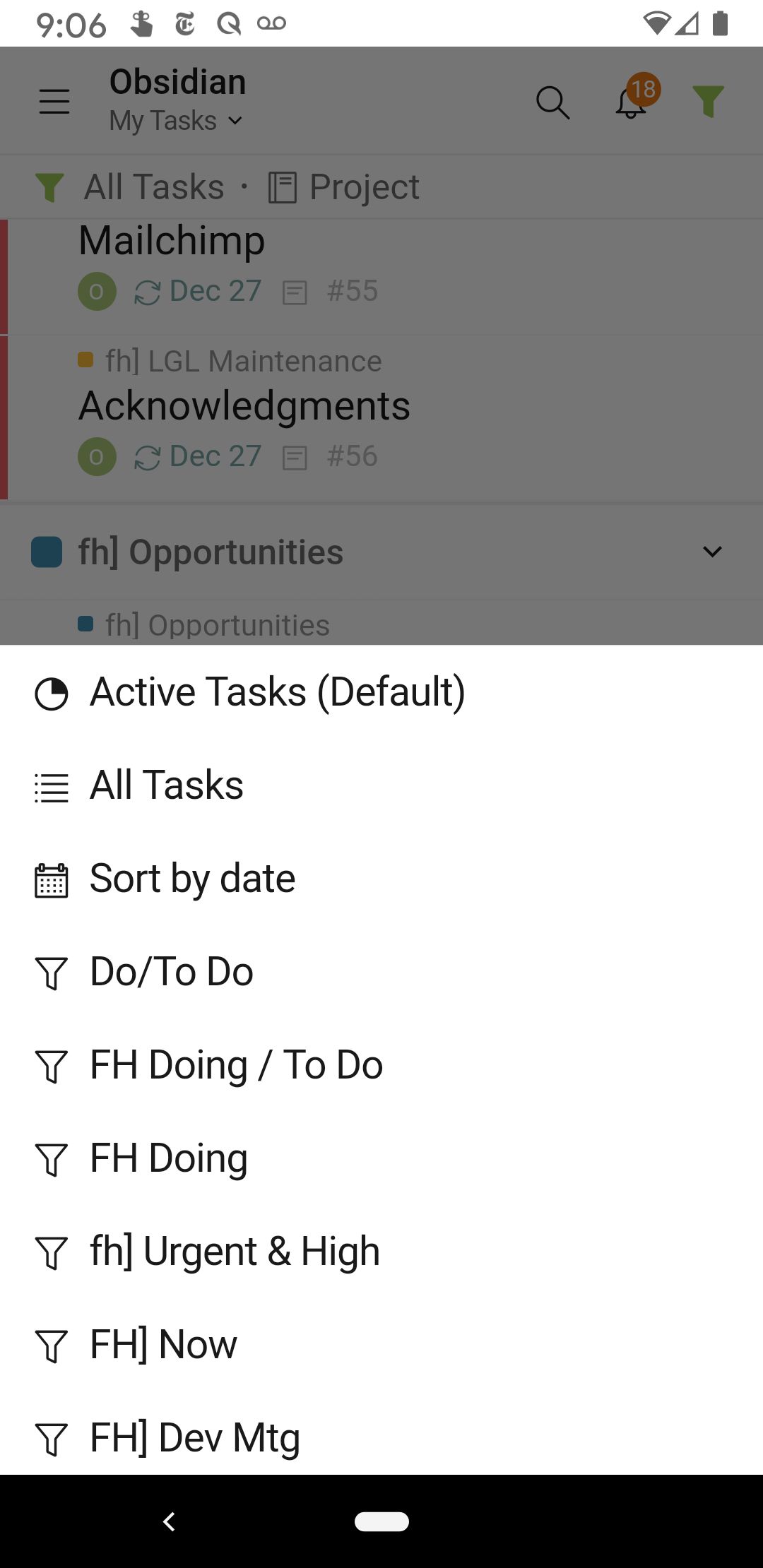
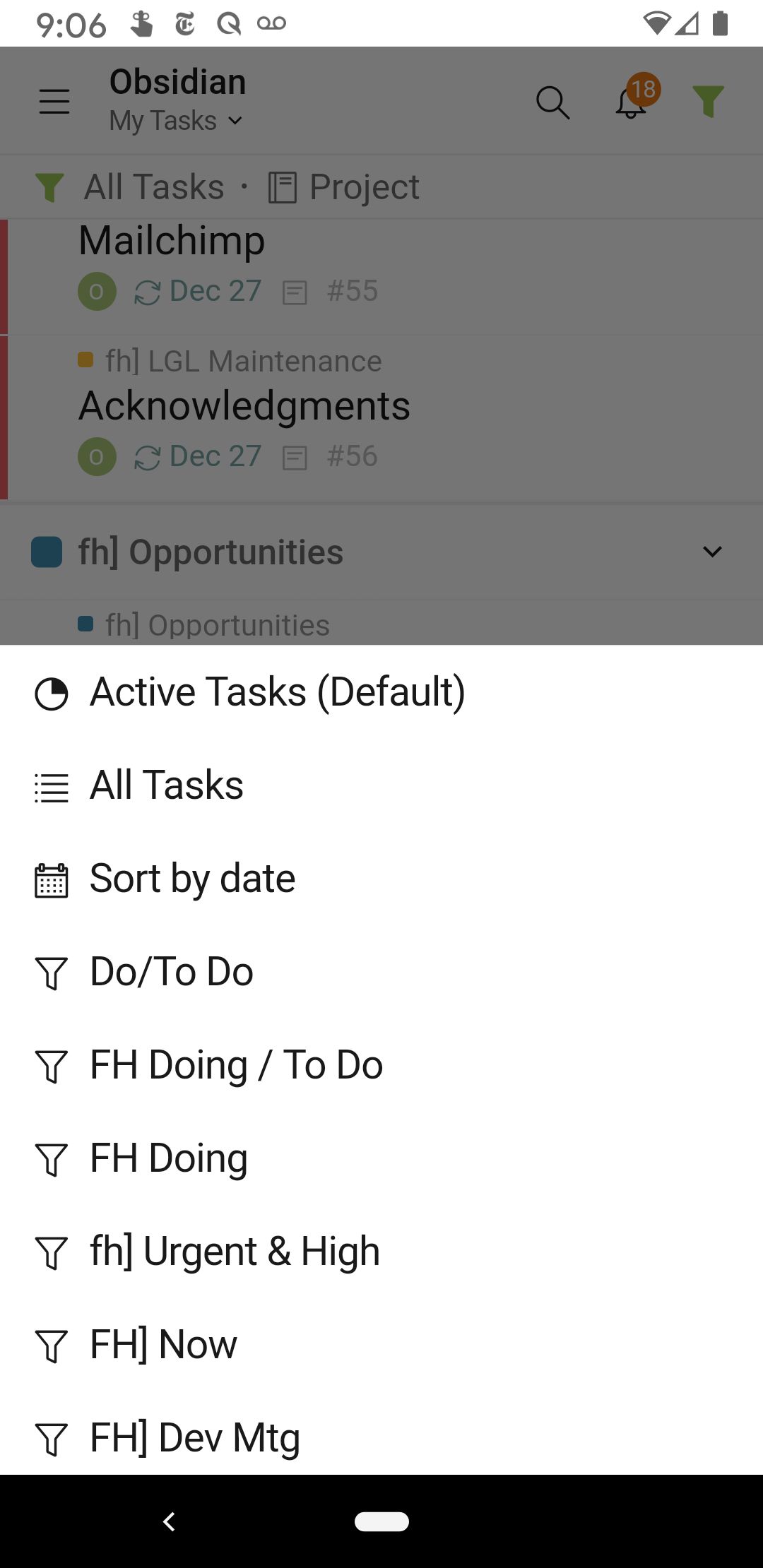
Hi @teresaduhl , do you mean you are not able to remove the saved custom filters on your Android app? Or do you mean the bookmarked projects at the sidebar?
Peggy, Dec 23, 2019
Hi @teresaduhl , our Dev team had fixed this issue, please update your Quire app to the latest version. Thank you!
Peggy, Jan 2, 2020
Yep I know but when I do that it just goes to the my tasks screen it doesn't select the filter. That may be because I've deleted the tags on which the filter was built
(deleted-hRWY), Dec 25, 2019
Hi @teresaduhl , I have reproduced this issue and already passed it to our Dev team. I will keep you updated once I have more information. Thank you!
Peggy, Dec 25, 2019
Hi @teresaduhl , the three-dot icon shows up when choosing that filter. Please select the filter first. Thank you.
Peggy, Dec 24, 2019
Thank you.
(deleted-hRWY), Dec 25, 2019