
When in smart folder view, dragging a task to another project in the sidebar causes the task to disappear.
The moved task does not appear in destination project in the smart folder view. Neither does it appear in in the destination project in standard project view.
Reloading the browser tab fixes the issue.
Separately, I haven't used smart folders for a while but you used to be able to drag a task from one project to another within the smart folder view (not the sidebar). This was extremely useful as it allowed you to place the task in the correct location within the destination project. As it is now, you have to move the task twice: once to the new project, and again to the correct location within the new project.
Please bring back the ability to drag and drop between projects in smart folder view.
Hi Peggy, sure 😃
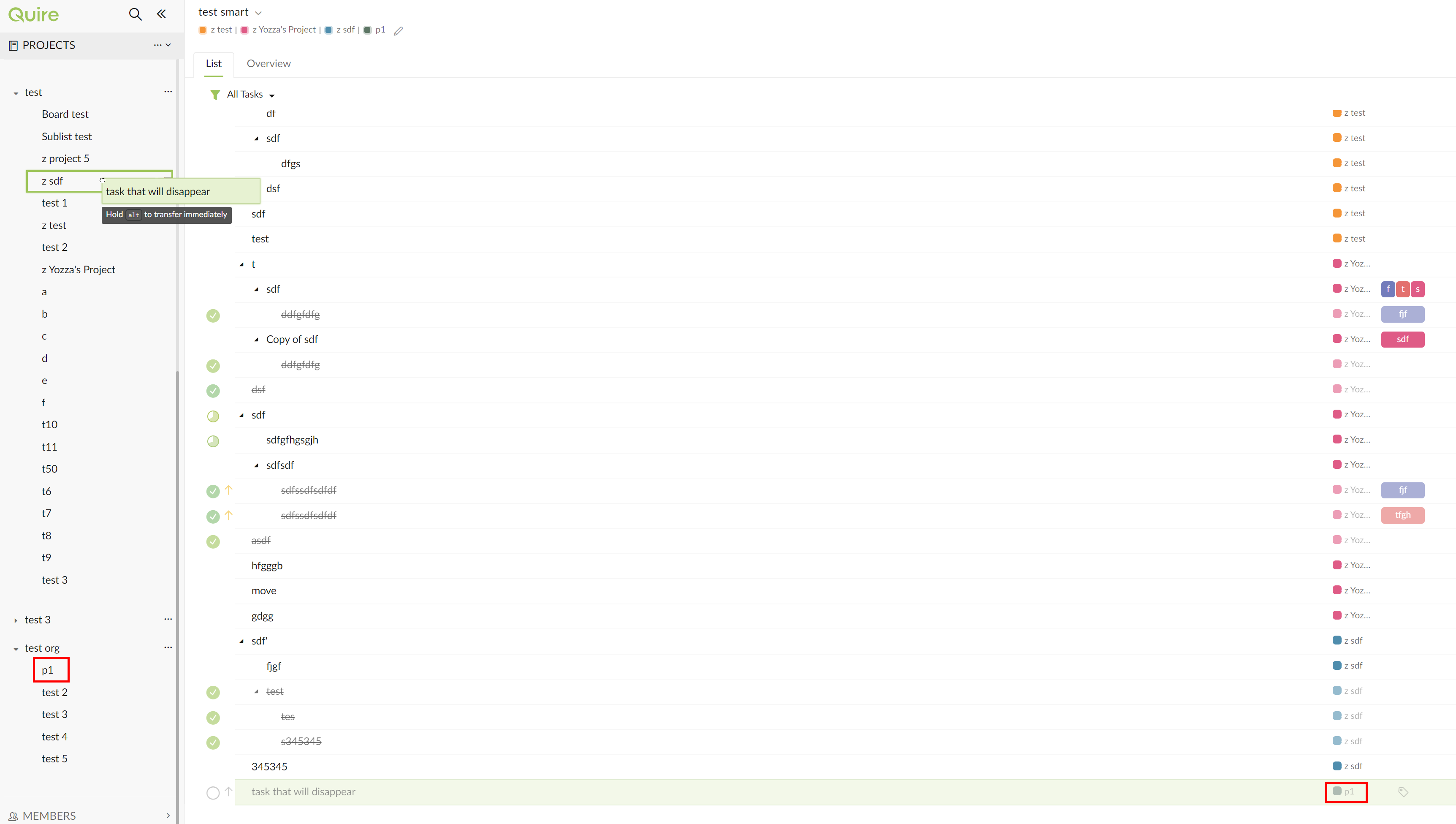
- drag task (in this example "task that will disappear") from one project in a smart folder to another project in the same smart folder:
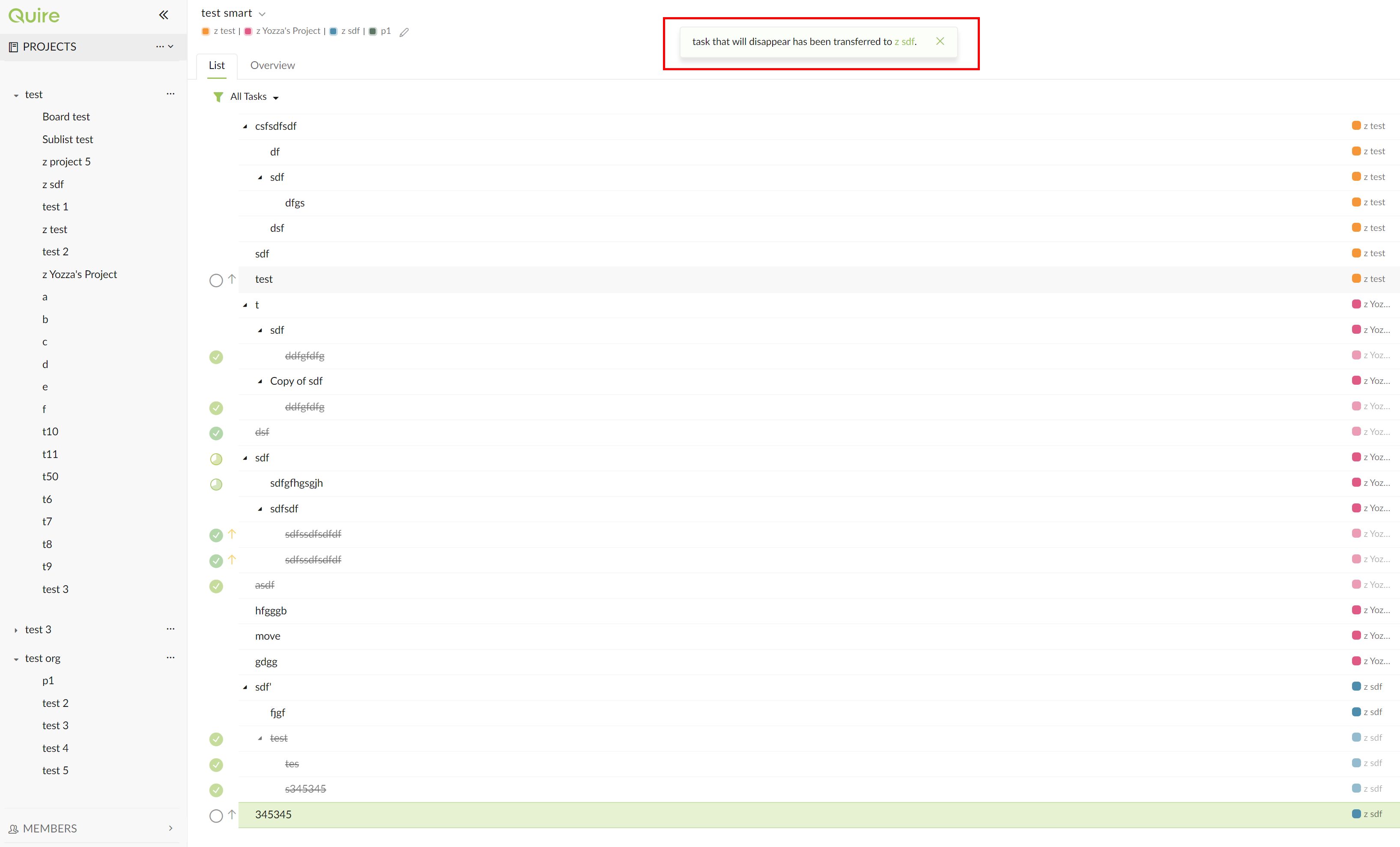
- moved task does not appear in the destination project in the smart folder:
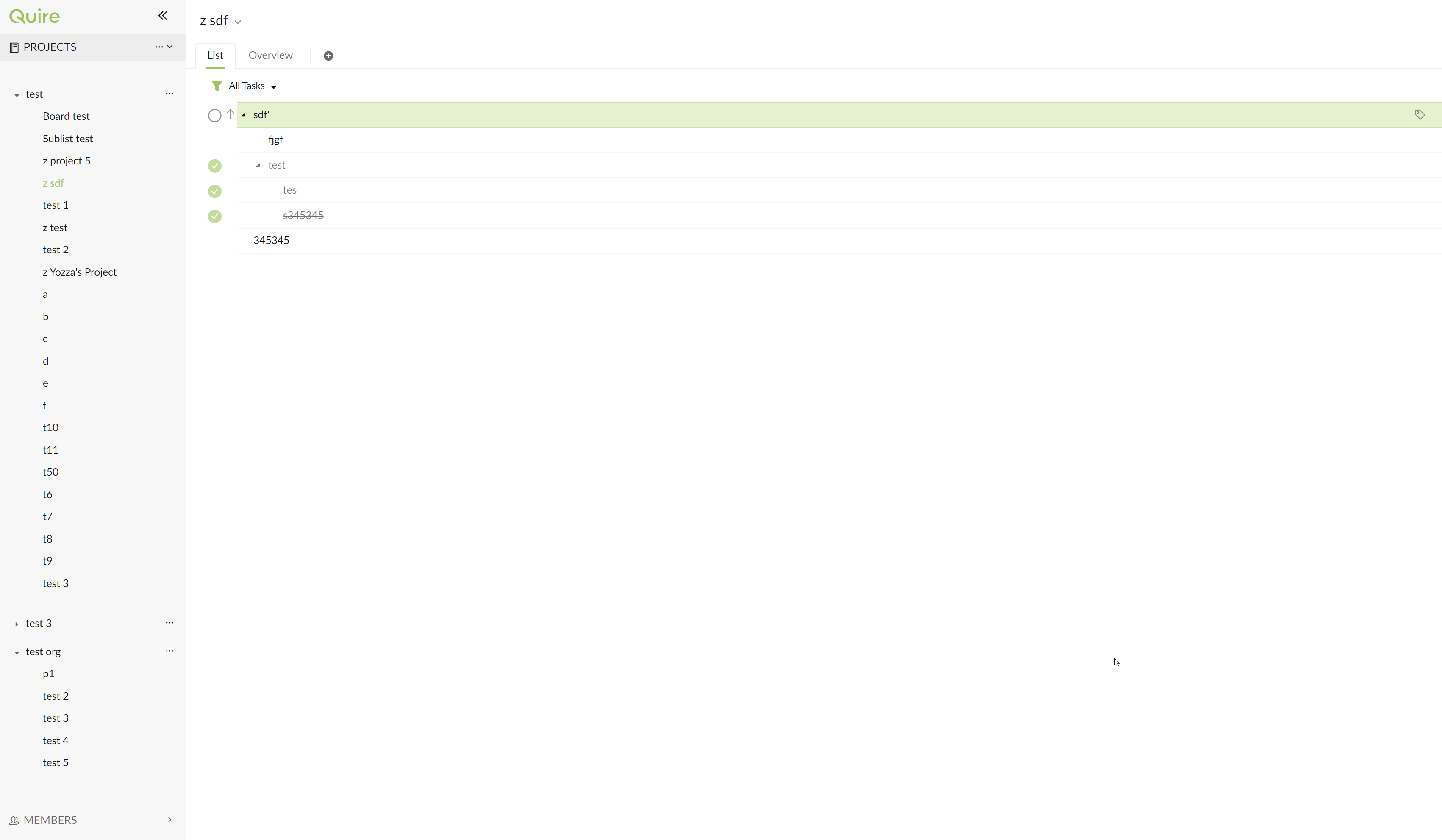
- moved task does not appear in the destination project in the standard project view:
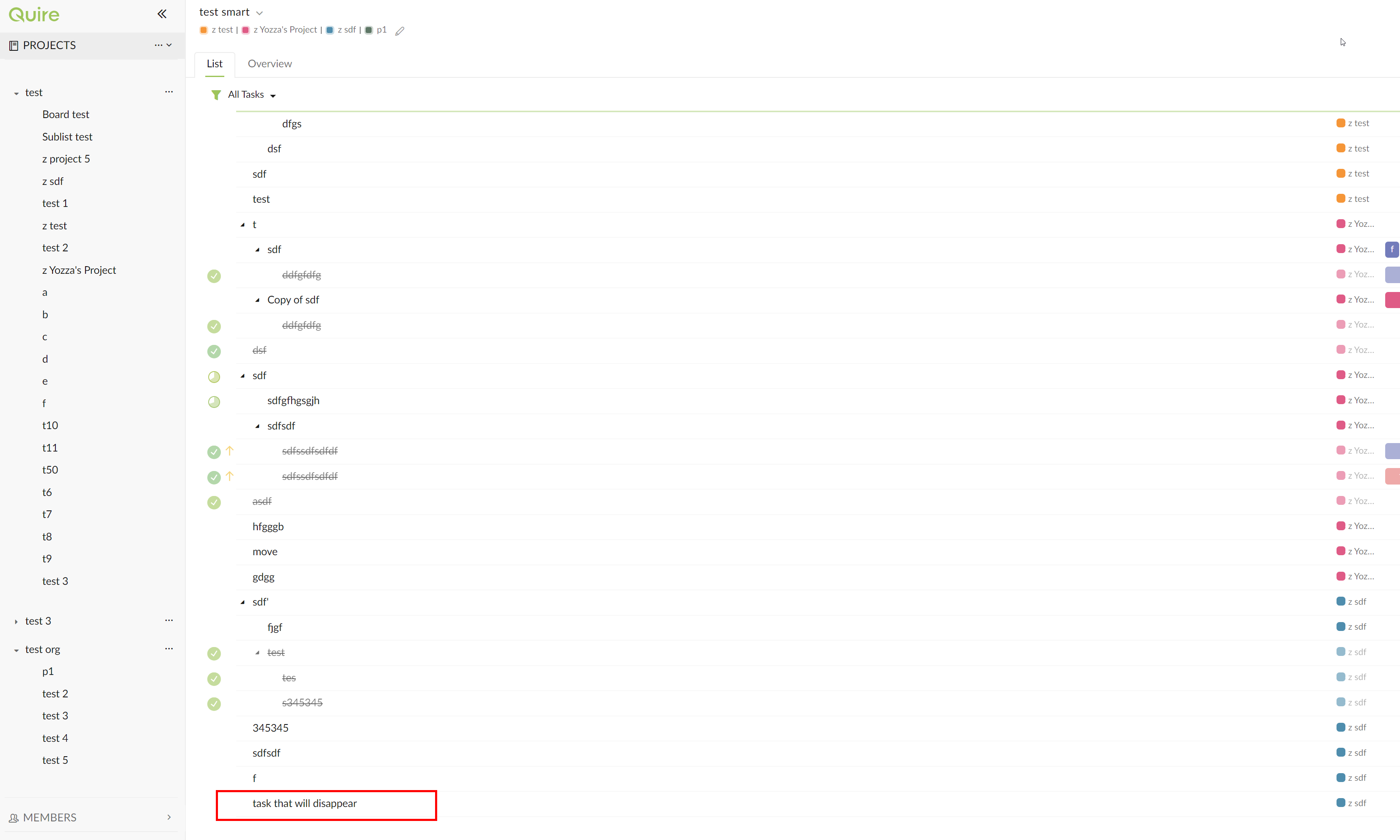
- reload quire. the task appears in the destination project. the issue is fixed. (note there are some other tasks that also reappear in the screenshot as I was testing how to reproduce before I started taking screenshots):
Cheers
Yozza, Jul 9, 2020
No worries!
Just fyi, it's not particularly important to me atm, as I'm finding sublists to be much more flexible and useful, so i'm using those instead!
Yozza, Jul 23, 2020
Hi @yozza0 - I have followed your steps and tried multiple times and still wasn't able to reproduce this issue on my side. I have sent this issue internally to our Developer Team and they will look further into it. I will let you know if they find anything. Thank you so much for the screenshots!
Peggy, Jul 22, 2020
Hi @yozza0 - Our Developer team had fixed this issue in the latest version update. Please refresh your Quire page and kindly let us know if you encounter similar issue again (hopefully not 😜 ). Thank you so much!
Peggy, Jul 23, 2020
@yozza0 - could you please give us the step by step reproduce steps? This way we could follow your steps and reproduce this issue. We were unable reproduce it on our own. 😭 When transferring the tasks from Smart folder to another project at the sidebar, the tasks appears in that project properly. Thank you for your help.
Peggy, Jul 8, 2020
No worries at all 😃 Thanks!
Yozza, Jul 27, 2020