
You can't import a task from Trello through a *.json file. I start making import by specifying the path to the file and the preview window of imported data - empty. If I continue - the Qiure window hangs forever (more precisely - the green ring begins to rotate endlessly).
⭐️ We have closed your thread in order to optimize the performance of the Quire Feedback Forum. Please see our Quire Feedback Official Guideline for more information.
If your request/feedback wasn’t answered, please leave a comment below, so the Quire team will be notified. Thank you.
Peggy, Apr 1, 2021
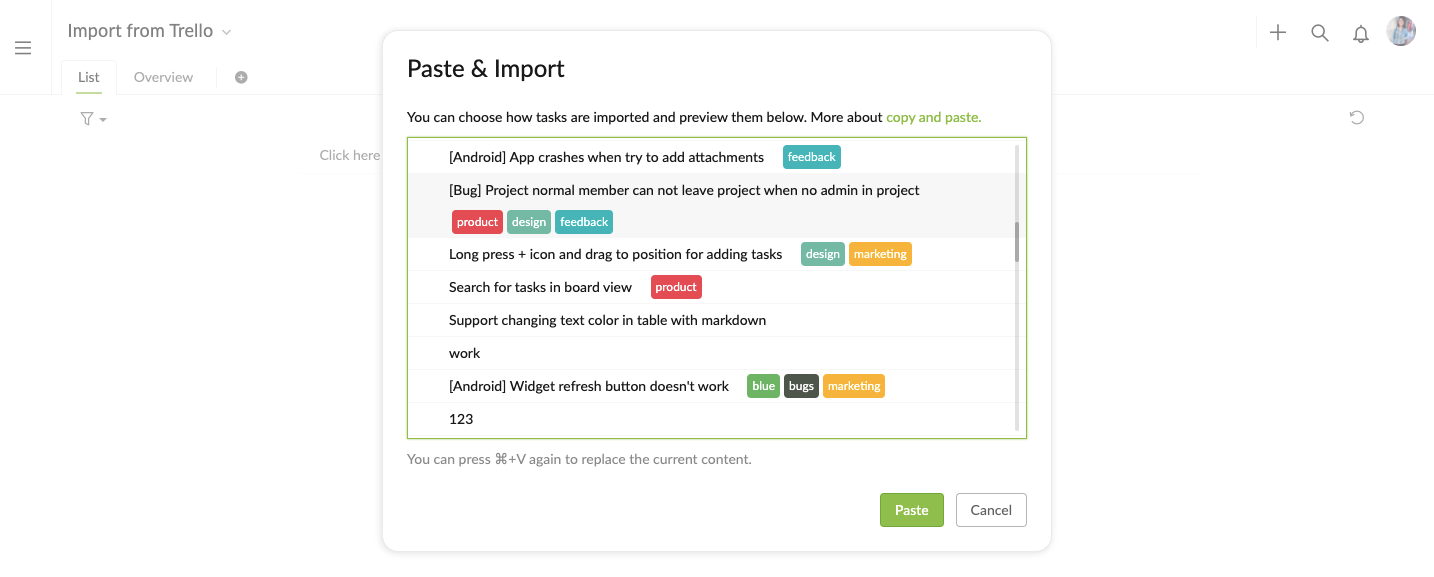
Hi @maxnemirov - Sorry to hear that you are experiencing into this issue. I've tried to reproduce this issue and I can see the preview window of imported data.
In order to better understand what might be happening, would you mind answering the following questions:
- Could you please elaborate on what you mean by "making import by specifying the path to the file"?
- If the Trello JSON file doesn't contains any personal information, would you mind sending it to us, so our Developer team can test importing it on our side? Please help to send it to me: peggy@quire.io.
- If the Trello JSON does contains personal information, it would be helpful if you can send us a testing JSON that you also have trouble importing.
Thank you for your help in advance. Looking forward to you reply!
Peggy, Aug 14, 2020
Hi!
I mean - when I try to import from a file, I select the menu "import\json" and select json file from trello located on my hdd. But I get an empty preview window.
I'm sending you the file to the specified email. If you need anything else, I'm ready! 😃
Максим Осадчий, Aug 14, 2020