
#3630: Quire Feedback
Status: Completed
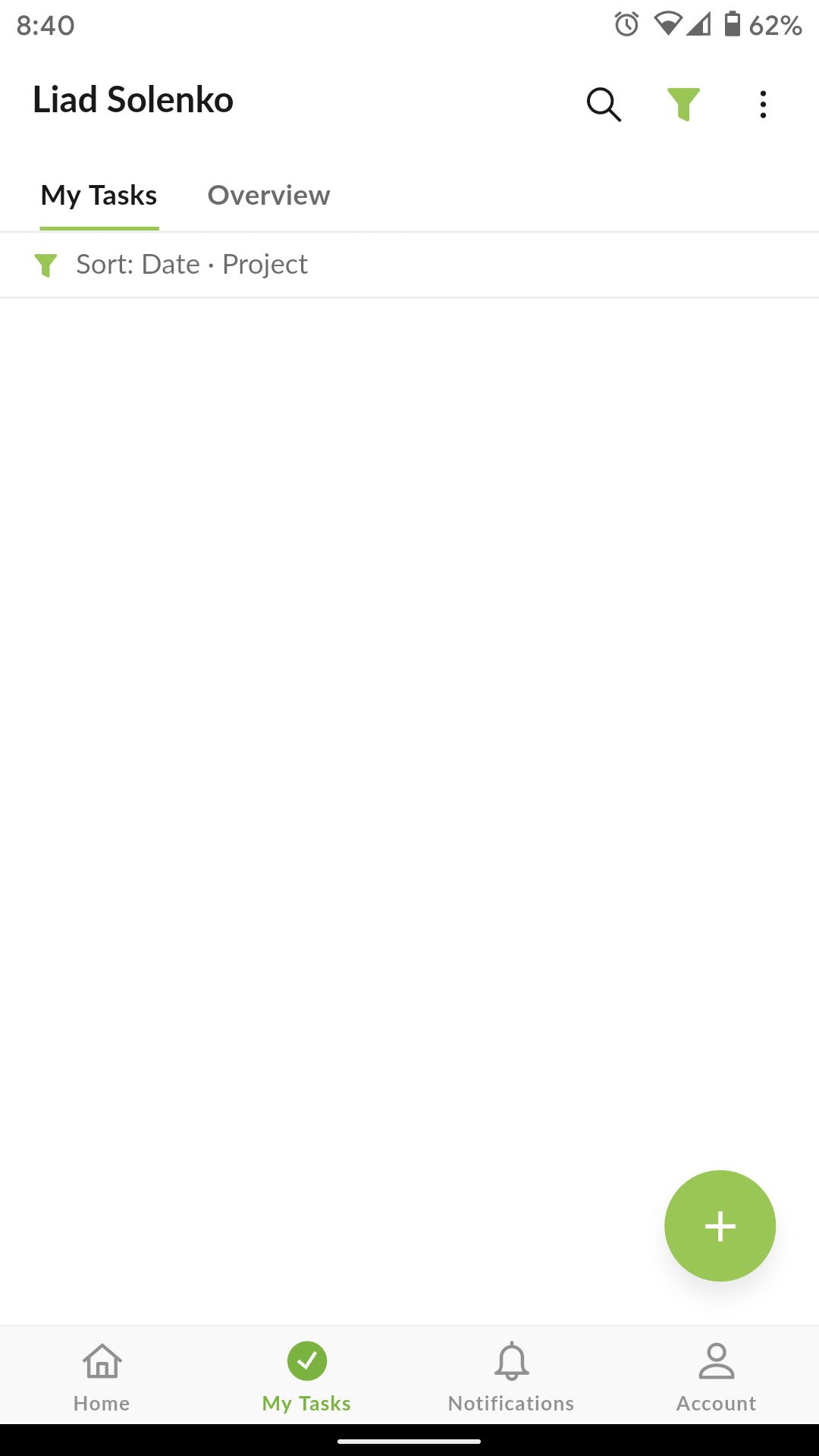
Can't add tasks
Created by Liad Solenko Sep 28, 2020, Edited Oct 12, 2020
@peggy well..?
Liad Solenko, Oct 2, 2020
Hi @liad.solenko, we can reproduce it now. It will be fixed in the next version. Thank you for the feedback : )
Jerrychen, Oct 2, 2020
Hi @liad.solenko - This issue had been fixed in the newest version update (5.29). Please update your Quire app and kindly let us know if the issue persists. Thanks!
Peggy, Oct 12, 2020
hi,
- when i open my task i see the tasks. it's happen when i try to add new task with long press to specific section (not open the keyboard).
- short press - ok. long press to move the + to section - all i gone.
- sort by date. it's happen also in different sorting
Liad Solenko, Sep 30, 2020
Hi @liad.solenko - Unfortunately, we weren't able to reproduce this issue on our side. Please let us know the following:
Awaiting for your reply.
Peggy, Sep 29, 2020