
#4426: Quire Feedback
Status: Completed
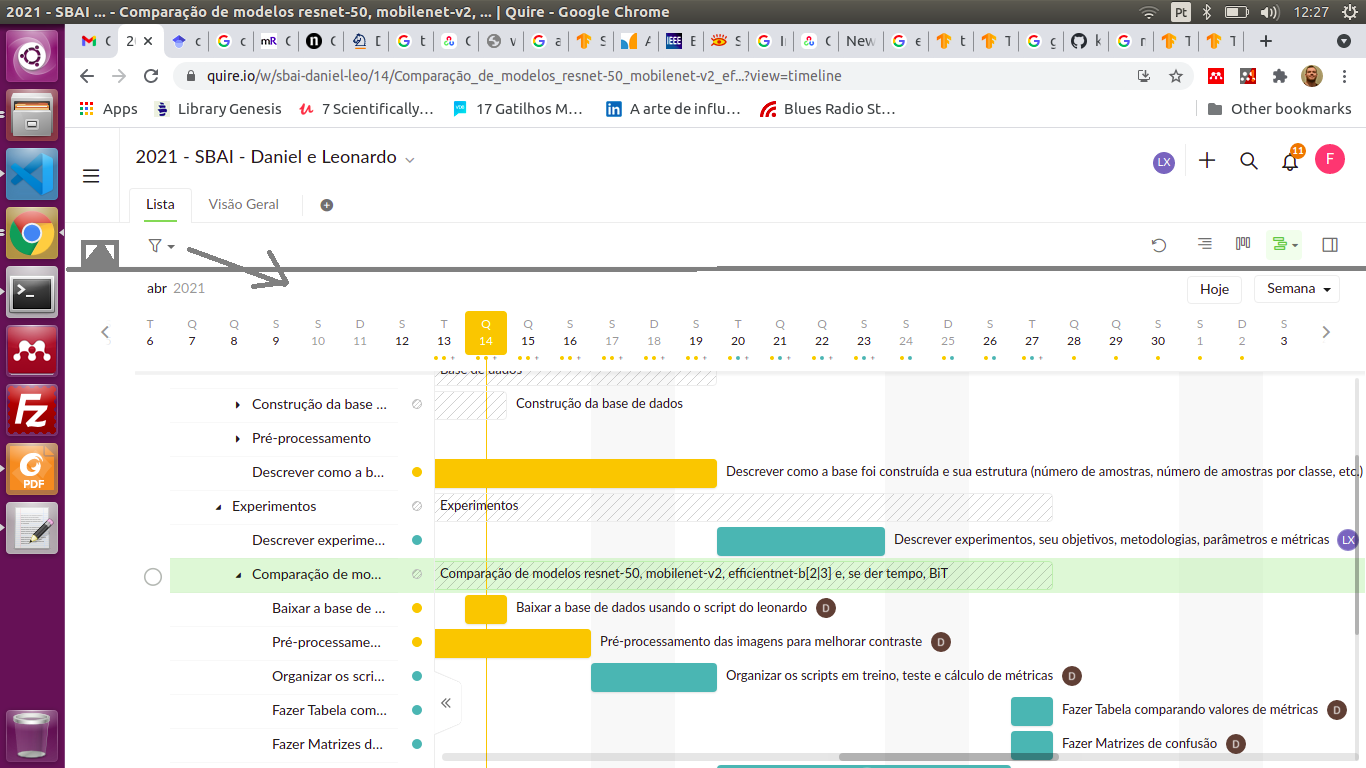
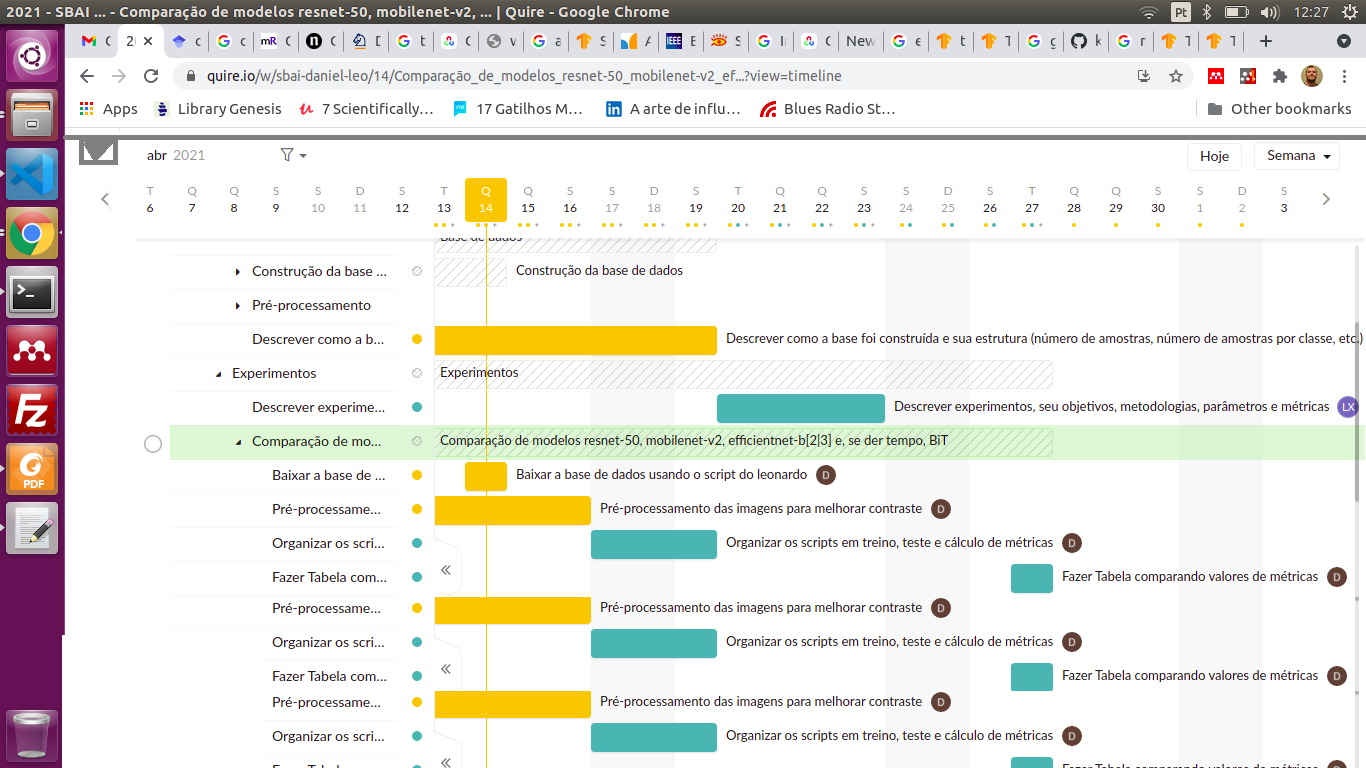
I would like to suggest the addition of a button for collapsing the top information (project name, etc.) in the gantt chat view. In notebook screens, the gantt chart occupies only 2/3 of the page. By being able of collapsing and expanding the top information, the chart could occupy most of the screen.
Created by (deleted-2v1N) Apr 14, 2021
⭐️ We have closed this thread to optimize the performance of our Quire Feedback Forum.
Please see our Quire Feedback Official Guideline for more information. Thank you.
Peggy, Dec 16, 2021
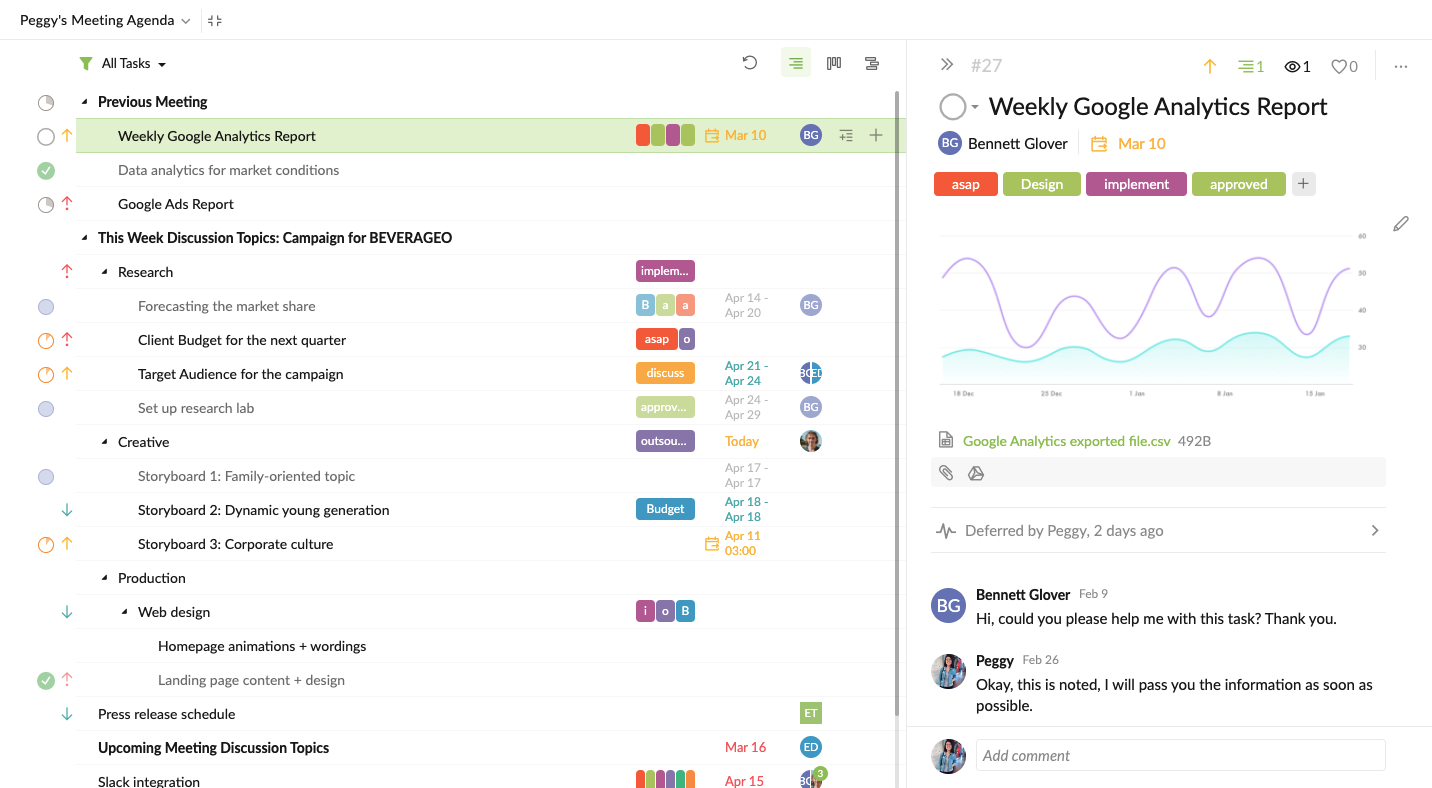
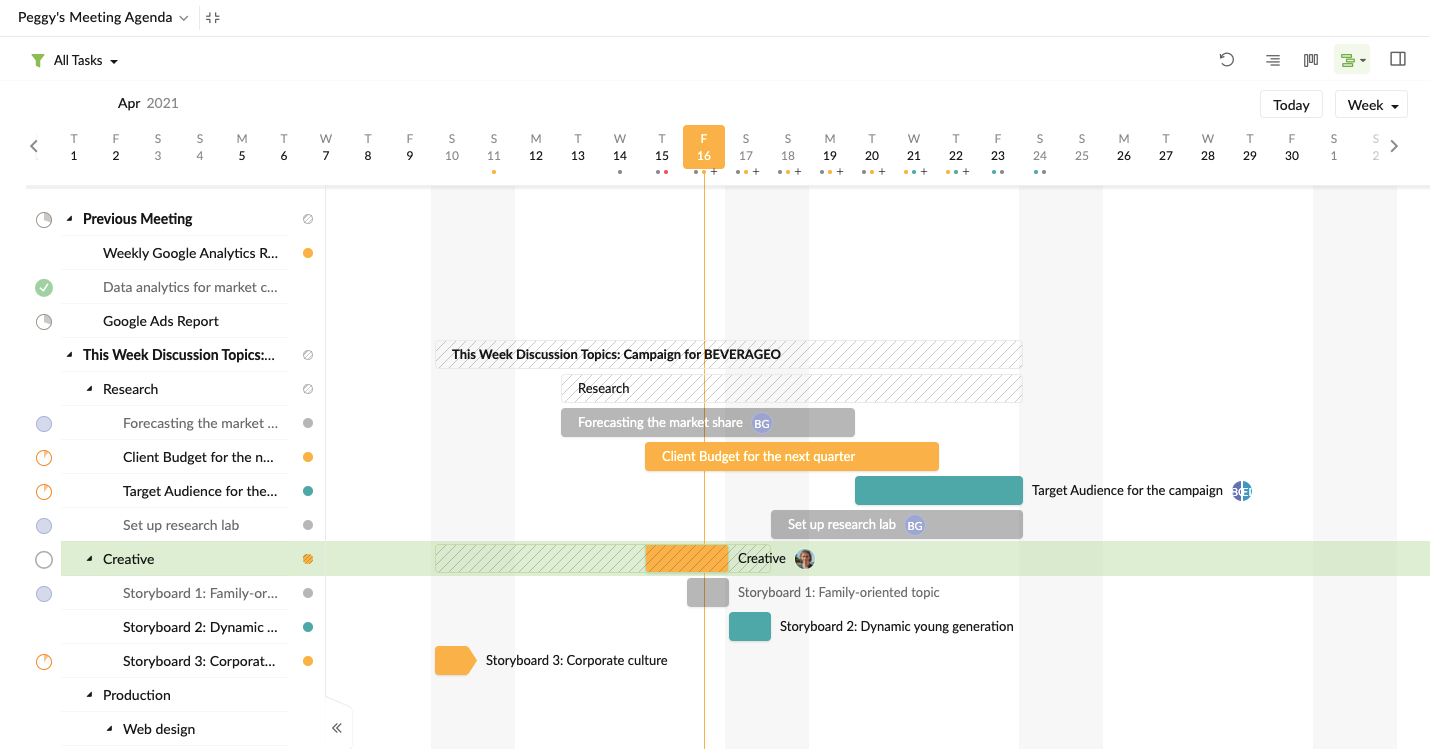
Hi filipemtz - You can enter full screen mode by hitting Ctrl + .. Or by clicking on the 'full screen' option in the dropdown menu beside the project name at the top. I hope this helps.
Peggy, Apr 16, 2021
After clicking the button, it would look like this:
(deleted-2v1N), Apr 14, 2021