
I am trying to attach file from Google Drive but it failed all the times. The first time I clicked on the GDrive icon it opened up a dialog for login Gdrive, but then nothing else happened. The next time clicking on the icon, nothing at all happened. Could you please show me how. Thanks
Thank you Peggy. It works now after I allow all cookies from quire.io.
Binh Nguyen Quoc, Jun 29, 2021
Hi Peggy, I have removed Quire's access to Google Drive in my Google Account, and have tried to install it in Incognito but when I clicked on Install it opened into this page:
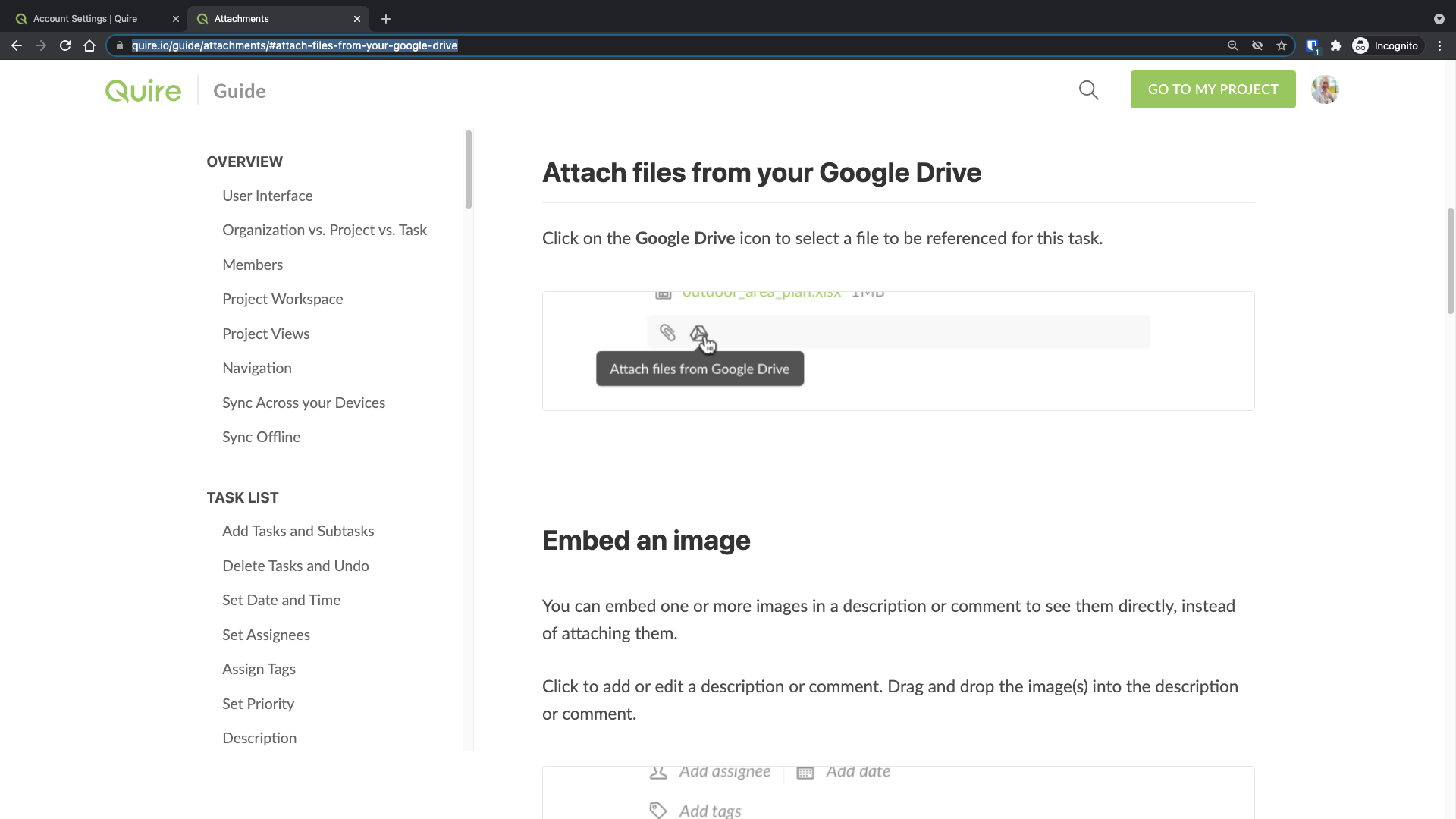 When clicking on the Google Drive icon in Quire task/project, it tried to login my Google account and it seemed to be successful (after entering my password and allowed it to access), but then nothing happened. It did no redirect me to my Google Drive at all. Everything just disappeared and it returned to my previous screen. And nothing happens when clicking on the icon again. It is very weird.
Binh Nguyen Quoc, Jun 28, 2021
Hi Binh - I'm glad to hear that the issue has been resolved. I will close this thread. If you have any other questions, feel free to let us know. Thanks again!
Peggy, Jun 29, 2021
Thank you for your support.
Binh Nguyen Quoc, Jun 29, 2021
Hi Binh - Unfortunately, we weren't able to reproduce this issue in the a normal window on our side. We can successfully attach files from Google Drive. There should be a popup window for you to select a file you would like to attach.
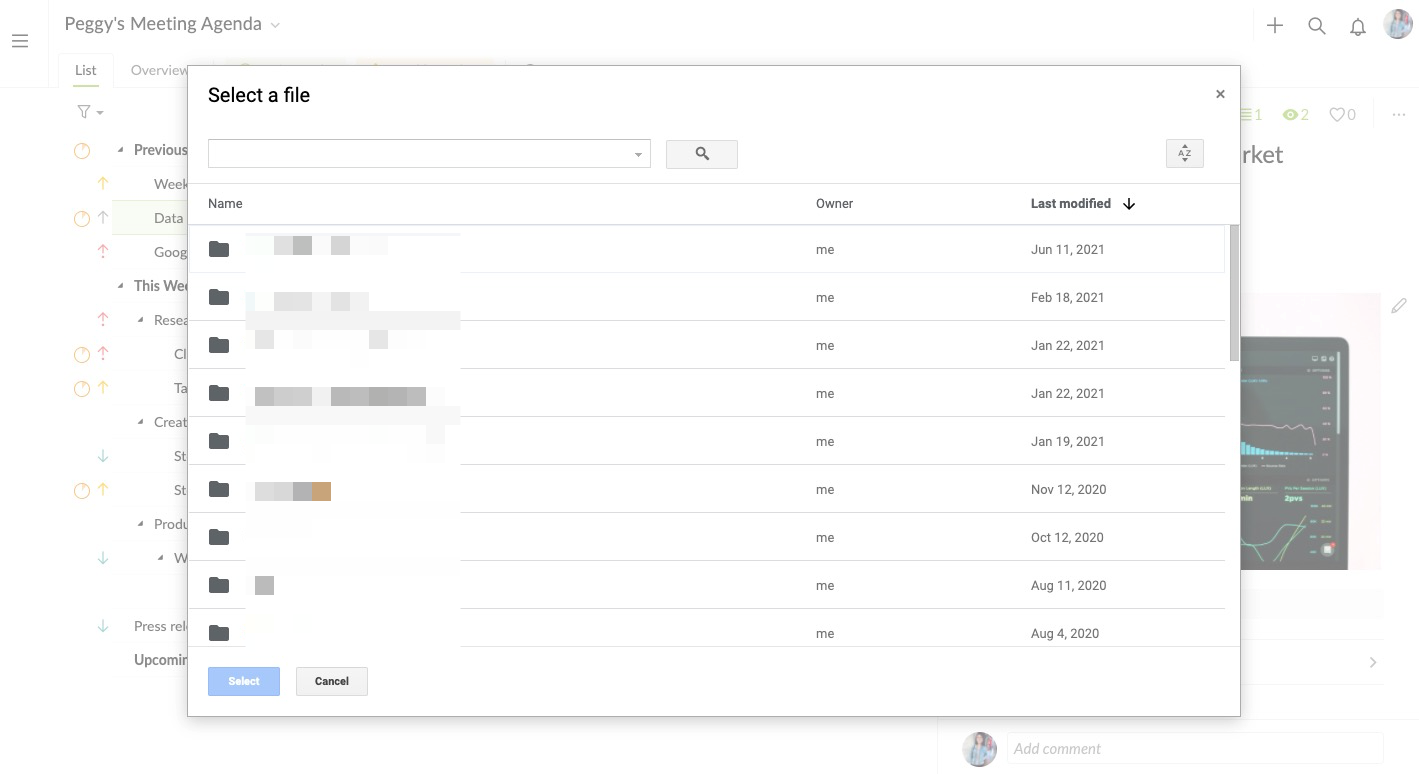
However, if you have tried in the incognito mode and if the issue still persists, please help to check in the Google Chrome Settings if you have 'allowed all cookies' in the Privacy and security section.
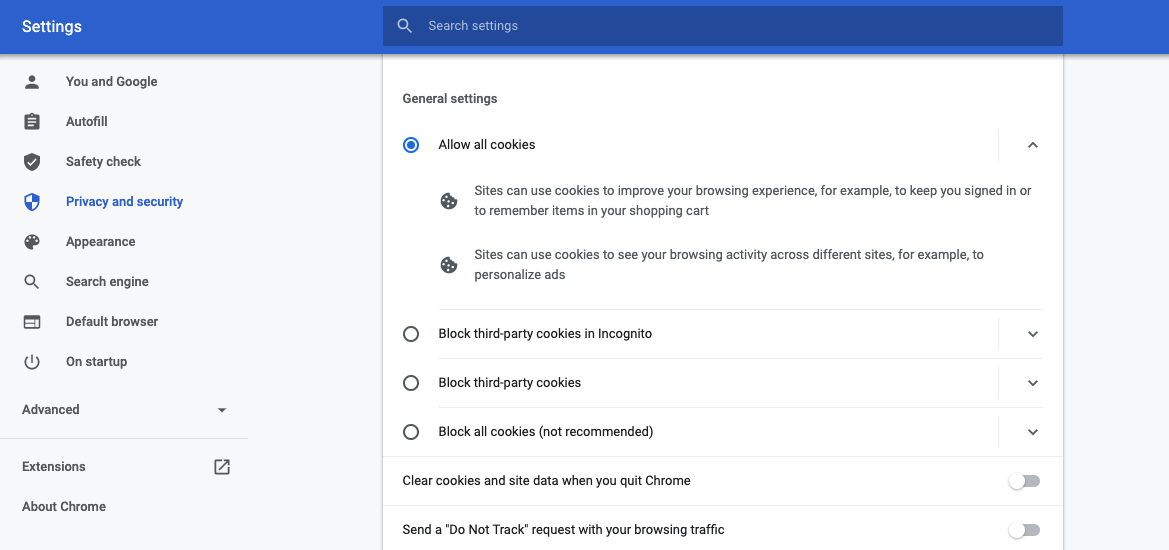
Please kindly let us know if the issue originally happened in a normal window or incognito window? And whether the issue still happens after you have allowed all cookies? Awaiting for your answer. Thanks for your help!
Peggy, Jun 29, 2021
Hi Binh - Thank you for reaching out to us.
I’m sorry to hear you are experiencing this issue. Can you please try following these steps and let me know if the issue persists?
Peggy, Jun 28, 2021