
Hi, I have set up another member to my team but he is unable to create projects, I added him as admin but this still didn't help.
Hi Jashub, have you tried to add the new member in the organization level? You can assign your new member to become Normal+ so that he/she can add projects. You can see the full information in here. Please let me know if you still can not solve this problem. Thank you.
Golda, Nov 30, 2021
I'm glad that you figured it out. If you have any other problems, do not hesitate to contact us. I will close this thread. Thank you.
Golda, Dec 1, 2021
I don’t see a option to view or edit his permissions now, on mobile or desktop. Could you let me know how to do this?
Jashub Leo, Nov 30, 2021
Or are you able to make the changes for me? Right now he can not add any of his own projects
Jashub Leo, Dec 1, 2021
Whoops never mind I think I just figured it out
Jashub Leo, Dec 1, 2021
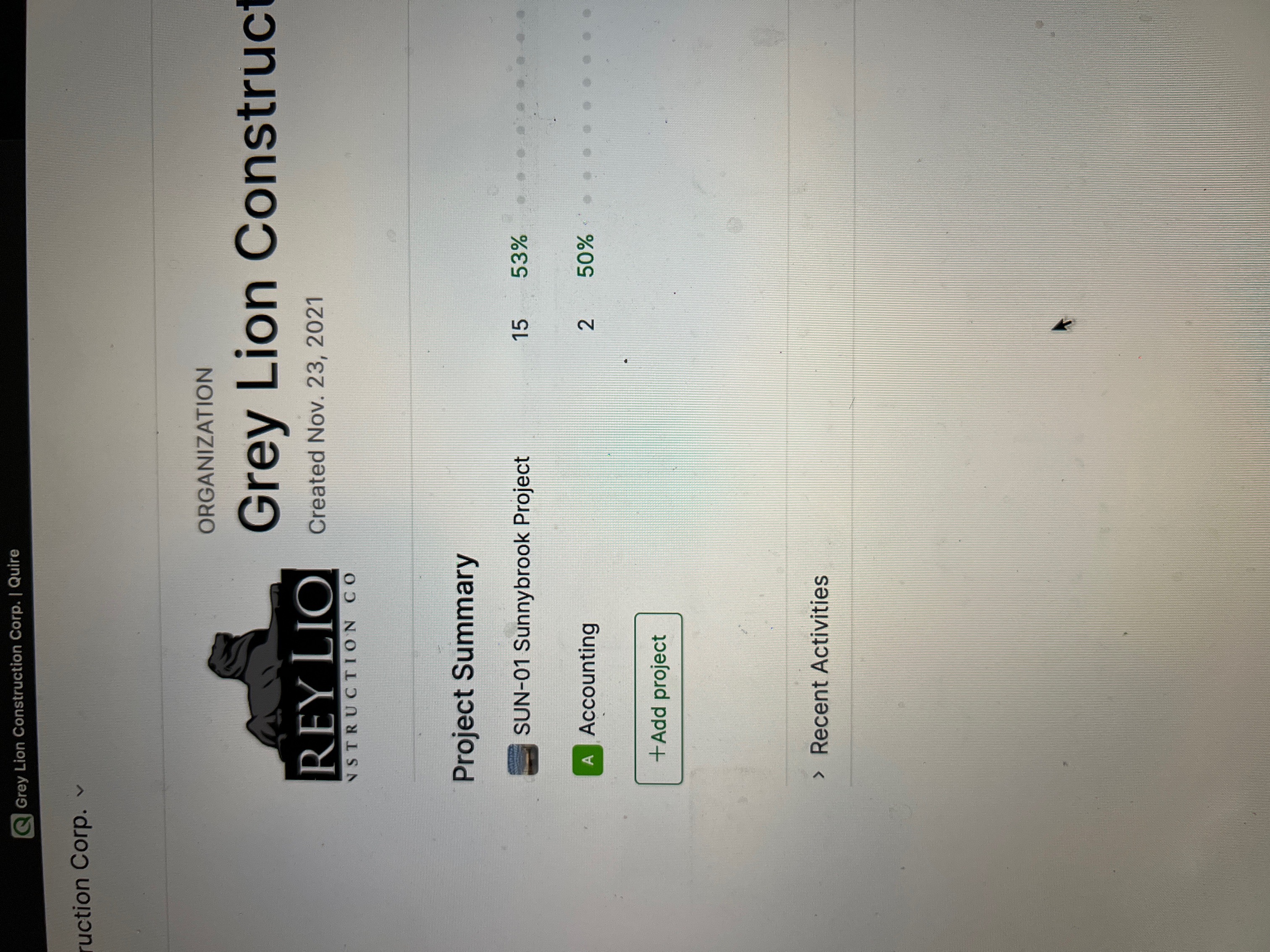
Jashub Leo, Dec 1, 2021
Right now I am able to change permissions for users underneath the projects but not the organization.
Please see the screen shot


He is unable to add projects and I don’t see a way to change permissions for the organization users only project users.
Jashub Leo, Dec 1, 2021
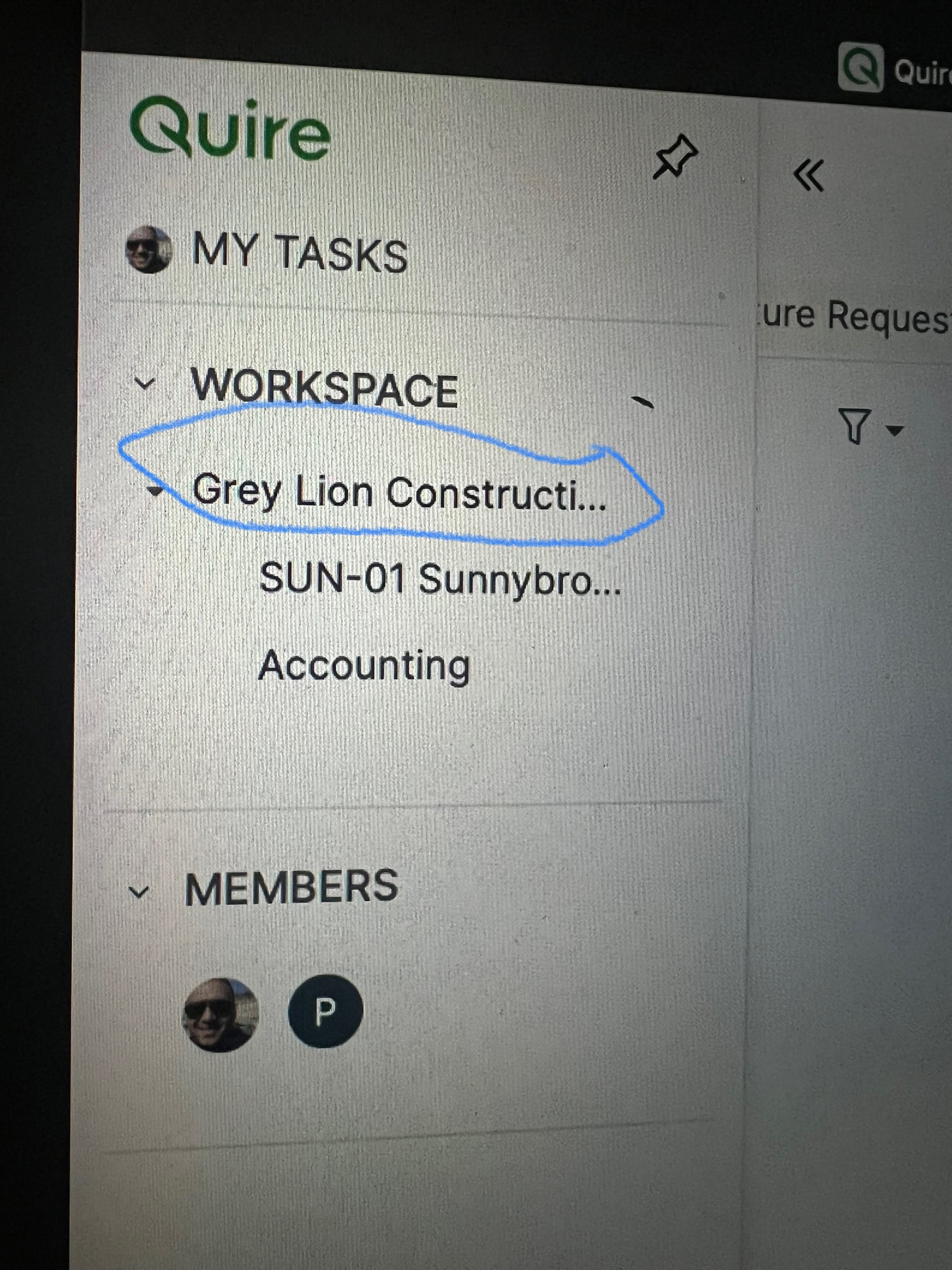
Jashub Leo, Dec 1, 2021
Hi Jashub, you can try to follow the screenshots that I provided here. First, click the organization that you want to add new members. Second, click the dropdown menu next to the organization name and choose edit members. Next, click invite new members. You should be able to add new member this way. If you still encounter the same problem, please let me know. Thank you.
Golda, Dec 1, 2021