
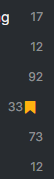
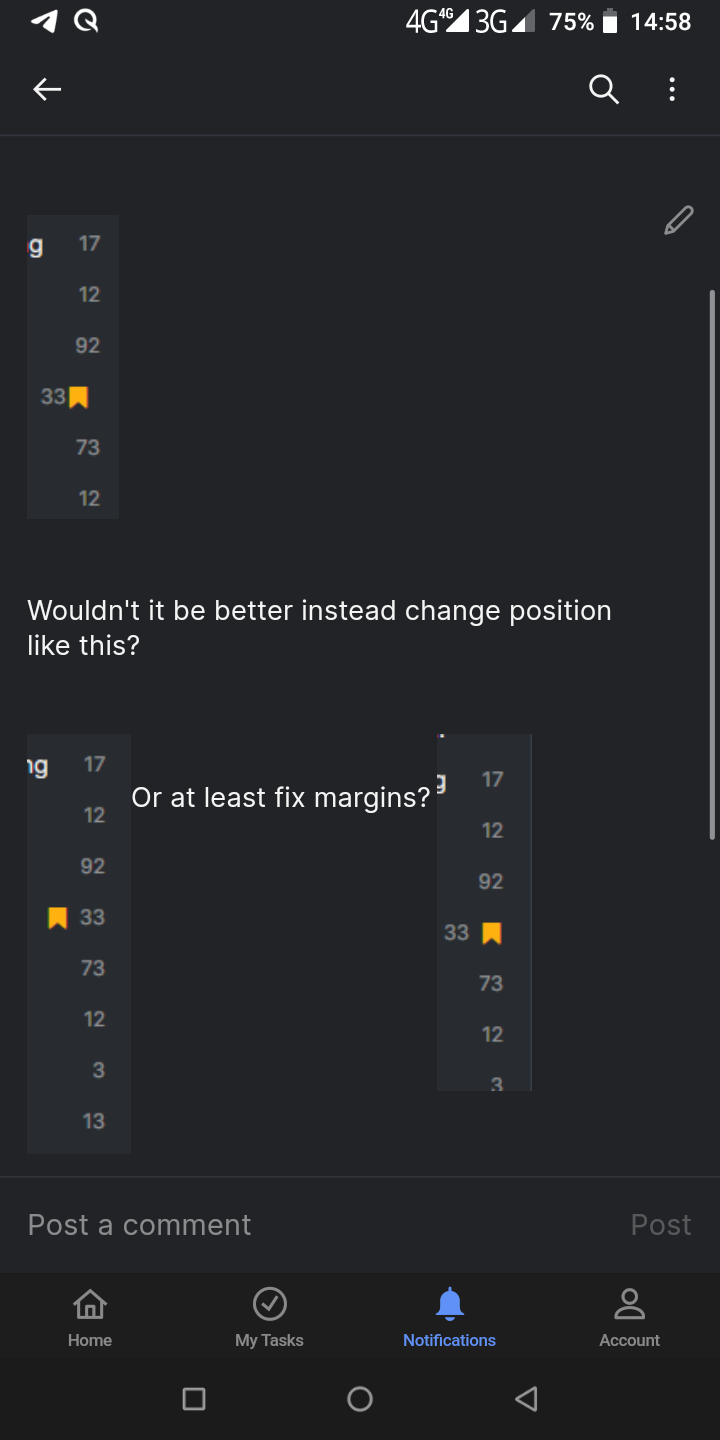
Wouldn't it be better instead change position like this?
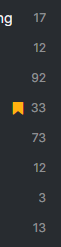
Or at least fix margins?
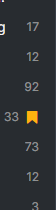
Hi @Grox, There is a UI bug, and I've notified our team. I'll update you as soon as it's fixed!
Thank you for the feedback.
Golda, May 12, 2022
Hello @Raisag By the way if you open this task on mobile, paragraphs will not line break causing 2 images appear near each other.
Grox, May 12, 2022
And thumbnail will not load itself if task was opened on web, and added screenshot from mobile. Appeared only after reload.
Grox, May 12, 2022
Hello @Raisag
Margins appears to be a bit bigger than on web, but it works. Thank you.
Grox, May 23, 2022
Hi @Grox, Regarding the thumbnail does not appear on the web, this issue has been fixed. Please let me know if the problem persists. Thank you.
Golda, May 13, 2022
Grox, May 12, 2022
Hi @Grox, About the bookmark icon placement, our team has resolved the issue. Please try it again and let me know if the problem occurs again.
Regarding missing the line break on the mobile app and the thumbnail does not appear on the web, I have escalated these issues to our team, and currently, our team is checking on it. I will let you once I get an update about this. Thank you.
Golda, May 13, 2022
Hi @Grox,
Our team has sorted out the issue with the missing line break between two images in the mobile app. Please let me know if the issue persists. Thank you.
Golda, May 23, 2022