
I noticed recently that, whenever one of my tasks has a deadline TIME set, all new tasks that I create have that time set as deadline too.
It doesn't matter which tasks is selected when I create a new one. And it doesn't matter if I create a new task by pressing T, or by pressing enter.
When I remove the time deadline, and none of my tasks have time, and I reload quire (this is a must), then everything works fine again. Then when I add time to one of the tasks, the problem starts again.



I'm trying to reproduce it now with other tasks with time, but I can't. Only this one specific task seems to be problematic. It was a recurring daily task. But even after I changed it to non-recurring, the problem persisted...
I just deleted this problematic task and created a new one... It seems to have solved the problem. I'll report if happens again.
I can confirm it, have it from time to time when adding more tasks in a bulk. Sadly, never focused enough to know how to reproduce it. Will pay attention to it in future.
Grox, Jul 17, 2022
Hi @Grox, Could you please let us know the filter setting that you used in your project by expanding the filter? This will help our team to reproduce this issue.
Also, I'd like to let you know that if you Group or Sort by Date, the new tasks will have the same date from the previous task.
Golda, Aug 17, 2022
Hi @Grox, If you Sort by Date, the new task will automatically add a date from another sibling task with a date.
For example:
When you press enter (to create a new task) from a task with a date, the new task will set the same date as the sibling task.
When you press enter (to create a new task) from a task with no date, the new task will not have a date.
Golda, Aug 18, 2022
Hi Golda, yes, but in my original post, it can be seen that I'm creating a new task from a task without time, but the new task ends up having time from some other task in the list.
I know you're having trouble reproducing it, I am too, but this small glitch exists.
Ivan Cajic, Aug 25, 2022
I don't know reproduce steps, but this is in my pinned tab that is forever active in browser. And now I can repeat the bug endlessly in one project where tag grouping is (but not sure if it is directly related):
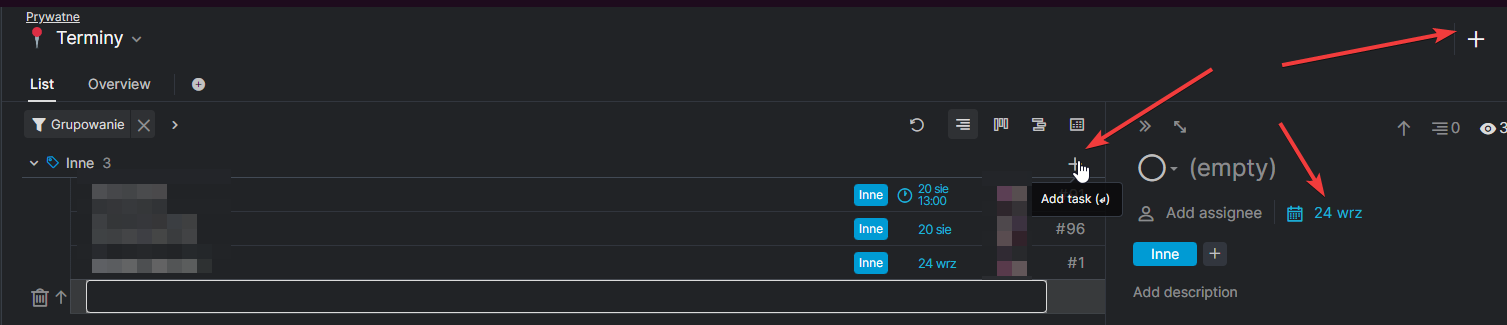
Same in other groupped tag lists, adding last date/hour of previous (not completed) tasks:
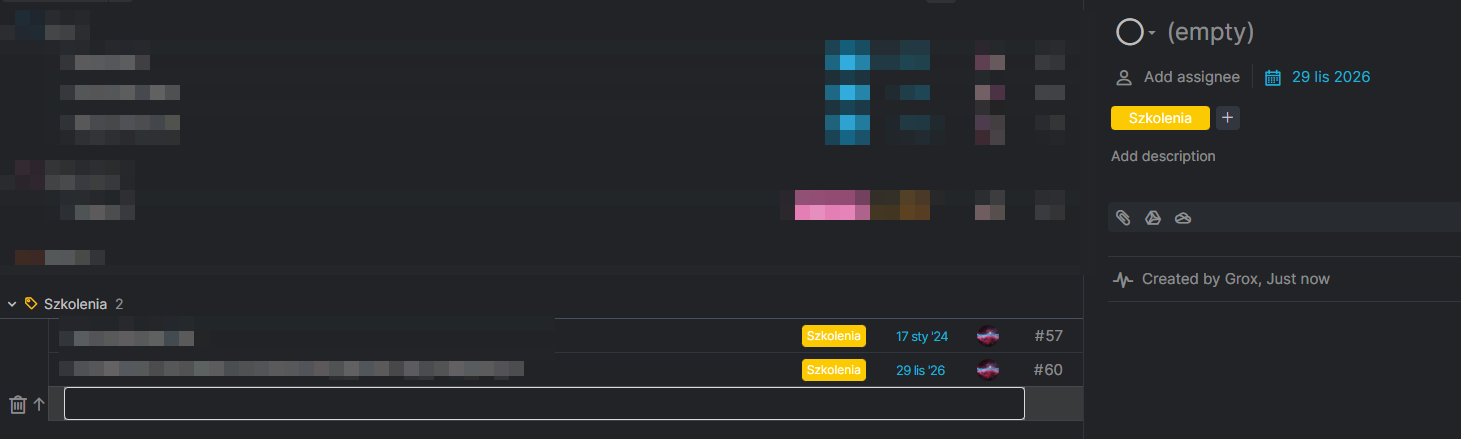
If there is no task in list, date is empty:
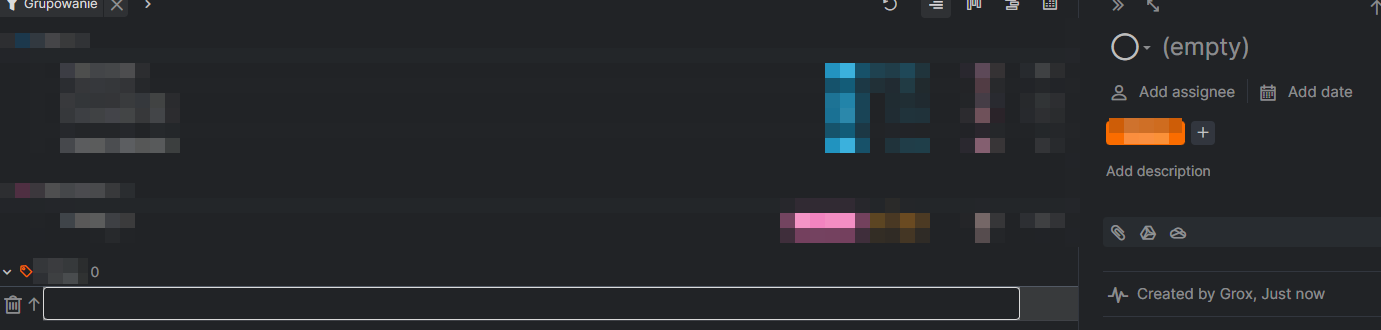
It is even weirder if both start and due dates are set:
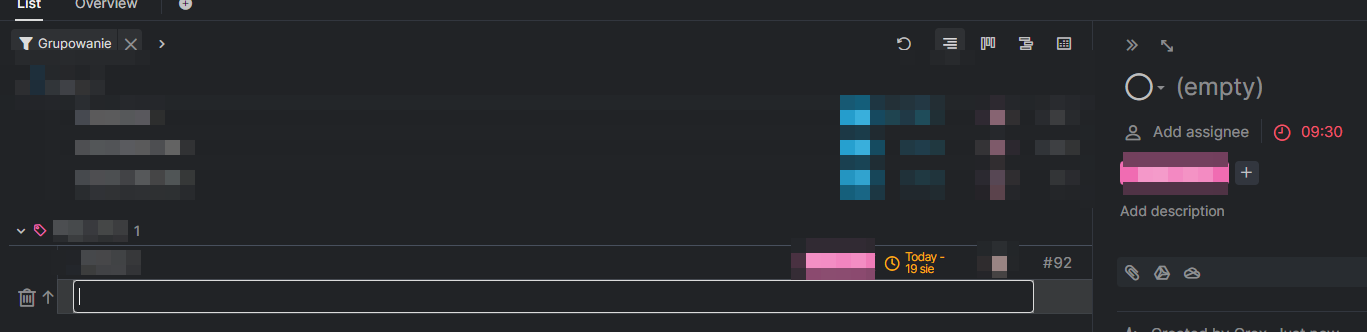
If I disable filtering, it is actually fine, no any date is set:
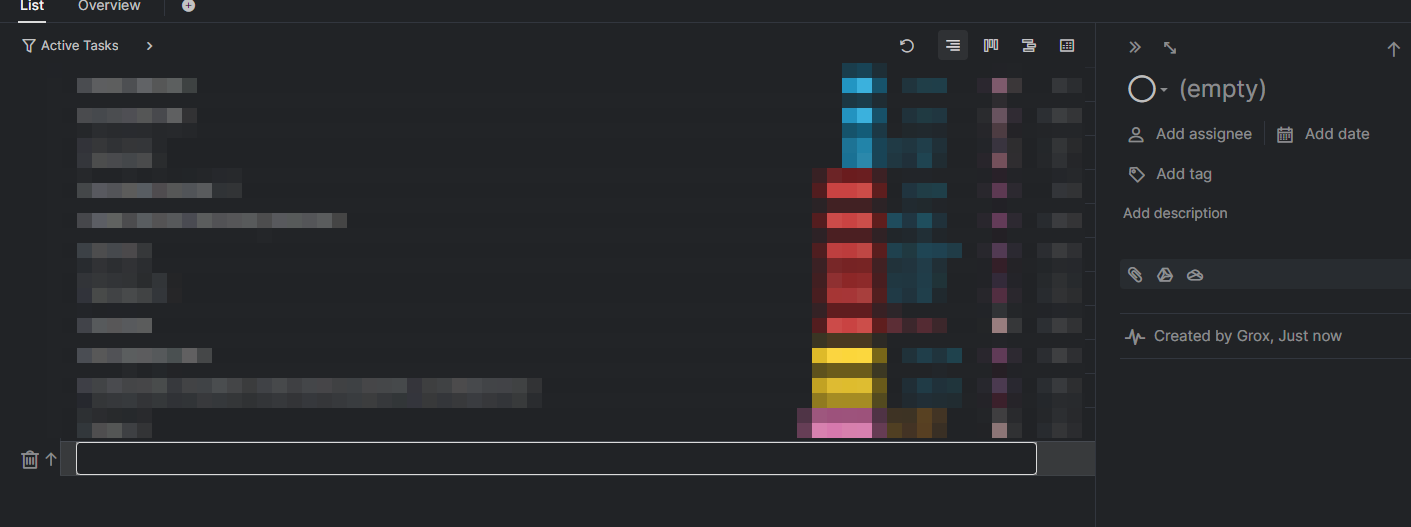
Grox, Aug 16, 2022
Hi @Raisag
Then it is partially about Sort by Date:

But is there any reason for it? I doubt many people would use sorting by date if most of tasks would be same day.
Also, if I remove tag grouping, but keep date sorting, new tasks have no date as expected.
Grox, Aug 17, 2022
Yes, your steps are correct, which means that something is still missing 😃
I'll let you know if/when I find out.
Ivan Cajic, Sep 1, 2022
Hi @IvanCajic, I just wanted to double-check your feedback. I tried to reproduce this issue with the following reproduction steps:
- In my project, I choose to Group my tasks by Date, then by Priority
- I have a recurring daily task with a time that is past due

I created a new task (by pressing enter or
t) from the recurring daily task with a timeNew task is created on the same date as the recurring task without time

Please let me know if my reproduction steps are the same as yours.
Golda, Aug 31, 2022
Hi @Grox, Thank you for sharing the screenshots and explaining them thoroughly. I have forwarded this issue to our Dev Team, and our team is currently working on this issue. If I have a new update, I will notify you as soon as possible.
Golda, Aug 17, 2022
New piece of info I can add to help try to recreate it:
- in my case it's a recurring daily task with a time deadline that is causing the problems
- the problematic behavior happens if the deadline time has passed
- once I complete the recurring task, the problem is gone, but only until the daily task gets past the due time again 😃
Ivan Cajic, Aug 25, 2022
Hi @IvanCajic, I'm sorry that you have encountered this issue. Unfortunately, I was not able to reproduce it. If this issue happens again, please let us know. You can also share a screen recording so our team can better understand it. In the meantime, if you have any questions or suggestions, feel free to reach out to us.
Thank you.
Golda, Jul 13, 2022
Hi @IvanCajic, Thank you for letting us know. The same condition also applies when you Group by Date.
As I mentioned to Grox, the newly created task will follow the date from another sibling task when you Group or Sort by Date.
When you press t to add a task, but the currently selected task has a date, the new task will follow the date from its sibling task. Thank you.
Golda, Aug 24, 2022
Golda, I'll chip in with my info. I group my tasks by due date and then by priority.
Ivan Cajic, Aug 19, 2022