
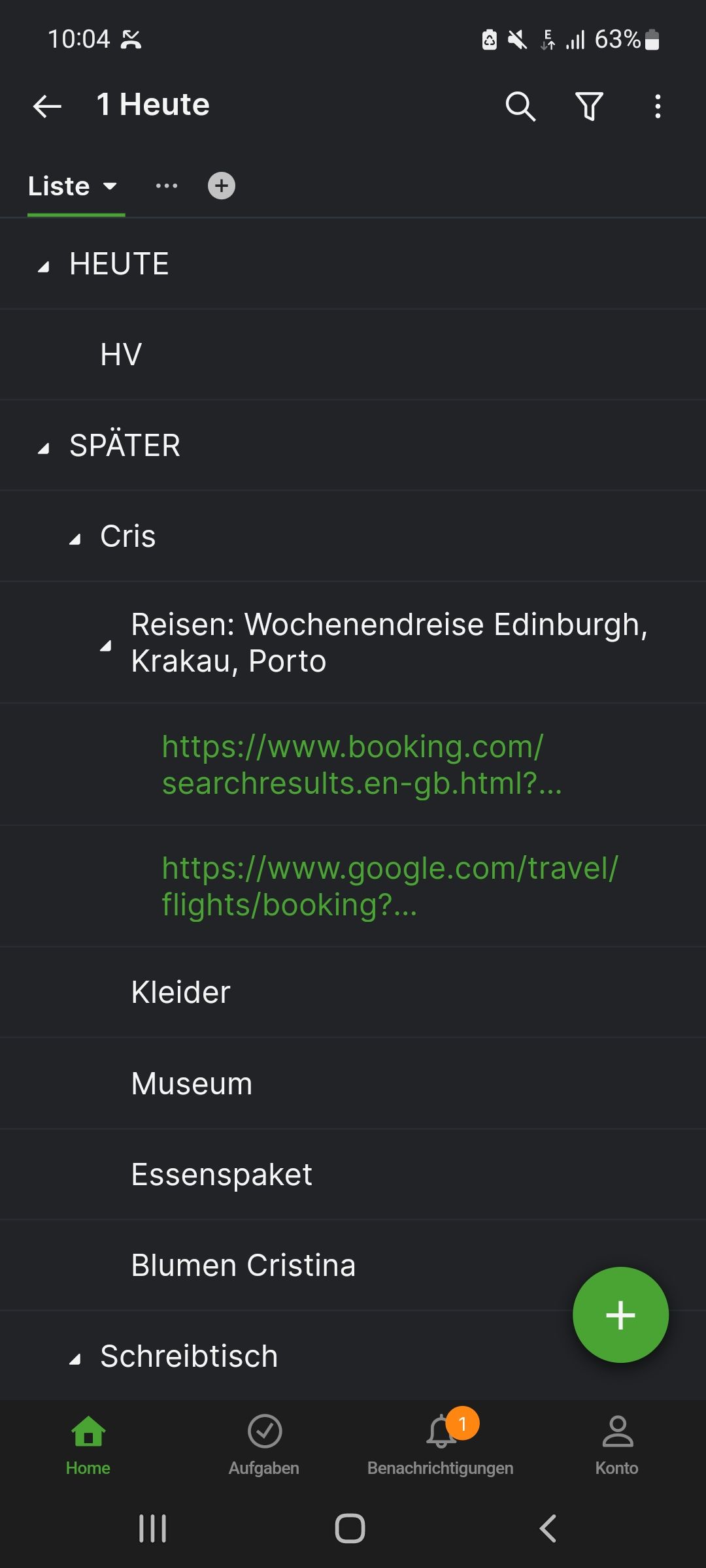
Hello, if u open up Quire and go to my favorite task list and open it up. all - formerly minimized - nested tasks are expanded. I need to close them all manually to get my main tasks in one screen.
Via Quire Android
Hi, is has nothing to do with favorites or filter. it's just that all nested folders and subfolders with tasks are all expanded when I open my to do list.I have to manuelly collapse all folders/subfolders to see my main task-folders.
Peter Hintze, Sep 18, 2022
Hi @peter.hintze, If there are no further questions, we will close this feedback thread. If you have any further questions in the future, please leave a comment and we will reach out to you! 🙌
Golda, Sep 16, 2022
Hi @peter.hintze, I'm sorry for the inconvenience. I just wanted to double-check your feedback. When you apply Filter by Favorited by me to your tasks, all previously collapsed tasks are expanded?
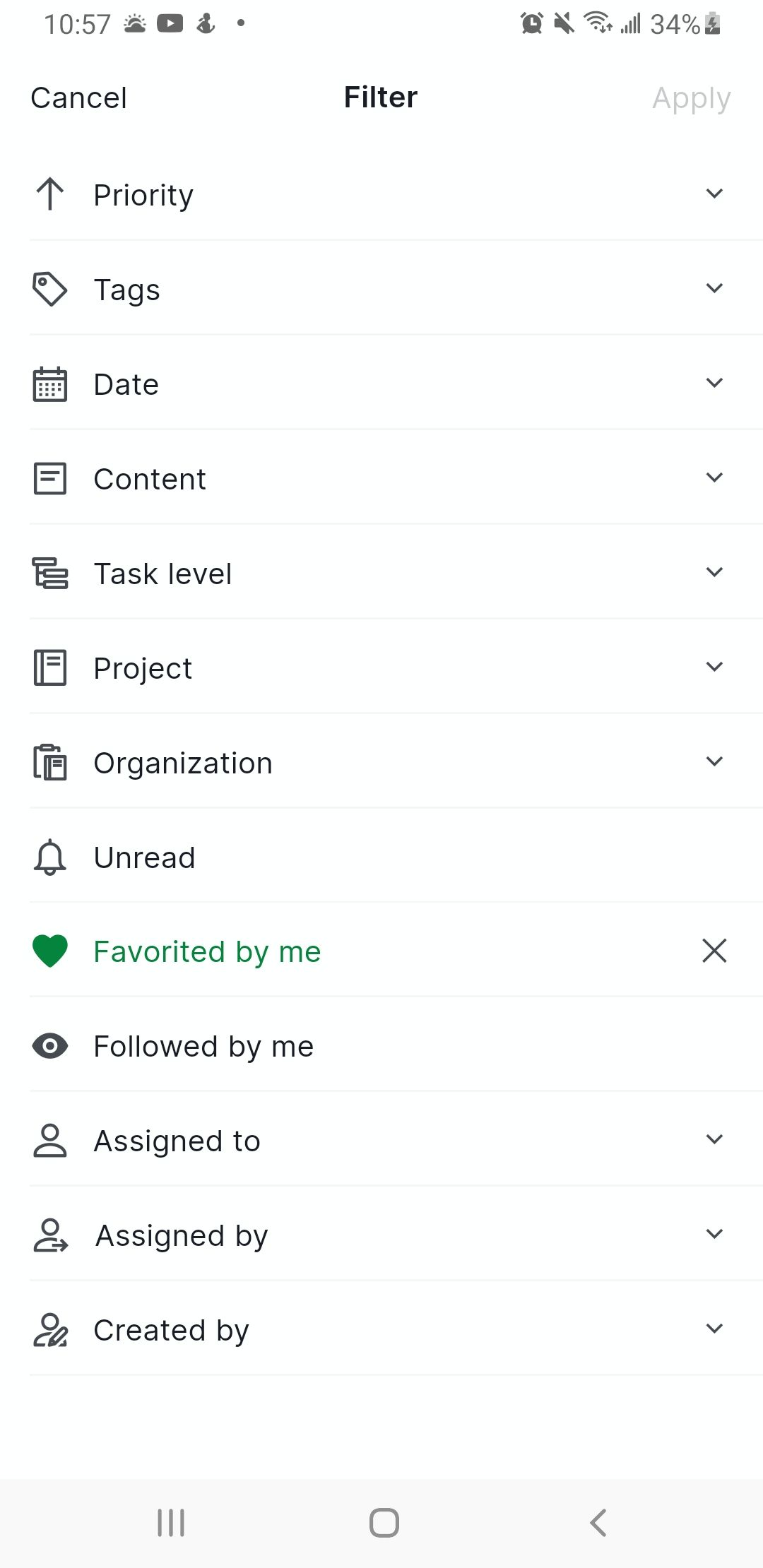
Could you please let me know if this issue happened in your Project or My Tasks?
You can share with us the reproduction steps or a screen recording so our team can pinpoint the source of the issue. Thank you very much.
Golda, Sep 5, 2022
Peter Hintze, Sep 22, 2022
Hi @peter.hintze, Unfortunately, I could not reproduce this. Could you kindly share the reproduction steps of this issue? Or you can also share a screen recording so our team can better understand and help you further.
Please also let us know which Quire app version you are currently using. Thank you, and I'm looking forward to your reply.
Golda, Sep 22, 2022