
@peggy yes in this case can you advance to fix a prefix code in task field , so that it adds in particular SUBLIST
Task created from #4303 (comment)
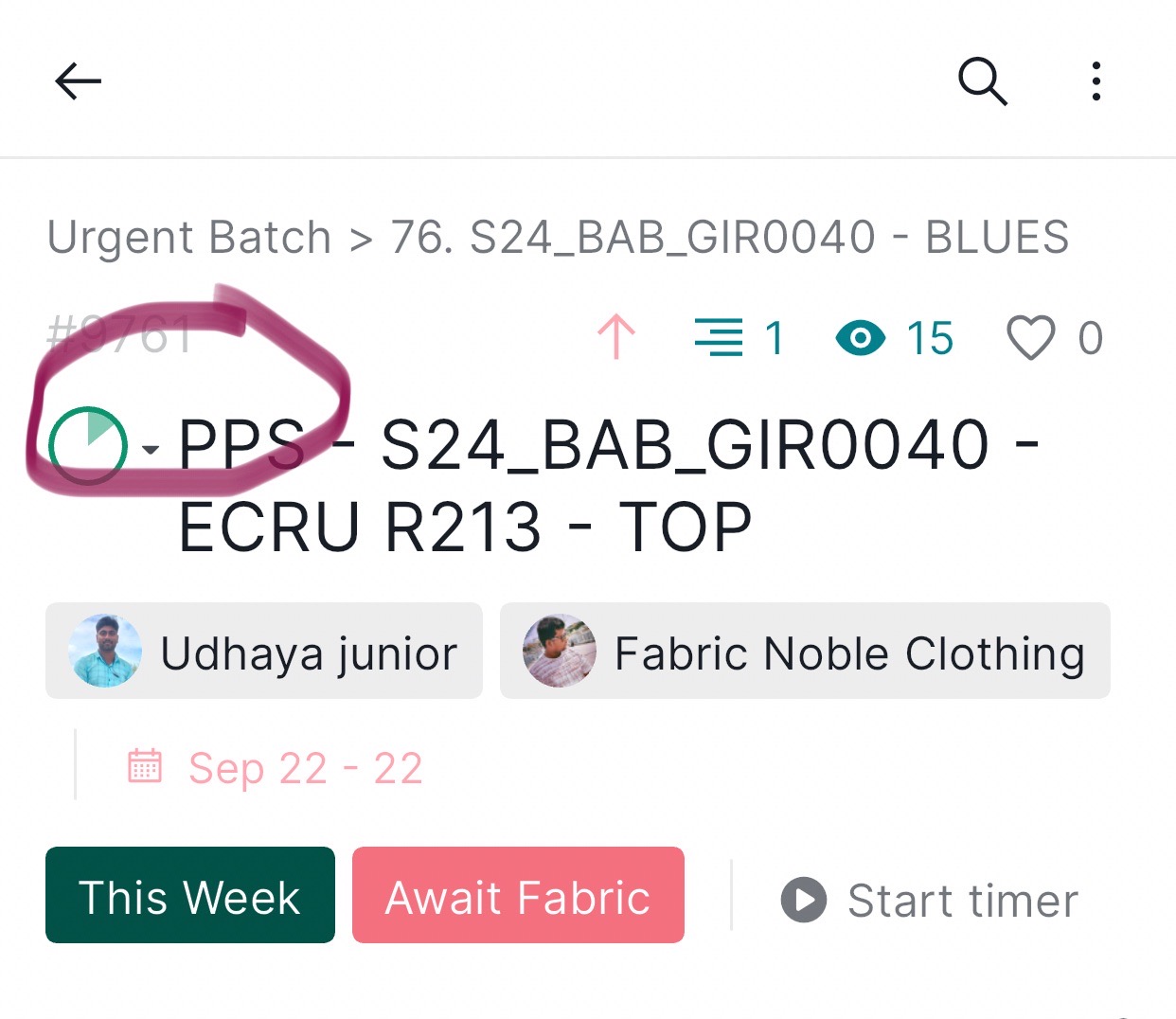
Yes we would like to automate the recurring same tasks abd create masters
MD @NOBLE, Sep 26, 2023
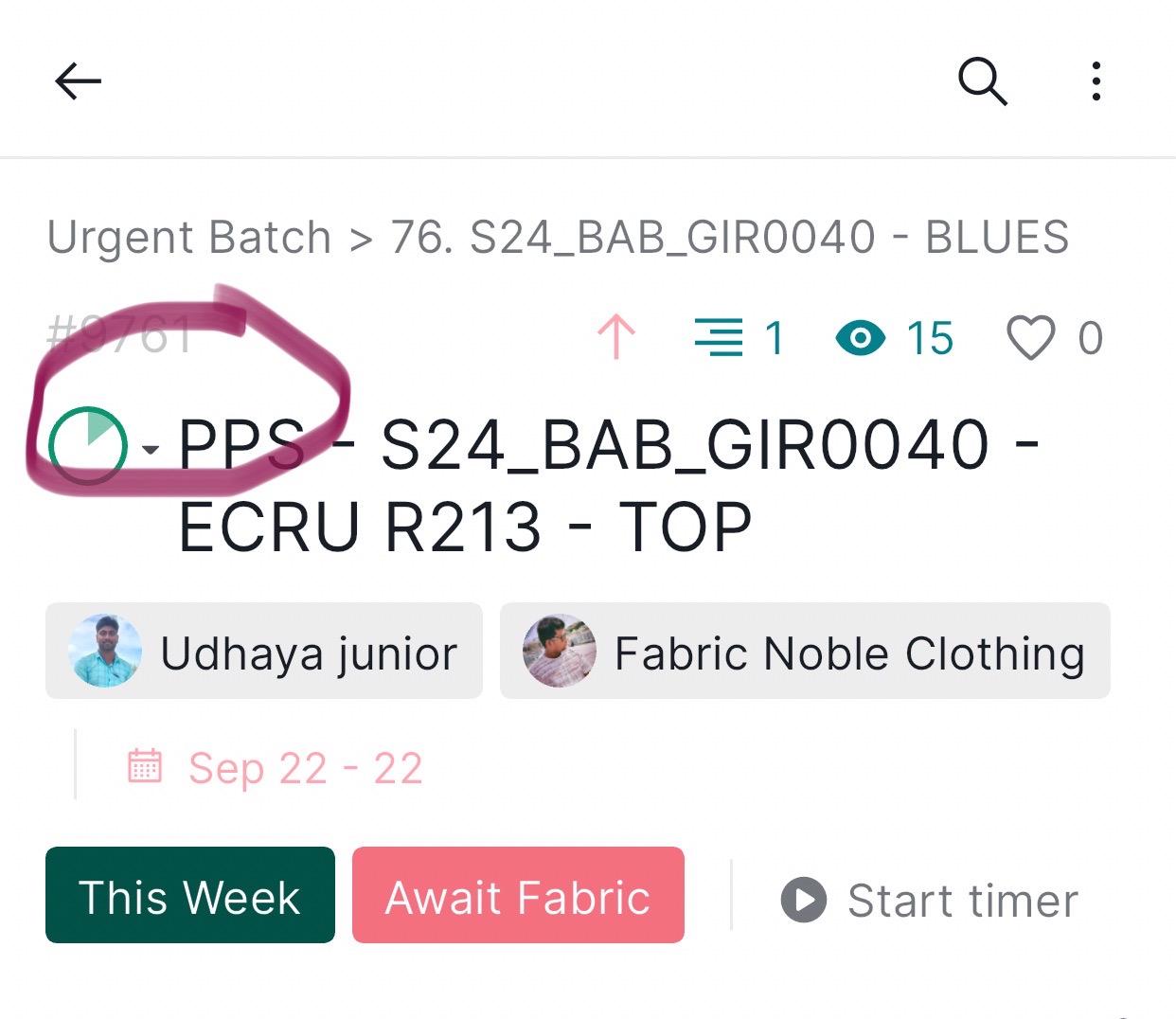
MD @NOBLE, Sep 22, 2023
@Raisag fyi , if we have prefix code in the TASK FIELD , which will be automatically added to sublist then it will be useful
MD @NOBLE, Sep 22, 2023
Now you have predefined sublist > in this we can use all filters but we can’t filter group of task belong to same category or same task , so in order to filter and add to sublist this prefix is so important , kindly look into this it is damn useful @peggy @Raisag @vickyp
MD @NOBLE, Jul 16, 2024
Hi Peggy do you have any news on prefix box before task list ? It is much needed to filter and add to sublist the group of task .
MD @NOBLE, Jul 16, 2024
Hi,
Currently, the feature to automatically add a prefix before the task name is not available.
We would appreciate it if you could clarify your request further to make sure that we understand it correctly.
If your goal is to have a certain task automatically added to a sublist, you can achieve this by using tags. For instance, you can add a tag (e.g., Add) to the task and then create a sublist with a predefined filter that filter tasks by the tag Add. This way, any task tagged with Add will automatically appear in the sublist. Is this what you are looking for?
If not, could you please provide more details on how the prefix for tasks plays a role in your request?
Thank you.
Peggy, Jul 17, 2024
Grouping Tasks by Activity Using Custom Prefix Field
Hi Peggy
on our recent discussion regarding grouping tasks with different names but the same activity. I understand that we prefer not to use tags for this purpose since they are reserved for alerts and Kanban board organization.
Here’s a proposed solution to achieve our goal using a custom prefix field:
Create a Custom Prefix Field:
- Navigate to our project settings.
- Add a new custom field, named "Activity Prefix".
- Define this field as a text field or a dropdown with predefined values.
Assign Prefix Values to Tasks:
- For each task that pertains to a specific activity, set the "Activity Prefix" field to the corresponding value.
- Follow the same steps for other activities as needed.
Create a Sublist Based on the Custom Prefix Field:
- Create a new sublist or view within the project.
- Apply a filter where the "Activity Prefix" field equals the desired value.
- This will display all tasks grouped under this activity, regardless of their individual names.
This approach will allow us to efficiently group and manage tasks based on their activities without relying on tags, which can be reserved for other purposes like alerts and Kanban board organization.
Thank you for your attention to this matter.
The above is achieved by customs fields column , but when we import master data from excel or preformat , each master task field column is not copied rightly , so this prefix custom field can solve this to arrange the group of task with particular category ,
MD @NOBLE, Jul 17, 2024
Hi,
I wanted to inform you that you can create new custom fields with the type set to "Selection." When setting up these custom fields, you can add various options for this field, allowing it to function similarly to the tagging system for your tasks.
However, please note that this cannot be automated via task activity. The ability to add a value to a custom field when an activity is triggered is not currently available. I have already shared this feedback with our team for consideration as a potential feature enhancement for automation.
Regarding the custom fields, once the selection type is set up, you can create a new sublist with a preconditioned filter based on this custom field . Then, any new or existing tasks with this selection added to the custom field will be automatically added to the sublist.
I hope this helps with your use case.
Additionally, in the Excel or CSV file, you can create a new column with the same name as the custom field. When the cell has the same value as one of the selections, it should be imported into Quire successfully.
If you encounter any issues with importing an Excel file with custom fields, could you please send us some screenshots of the Excel table and the custom field settings?
Thank you.
Peggy, Jul 23, 2024
Hi @md_noble , sorry for the late reply. I would like to double check with you about your inquiry before passing it on to our team for further discussion.
Are you looking for some kind of automation? For example, if you added a certain 'tag' or 'text' in certain places, that specific task will be added to the designated sublist?
If so, automation is in our consideration for future enhancement. Please kindly let me know if this is what you are searching for.
Waiting for your reply. Thank you very much.
Peggy, Sep 25, 2023