
#6224: Quire Feedback
狀態: 已完成
“My Task Notifications” Tab
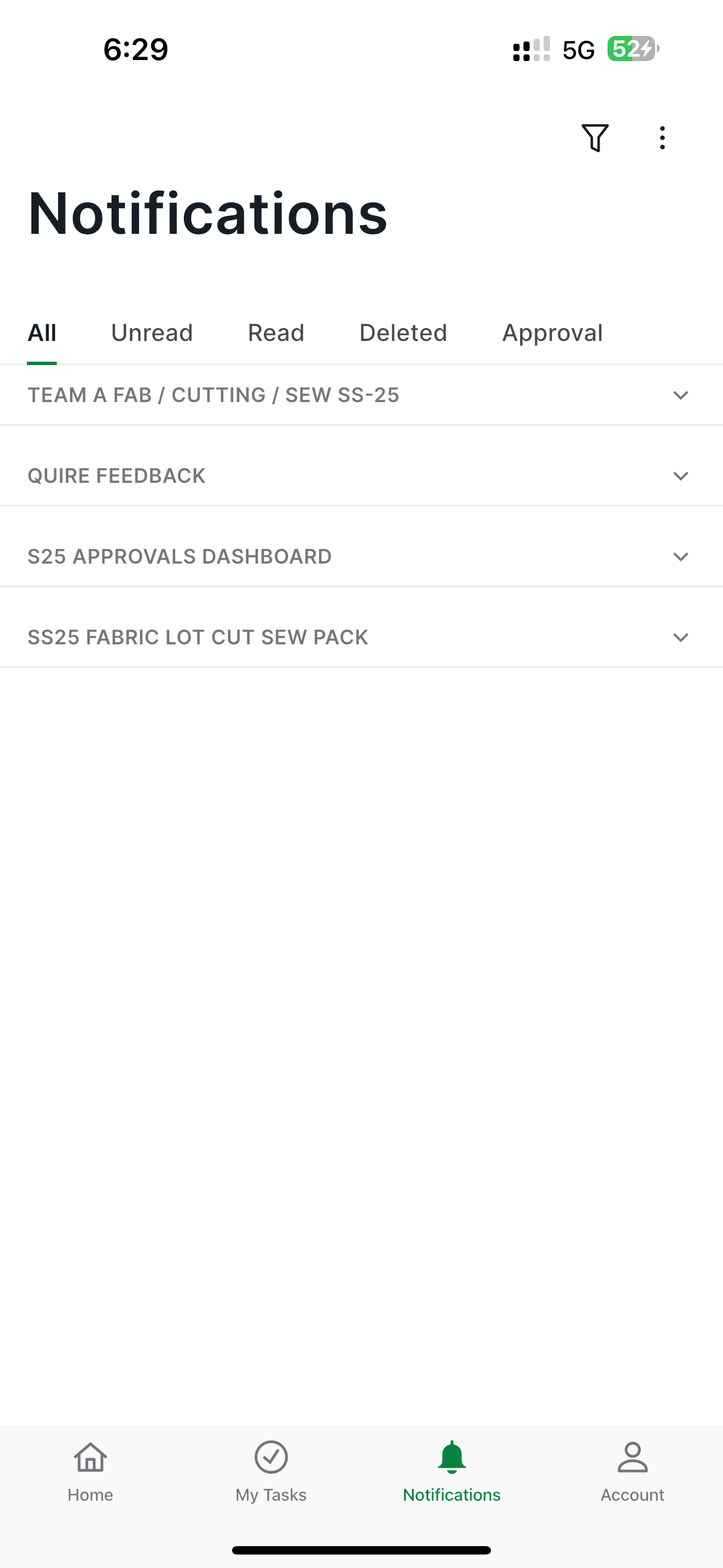
Hi Could you please add a “My Task” tab in the notifications section, similar to the existing tabs (All, Unread, Read, Deleted)? This tab should display only notifications related to updates in the My Tasks section (e.g., task status changes, comments, or assignments).
Place it as a fixed column next to the “Deleted” tab for easy access.
Via Quire iOS
建立者 MD @NOBLE 2024年11月29日, 已編輯 2024年12月5日
Hi, In the Notification tab, you can filter or group notifications to focus on those that are important or need immediate attention.
You can click the filter icon in the top-right corner of your screen. From there, you can apply filters or group notifications based on your preferences.
For example, if you only want to see updates about tasks assigned to you, select the Assigned to me filter.
Feel free to explore different filters or groupings to find what works best for you. Let me know if you have any questions. Thank you.
Golda, 2024年11月29日