
If you tag someone by starting to type @ and then their name, it adds two @'s and doesn't actually tag them.
Sort of.. it works once then starts adding extra `@vick` copies
Jason, Feb 13, 2025
Jason, Feb 13, 2025
If I use tab to select I always get the extra @
Jason, Feb 13, 2025
@@Vicky
Jason, Feb 13, 2025
Hi Jason,
This issue has been fixed in our latest version. Thank you very much for your patience.
Vicky, Feb 13, 2025
Sort of.. it works once then starts adding extra
@vickcopies
Hi Jason,
Can you please let me know if in the latest version of Quire, you can still reproduce this issue? We have optimized the performance, but let us know if the issue persists.
Thank you very much.
Vicky, Feb 14, 2025
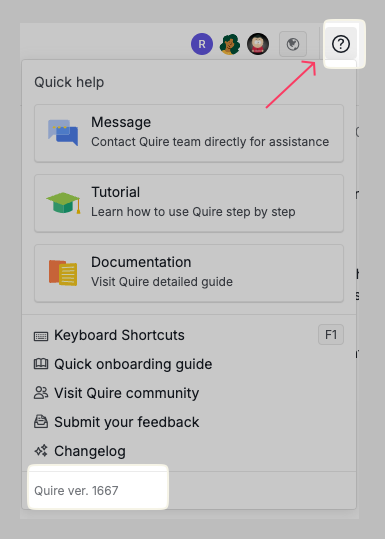
Hi Jason,
Can you please help me confirm that you're currently on the latest version of Quire?
Vicky, Feb 13, 2025
Okay thanks! I will pass this to our Dev team!
Vicky, Feb 13, 2025
Hi Jason,
Unfortunately, we cannot reproduce this issue from our end (please see the below video).
Can you please help us record a video so that our team can look further into it? We're really sorry for all of the glitches today, it has been a major update from our end, and sometimes, life happened and did not go as planned.
We hope you can bear with us. Our team is currently working very hard to address all of the mentioned issues.
Vicky, Feb 13, 2025
Great! I've passed your information to our Dev team and they're currently working on debugging it.
Again, please bear with us here. We will make sure every issue is addressed and fixed. We're sorry for the inconvenience.
Vicky, Feb 13, 2025
Hi Jason,
Can you please help us try to type
@only, then use the mouse to select my Quire ID to see if it works right?Vicky, Feb 13, 2025