
If I navigate to a task detail view by opening a project on the Home tab, there is no breadcrumbs shown. However if I open the My Tasks tab, open a task, tap the project name in the detail view to show the project, then open a task from there, then the breadcrumbs appear. Is this a bug? How do I show breadcrumbs from the project view?
Via Quire Android
Hi,
We’re not able to reproduce this issue on our side. If you have already enabled Display tasks breadcrumbs in detail panel by default in your Account Settings and still experience this behavior, please share a screenshot or a screen recording so our team can look into it further.
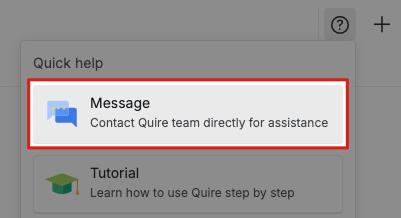
If your task details contain sensitive information, you can reply us at support@quire.io, or use Message by clicking the ? icon at the top of your workspace.
Golda, Nov 18, 2025
I have no idea what changed between yesterday and today but I can no longer reproduce this issue. Thank you!
Jonah, Nov 19, 2025