
In board view, there used to be an add task button beneath each column; has this button now been removed? See screenshot below:
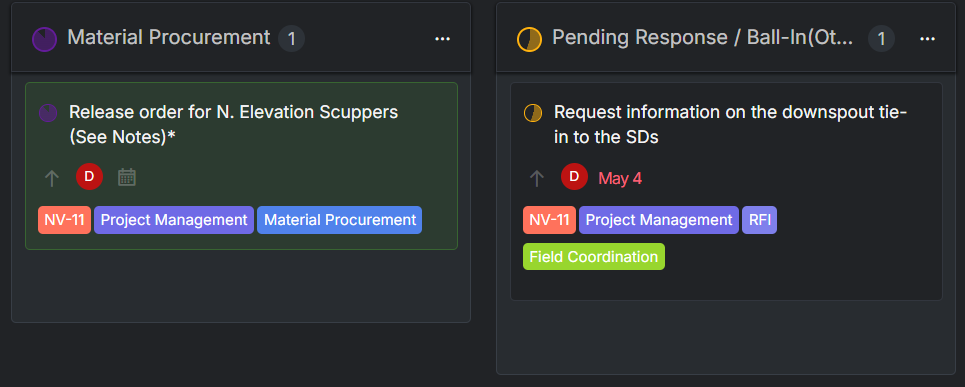
It was a lot more convenient in most cases to just use this button on an empty status column to create a task where it needs to live, rather than click on a task within an existing, unrelated column, press enter, then drag it to the appropriate column
Hi,
Good news, the bug preventing tasks from being added in Board view has been fixed in our latest update (v1819). Please refresh your browser to load the new version. If you don't see the fix right away, a hard refresh (Cmd+Shift+R on Mac, Ctrl+Shift+R on Windows) usually does the trick.
Thanks again for reporting this and for bearing with us while we sorted it out. If anything still feels off, just reply here and I'll take another look!
Peggy, May 22, 2026
Hi,
Thanks for flagging this, and sorry for the trouble. You're right, there's currently a bug preventing new tasks from being added directly in Board view. Our engineering team is already investigating and working on a fix as a priority. We will follow up here personally as soon as it's resolved.
In the meantime, here's a quick workaround for Board view: click on any existing task to select it, then press Enter to add a new task right after it. You can also use the keyboard shortcut T from most other views to quickly create a task.
Apologies again for the disruption, and really appreciate your patience while we get this sorted.
Peggy, May 22, 2026