
Whilst the left navigation panel looks nice from a UI design point of view, practically I am beginning to find that it doesn't show enough information.
When you have a busy account with lots of tasks and projects, this ends up meaning that you have to keep scrolling the navigation bar, or opening and closing sections all the time.
This is most obvious when you open the My Tasks section and have many tasks assigned to dates.
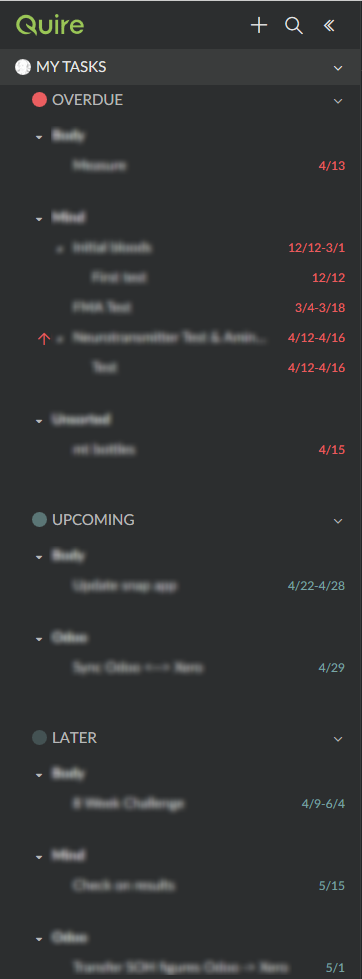
On a 1920 x 1080 display there are roughly 930 pixels of height available in the content area of the navigation panel - but most of this is wasted as padding.
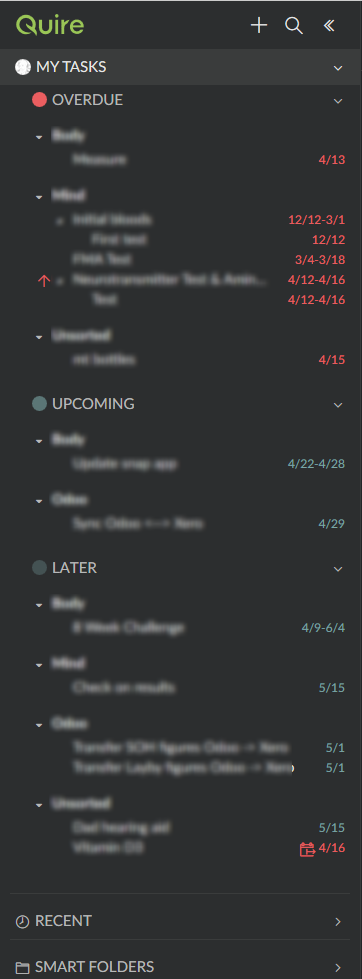
It would be great to compactify this a bit - getting rid of some of the empty space maximise information display.
Personally I would like to see the font size of the items in here smaller too - so I can fit more in without scrolling - however this is a personal thing and likely the current font size suits most users.
I have attached an example of how much wasted space there is - although I had to blur it out so you cant see my tasks :P
My screen grabs are from the web client on desktop.
Jesse Morgan, Apr 29, 2018
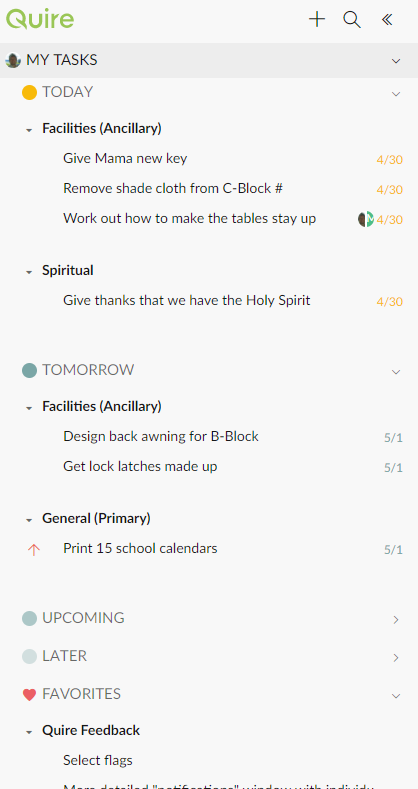
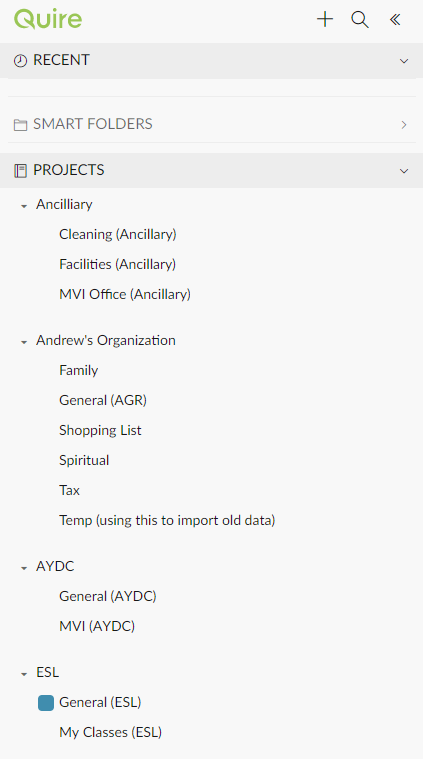
I think my list is the same as yours. And yes, it seems like a bit of space could be saved.
Andy, May 1, 2018
I do all my serious organising on the desktop client. I think of the mobile client as more of quick data capture. Desktop for high level analysis/organisation
Jesse Morgan, Apr 30, 2018
⭐️ We have closed this thread in order to optimize the performance of our Quire Feedback Forum.
Please see our Quire Feedback Official Guideline for more information. Thank you.
Peggy, Jun 4, 2021
Standard Nav Panel
Mock up: Nav Panel with less padding
Jesse Morgan, Apr 24, 2018
I like the Google options of 'Cozy, Normal and Comfortable' or whatever they are to control spacing. I have felt the same on the android client. The font for tasks is large and it feels like I have lots of extra space being wasted. I think that 'waste' is by design. But options to choose your style would be nice. Your sidebar is really expanded though. My doesn't look like that
Andy, Apr 29, 2018
I'm not at my pc now. I will compare tomorrow for you
Andy, Apr 29, 2018