
So I have quick a few subtasks, and would like to quickly distinguish them from the sidebark "My Tasks" view. Attached is a mock up showing tasks due today from three subtasks.
The way I see how this can be implemented is by assigning a color code to a task, and let its children inherit the color code unless otherwise specified.
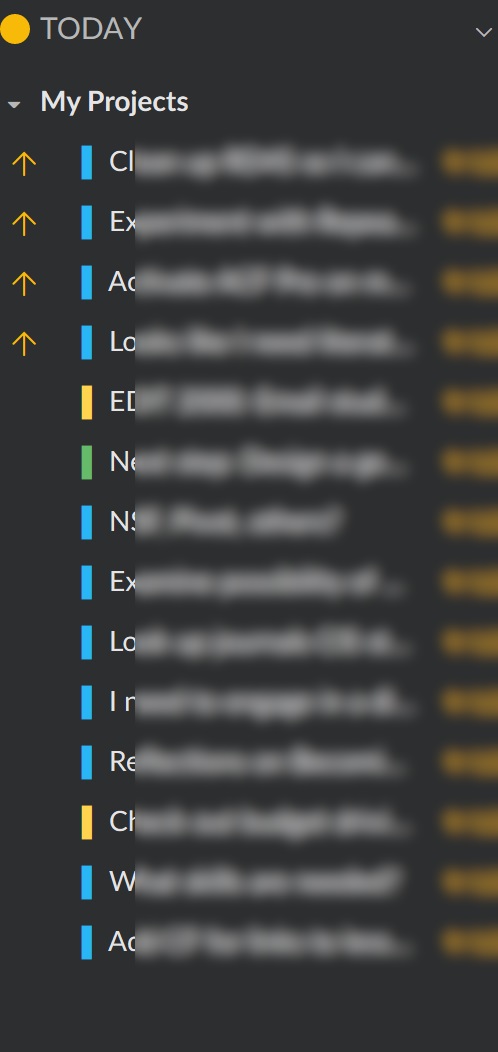
Hi Lele, In other words, you still want to add color to tasks (subtasks) to help you pick them out at a glance even if there are only a few of them added to Favorites. Let us think about it.
Crystal, Sep 17, 2018
Hi DrWho, Yes, that was what I did to make the mockup. I put colored blocks at the start of the tasks to mimic desired behavior. The thing is, it's extremely tedious to do this by hand. I wish there is a way to "Apply this styled prefix to all child items" for any given task.
Lele, Sep 13, 2018
Thank you, Crystal
Lele, Sep 19, 2018
Yes, you can change color of task. And much more: https://quire.io/blog/p/Highlight-Your-Tasks-with-Color-and-Styles.html
DrWho, Sep 13, 2018
Hi Crystal, Thanks for the suggestion. Yes, I do use favorites, but I have more than 2 subtasks I want to mark with colors (see the attachment) and favorites aren't going to help in this situation.
Lele, Sep 14, 2018
⭐️ We have closed your thread in order to optimize the performance of the Quire Feedback Forum. Please see our Quire Feedback Official Guideline for more information.
If the request/feedback wasn’t answered or the issue hasn’t been resolved in the newest version, please leave a comment below, the Quire team will be notified.
Peggy, Jul 16, 2021
Hi Lele, Thank you for the suggestion. Have you tried “favoring” the tasks (in the right detail panel), so they stand out from the rest of the tasks in My Tasks and appear in the Favorites category?
Crystal, Sep 14, 2018