
Hello,
Recently there has been a change to the user experience as it relates to the "My Tasks" drop down at the top of the left hand column. Previously, it was a true drop down like the other options in the left hand menu. It was convenient to click the drop down and see in chronological order, the tasks assigned to me. It was also convenient to be able to quickly navigate using this drop down to the location of the actual task in the middle pane. This allowed for quick modification of the tasks that appear under "My Tasks". In the new layout, there is no drop down, and instead all my tasks appear in the middle pane, making it several steps more to find the actual task by navigating to the project using the left menu, scrolling to the task, clicking on it and then editing it. Whereas, before, you could simply click the task under the "My Tasks" drop down and immediately be in the correct project in the middle pane for editing. Also, under this new layout, when I change the due date for a given task, it kicks me down to the new date, rather than leaving my view on the date that the task was changed from. This is very disruptive when changing due dates of multiple tasks that are overdue. Overall, this change to the user experience is unnecessary and detrimental to my experience on Quire - to the extent that I would even take the time to write this note. Which is unusual for me to do.
Hi @pnigrini , we just found out that when you hold the CTRL/CMD key and right key, the Quire context menu won't work... so my question is did you happen to be holding the CMD key when right-clicking? 😂
Peggy, Nov 28, 2019
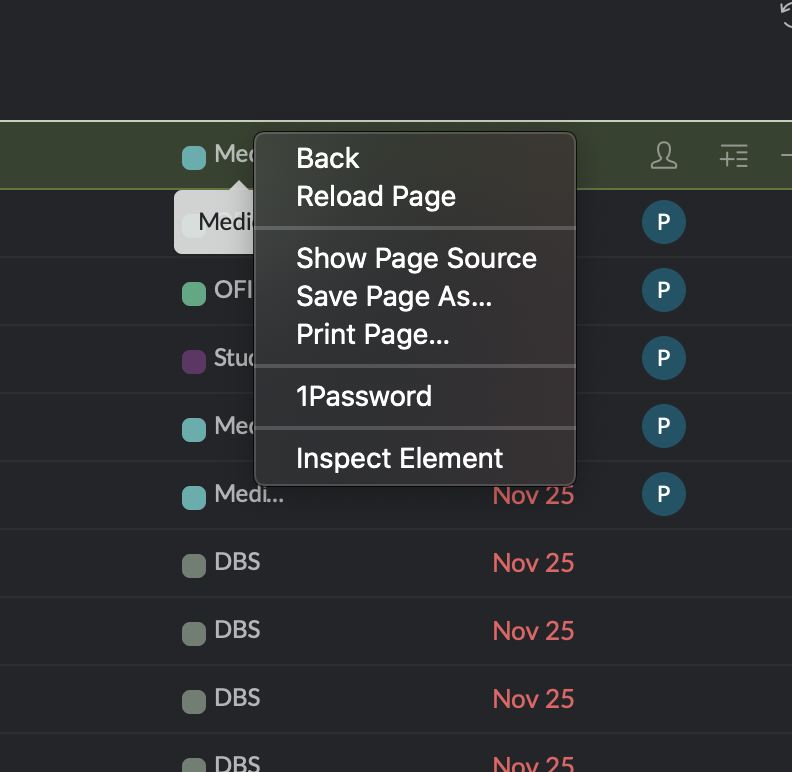
Unless I am missing something, that is not the behavior I see in Safari. Here is a screen shot of a right click when hovering over a task in My Tasks
Peter Nigrini, Nov 28, 2019
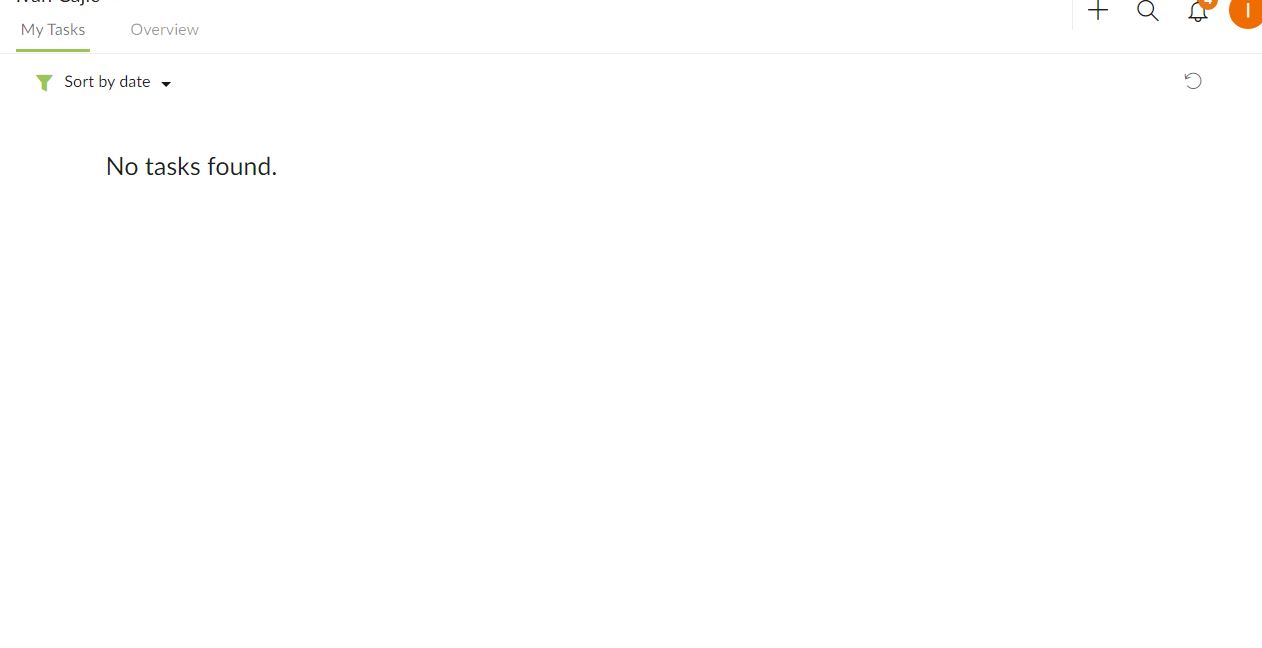
Hm, after not working for a few days, I went to account settings, realized I had recently unchecked 'automatically assign new task to myself', after having had it checked for months. After that, all the tasks reappeared in My Tasks.
I believe it could be a small bug, but I couldn't recreate it again.
Ivan Cajic, Nov 21, 2019
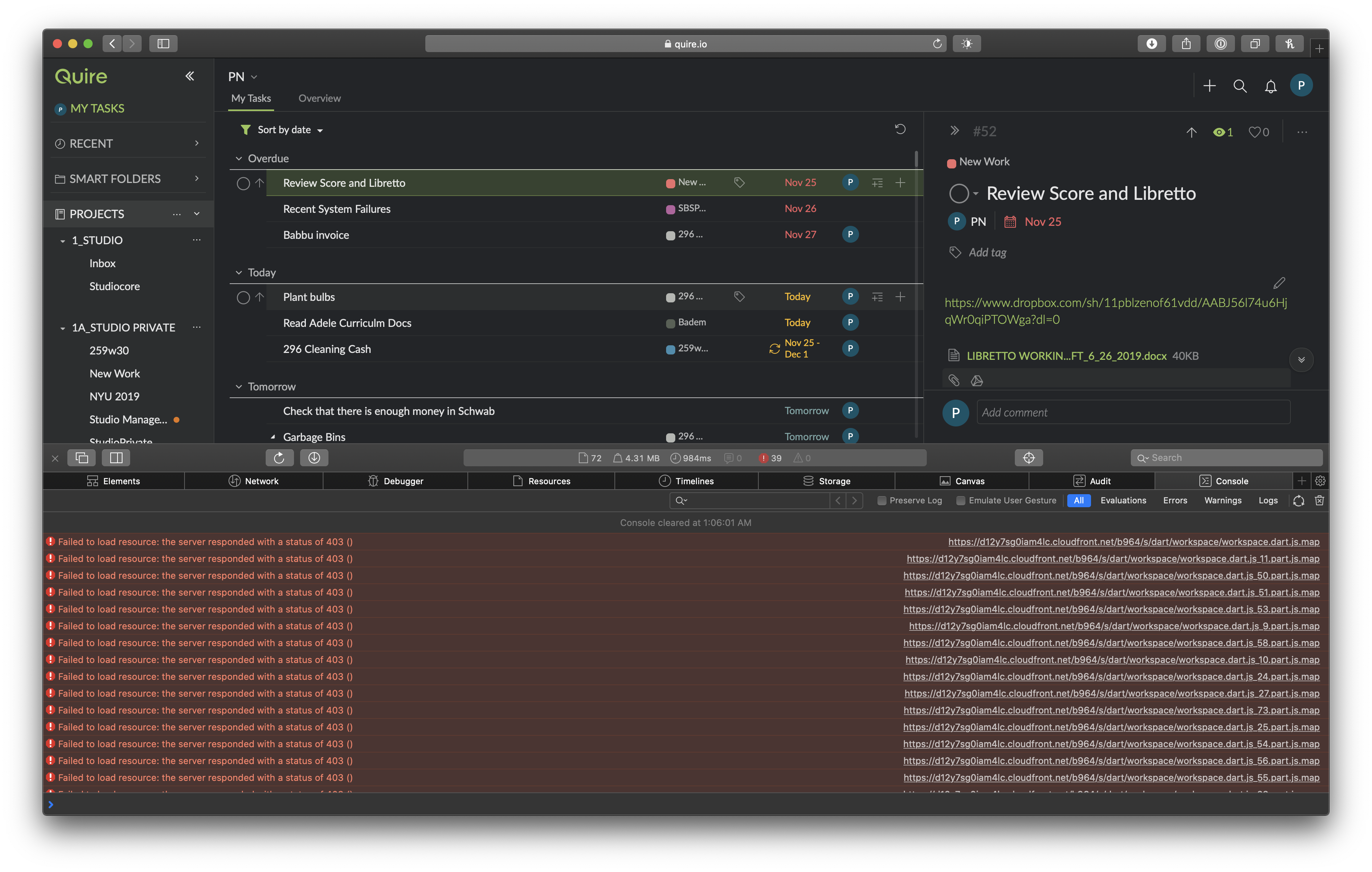
Hi @pnigrini , this might be a console error... we weren't able to reproduce it. 😭 Could you please provide a screenshot of your browser console for our team to investigate? Also, please advise your Safari version? And the OS you are using? Thank you for your help!
Peggy, Nov 28, 2019
Hi @danielreeves , Thank you very much for your feedback and suggestions! We understand that the newly revamped My Tasks might get mixed signals. But rest assured that we're only trying to help our users with their productivity, not to create another problem for you.
The newly redesigned My Tasks aims to create a better and cleaner view for all of the tasks that are related to you. My Tasks will include tasks that are assigned to you, created by you without assignees with start or due dates in any project or your personal tasks. Those tasks can belong to a specific project or just be the personal tasks without being assigned to a project.
Regards to the missing nested tree view, we're experimenting with different possibilities right now. It's just the early day for My Tasks II so there're endless possibilities to enhance this feature. So bear with us for the time being, we're listening to you and we'll work on making Quire even better.
Peggy, Nov 22, 2019
I use a track pad most of the time and I comand click to right click in almost every case. It seems that this does not work. However I have confirmed that when I use the track pad alone to “right click” it works. Thanks.
Peter Nigrini, Nov 29, 2019
@peggy isn't it an option to make the My Tasks view layout optional via a toggle, so users can choose which ever view they like best? I like the new view, but on the other hand there are users who like the old view better.
(deleted-IAMQ), Nov 19, 2019
⭐️ We have closed your thread in order to optimize the performance of the Quire Feedback Forum. Please see our Quire Feedback Official Guideline for more information.
If the request/feedback wasn’t answered or the issue hasn’t been resolved in the newest version, please leave a comment below, the Quire team will be notified.
Peggy, Jul 15, 2021
For me, "My Tasks II" is a great improvement, but I agree with the notes of @danielreeves.
- It would be great to be able to jump to a task in a "Project" list from the new "My Tasks II" list. Maybe clicking on the project tag in "My Tasks II" could take you to the task in the project view.
- It would be great if when changing due dates the My Tasks II list did not move position
- I like the idea that this also serves as an inbox, but it doesn't quite work. The goal of my inbox would be for it to always be empty, but with the idea that "My Tasks II" is both a list of tasks assigned to me, and also a list of tasks I have yet to sort and organize, those unsorted tasks get completely lost in the larger list. A fix might be that in "My Tasks II" tasks without a project are ALWASY at the top of the list regardless of sorting, filtering etc. (but I think this is sort of confusing work around, so I am not sure how to solve this problem).
Thanks
Peter Nigrini, Nov 26, 2019
Hi @pnigrini , thank you for the feedback. I will let our team know about them. Here's a small tip for navigating to the task from the My Tasks list. Right-click on the task, and click on "Go to [project name]". Hope this helps. 😃

Peggy, Nov 27, 2019
I don't see anything when I click My Tasks... I don't understand the update.
Ivan Cajic, Nov 21, 2019
Hi @ic , we have introduced the renovated Quire My Tasks II. 🚀 In this release, we have moved the My Tasks from the sidebar to the main panel. This way, you could sort and filter the list however you like.
Also, you would be able to add tasks to the My Tasks. It serves as a central Inbox section for you to dump your ideas to and you can go back to review the task list and transfer to relevant projects. Please check out this blog post for more information.
I will let our team know about the possible small bug. Thanks for reporting.
Peggy, Nov 22, 2019