
Hello, is the 'my tasks' list widget normally functional? It doesn't seems to be able to log on and get my list. Thanks in advance.
Via Quire Android
Hi Golda. My phone connects to a personal wifi. And I can't see my tasks from a web browser.
Victor Gueldry, Feb 24, 2023
Hi Peggy. I followed your directions and I do see my tasks. Great!
Victor Gueldry, Mar 4, 2023
Hi Victor, we are sorry for the inconvenience caused. As for now, the team still couldn't reproduce this issue on our own devices we have on hand.
Could you please help with the below so we can further troubleshoot? We hope that we can find the solution soon!
- It seems like your phone still couldn't reach Quire. Could you please try and see if you have any other phones and log in to see if you can see the tasks on the My Tasks widget?
- Please check if your current phone is connected to any VPNs. If yes, please try turn it off and try again.
- Please let us know if your phone and your computer are connected to the same Wi-Fi. If not, could you please try connecting your phone to the same Wi-Fi as your computer and see if the widget can reach Quire.
Thank you for your help, waiting for your reply.
Peggy, Mar 6, 2023
Hi Golda. Did the two steps, no changes...
Victor Gueldry, Feb 22, 2023
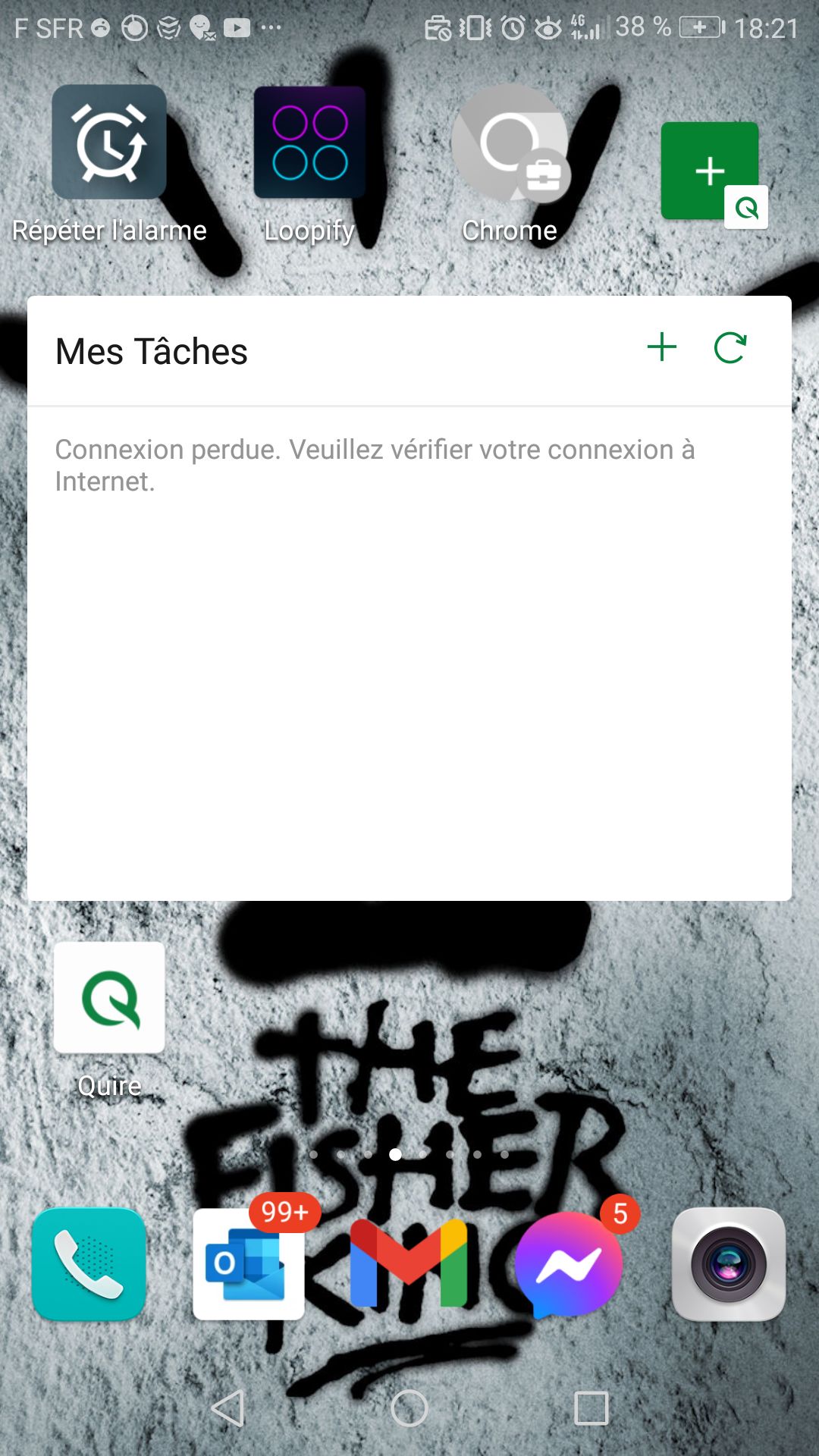
In English it would say "connection lost. Check your internet access". Wich is perfectly fine
Victor Gueldry, Feb 21, 2023
Victor Gueldry, Feb 21, 2023
no task is displayed. New or old
Victor Gueldry, Feb 21, 2023
Hello Peggy. Thanks for trying so hard. I don't use VPN and my phone is connected to the same wifi as my computer. As for trying on another phone, I'll try to yank my SO's tonight. Update to come.
Victor Gueldry, Mar 6, 2023
Hi @Victor_Gueldry, I would like to confirm with you. Do you mean when you have a new task in My Tasks, it doesn't show in the widget?
Could you please share a screenshot or a screen recording so that our team can better understand the issue? Thank you.
Golda, Feb 20, 2023
Hi Golda. I followed your instruction but it didn't affect the widget, that I also refreshed for good measure. Could it come from some app permissions matter?
Victor Gueldry, Feb 21, 2023
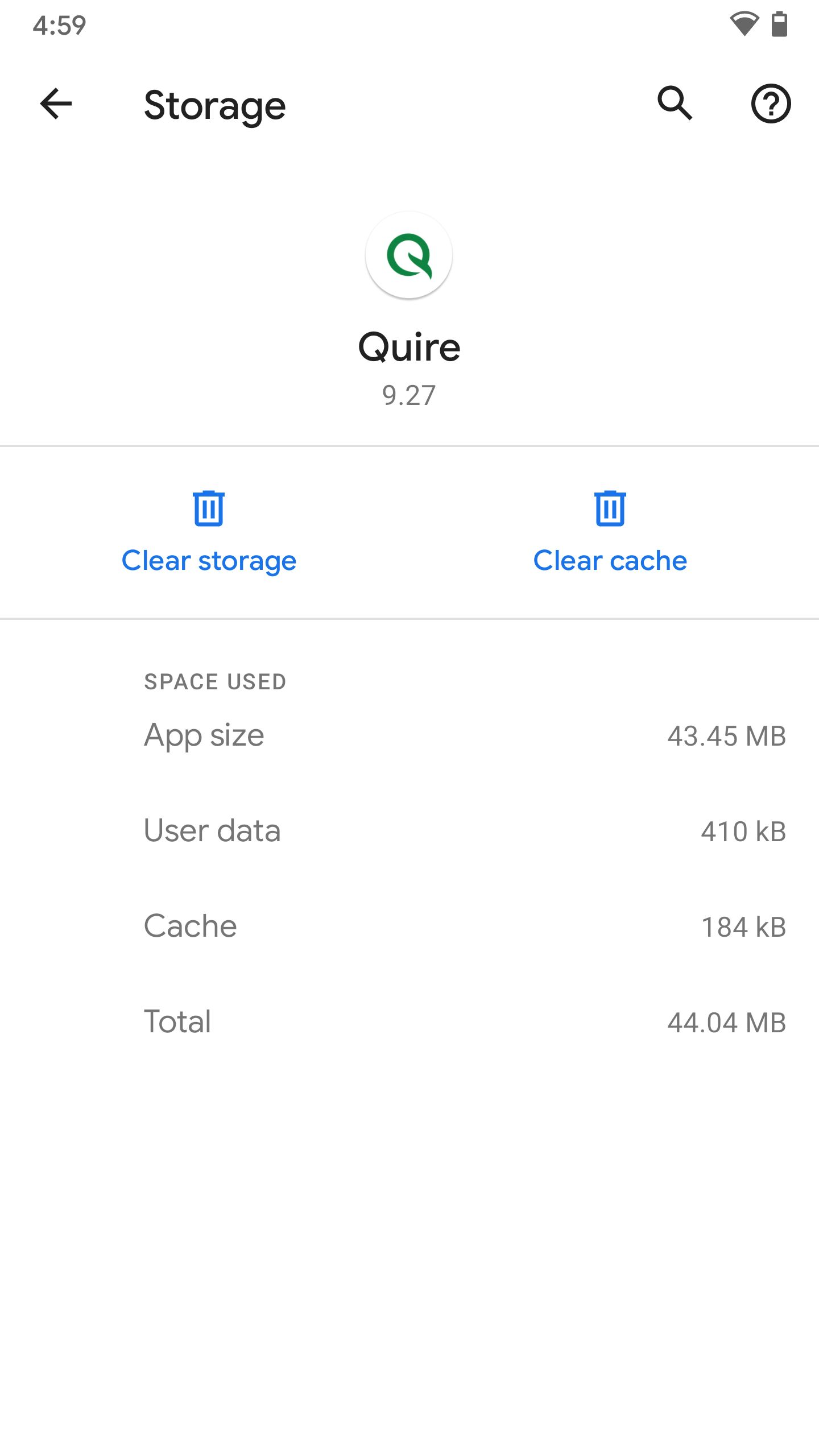
Hi No, clear storage will not remove existing tasks, it could make quire logout (removed login infomation)
OK, let me think if any other way to check the issue..
Jimmy Shiau, Feb 22, 2023
Version is 9.27. weird, I downloaded the app a week ago. Phone is Huawei honor 8. I'll clear storage now.
Victor Gueldry, Feb 22, 2023
Before clear storage You can try to login via web browser or another device for make sure all tasks that added from phone are all save to server
Jimmy Shiau, Feb 22, 2023
Hey Jimmy. Web browser login revealed that my project isn't on server. I can't see my project when logged from my computer... I guess my problem now is 'my project doesn't get online '. I'm on the free version. That can't be it, can it?
Victor Gueldry, Feb 22, 2023
Hi @Victor_Gueldry,
Could it come from some app permissions matter?
In this case, it's not because the app permission matters.
I want to double-check with you. Can you view your tasks in the My Tasks tab in the mobile app?
Additionally, please try the following steps:
- Try removing and adding back the My Tasks widget
- Try to log out of your Quire account from the mobile app and log in again.
Please try these steps and let me know if the issue persists. Thank you.
Golda, Feb 22, 2023
Hi Victor,
Does your phone connect to a network with a firewall or any restrictions? Please try to connect to a cellular network or other networks, and check if you can view your tasks via the web browser. Kindly make sure that your tasks have been successfully saved.
Rest assured that all your data will be saved when connected to a network, regardless of the version you're using.
Please don't clear your phone's storage, as doing so may cause any unsaved data to be lost.
Golda, Feb 23, 2023
- Did you already update your app to 9.28?
- And what model is your phone? I am going to find the same device for reproduce issue
Jimmy Shiau, Feb 22, 2023
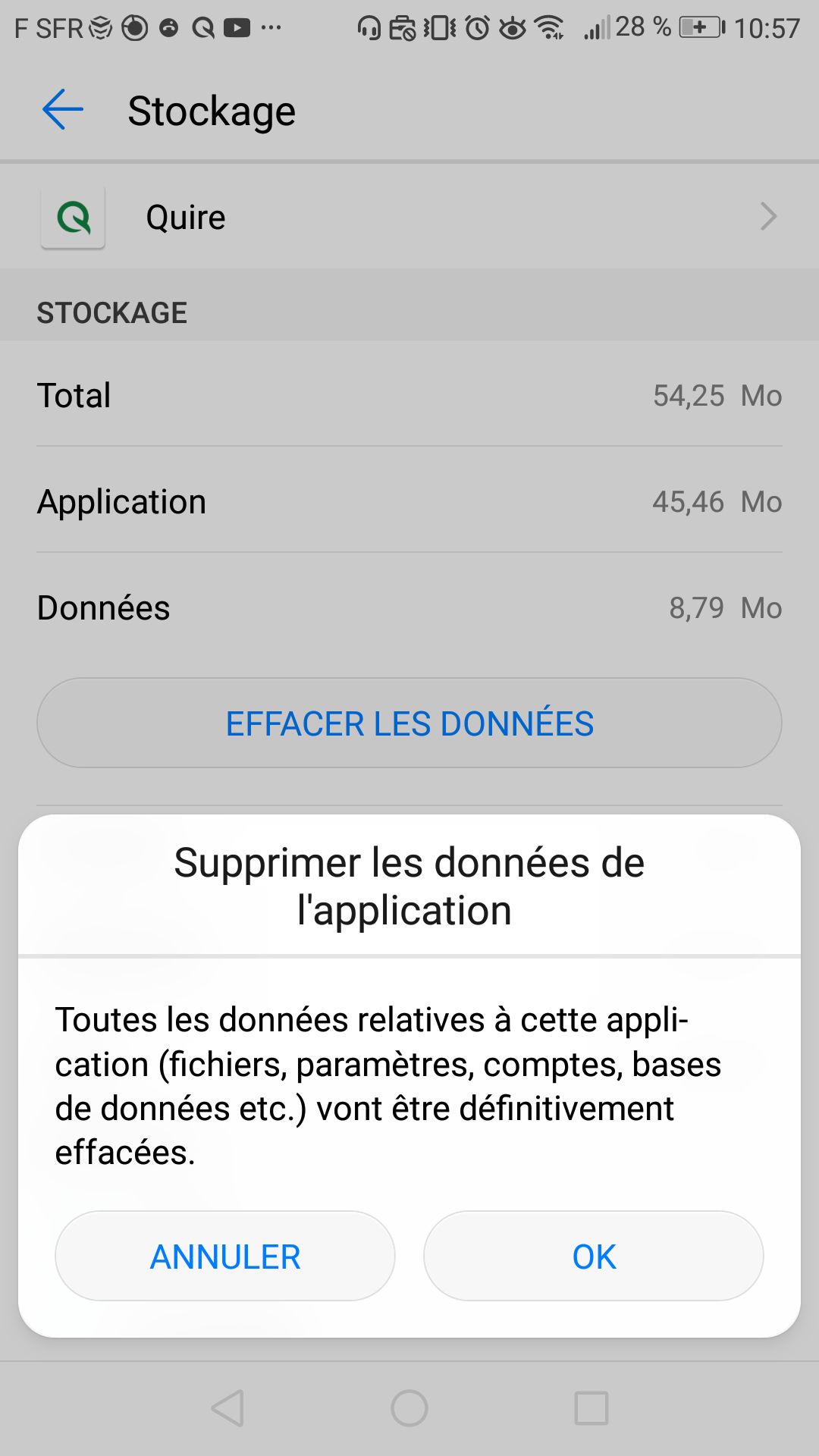
In English it would be "are you sure you want to remove storage? All database, files, accounts will be removed from the app". My tasks are on server right?
Victor Gueldry, Feb 22, 2023
- We still cannot reproduce your issue
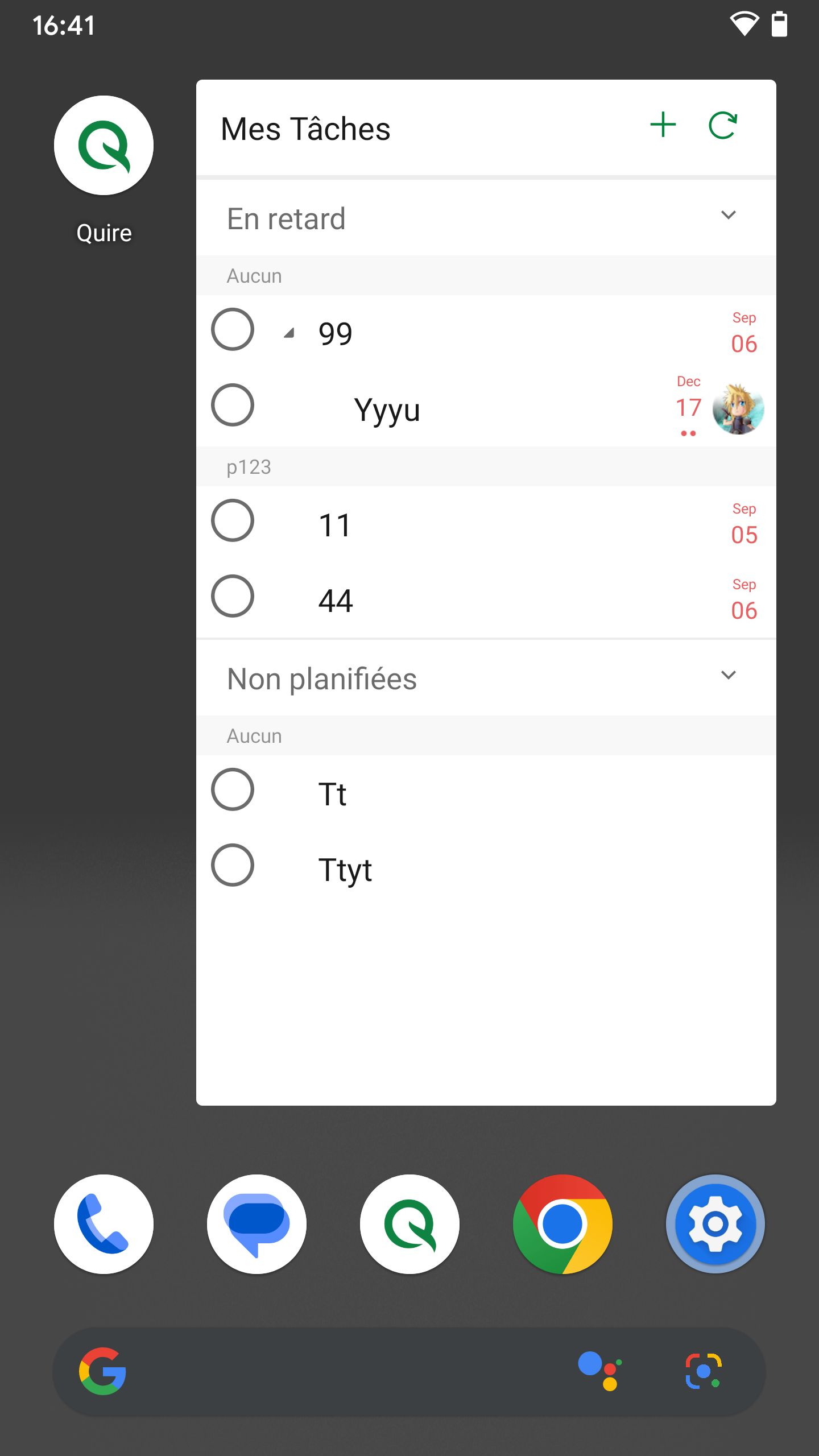
- Can you add/edit tasks in your app?
| _ | _ |
|---|---|
 |
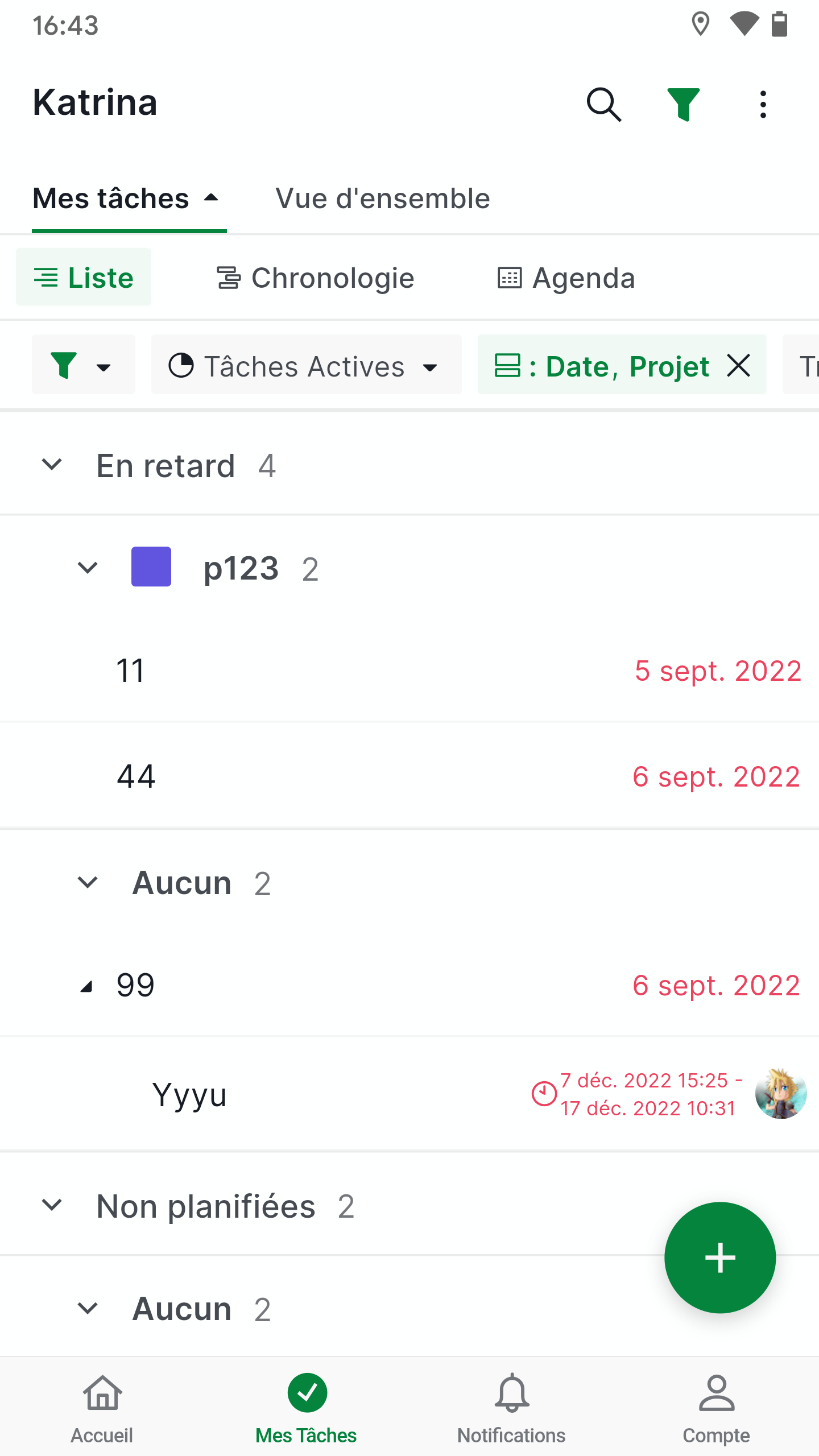 |
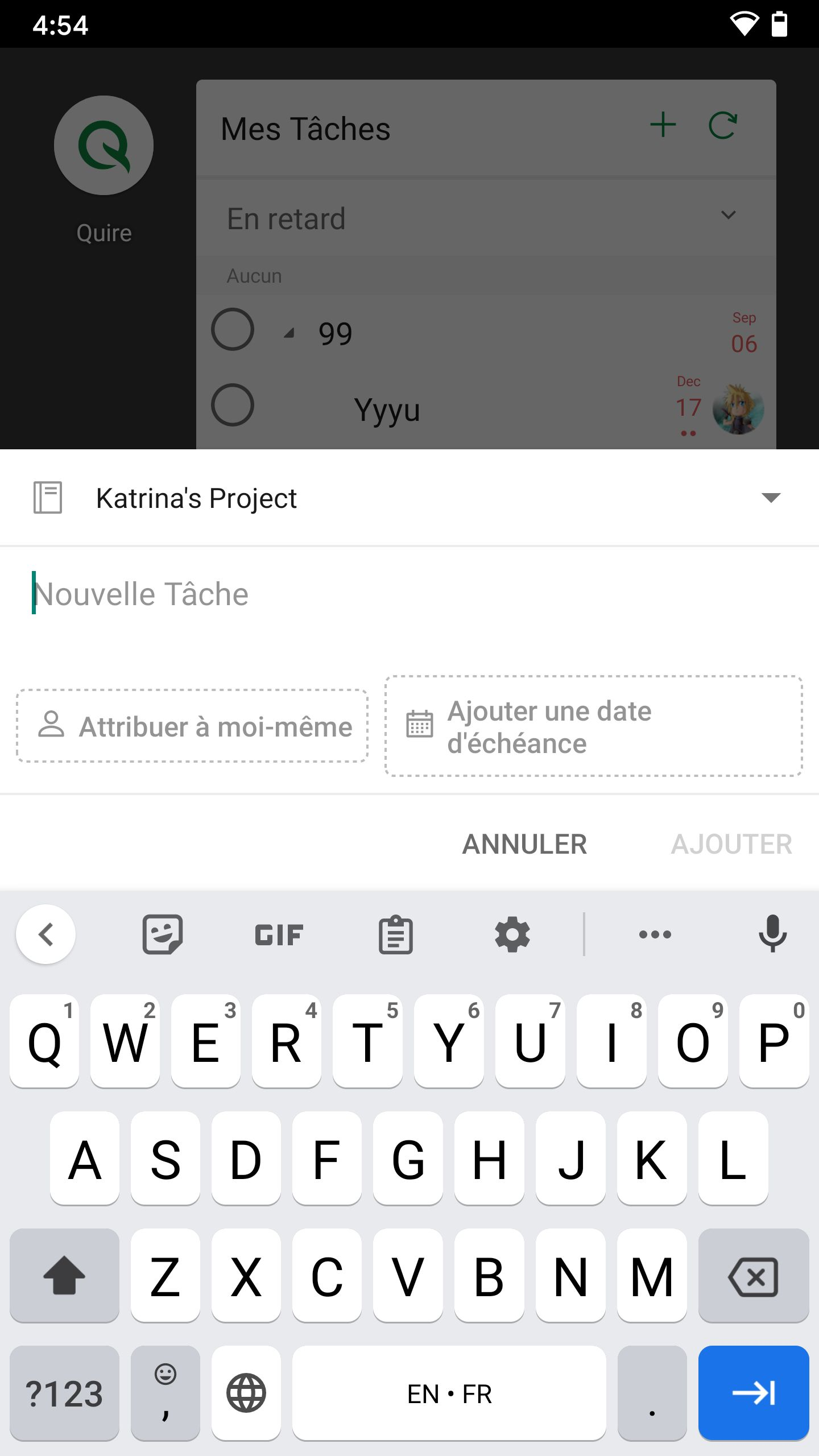
- Can you add new task via Widget?
- Or try to clear storage of Quire app
| _ | _ |
|---|---|
 |
 |
Jimmy Shiau, Feb 22, 2023
Hi Victor, sorry for jumping in. I'm Peggy from the Quire team. Golda is on leave currently and I will be helping you with your issues.
In order to see the tasks of My Tasks on your web browser, please open up the sidebar on the left hand side of your workspace and click My Tasks.
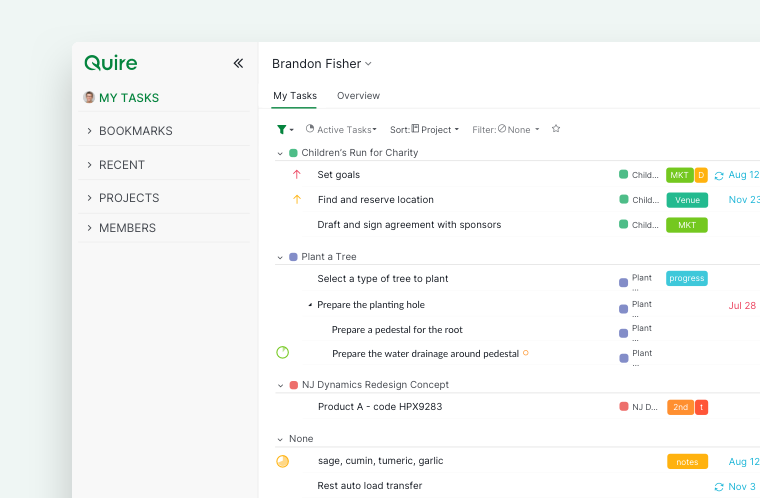
Please let us know if you can see your tasks there in My Tasks on the web browser version, thank you!
Peggy, Mar 1, 2023
Hi @Victor_Gueldry, Our team couldn't reproduce it. You can try to go to My Tasks in the Quire app and refresh the page by pulling it down until there is a refresh icon to check whether it also displays the lost connection message. Please let me know the result. Thank you.
Golda, Feb 21, 2023
Hi Jimmy.
- yes, I can add and edit tasks in the app
- no, I can't add tasks in the widget
- would clear storage remove my already existing tasks? I would prefer not to have to rewrite them all.
Victor Gueldry, Feb 22, 2023
I still can't see my tasks in the widget though... Any ideas?
Victor Gueldry, Mar 4, 2023