
Few days ago Google Calendar Instant Sync connected to around 12 of my 2022/2023 projects stopped working with giving connection error once in notifications. I thought it would be just one-time and will work after few hours, but it didn't. I checked on Google account and Quire had still access permissions. I didn't modify anything with Google nor Quire for months.
I can't show how error exactly looked since notifications are again spammed since they are as they are due missing improvements from #5547
- Syncing had been lost and I had to resync all projects.
- Syncing so many projects separately is a pain.
- Seems that by mistake I synced one project to wrong calendar, making doubles all across, and there is no "Delete tasks" button, just "Revoke", that doesn't delete them from calendar where it had been assigned to.
- "Granted access" date is not updated after regranting access.
- Solved in past by task #5290 formatting not being removed, seems to be not entirely correct/buggy again:
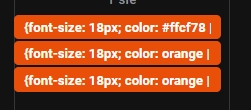
First when I synced calendar it had it removed on active tasks, but not on completed. Then itself 1 task of these on screenshot stayed fine and 2 others turned into not wiping formatting. Now all everywhere (both completed and not) are like this.
Hi, thank you for your feedback. We have passed this issue on to our team for further troubleshooting. Once we have any updates, we will let you know.
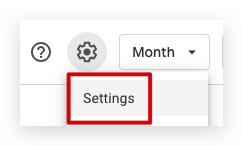
In the meantime, we suggest creating a new calendar in Google Calendar before resyncing, as older tasks will not be deleted. Go to Settings and select Create new calendar.
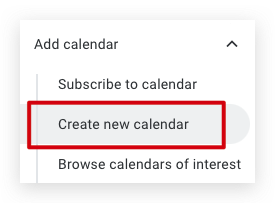
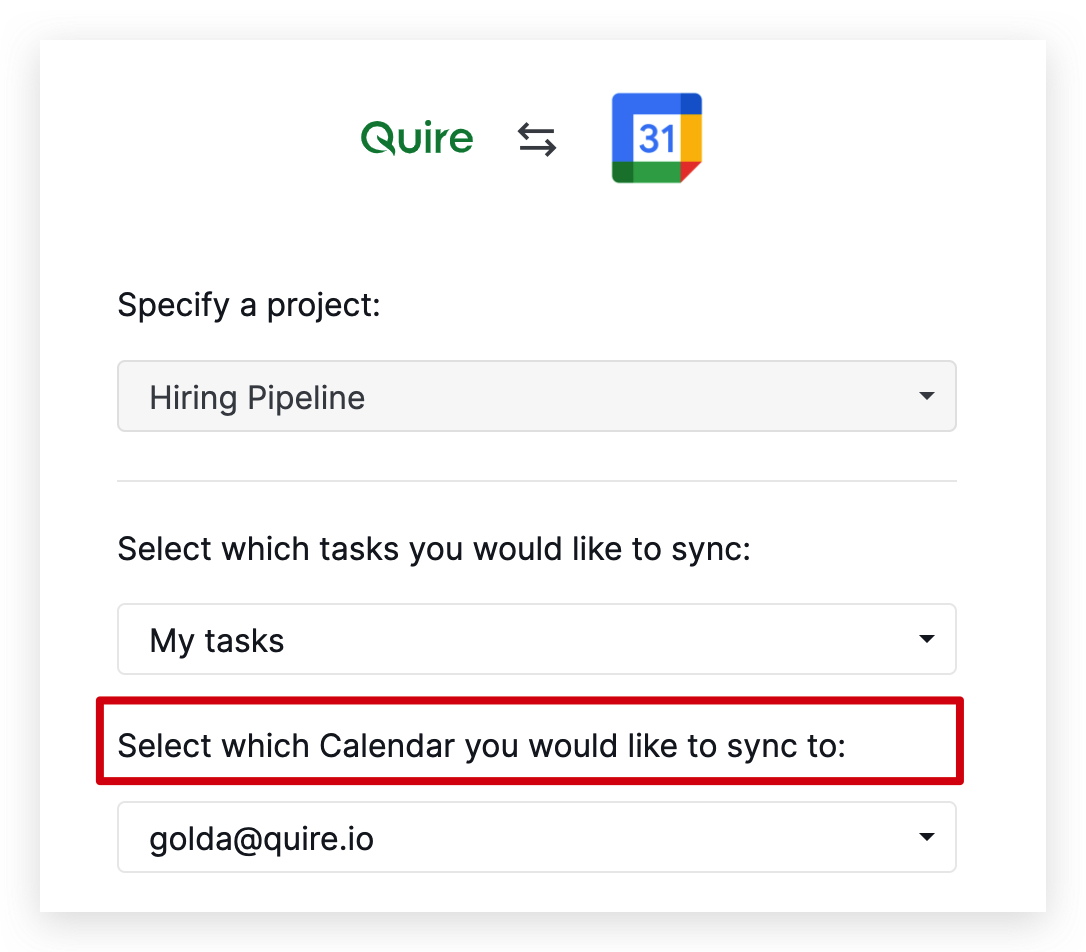
When you resync using Google Calendar Instant Sync, choose the new calendar you just created.
Thank you, and we apologize for the inconvenience you are experiencing.
Golda, Jul 29, 2024
Hi, Our team has resolved the issue with projects not syncing to Google Calendar Instant Sync. If you have projects that haven't been resynced yet, there's no need to resync them. Please kindly check if the issue still occurs and let me know if you have any questions. Thank you.
Golda, Jul 31, 2024
Hi,
Regarding this issue where the markdown was not displaying correctly, our team has resolved this issue. Please try again and let me know if you have any questions. Thank you.
Golda, Jul 30, 2024