
features · Feb 11, 2025
Introducing Document: Your Creative Canvas
Last updated: September 30, 2026
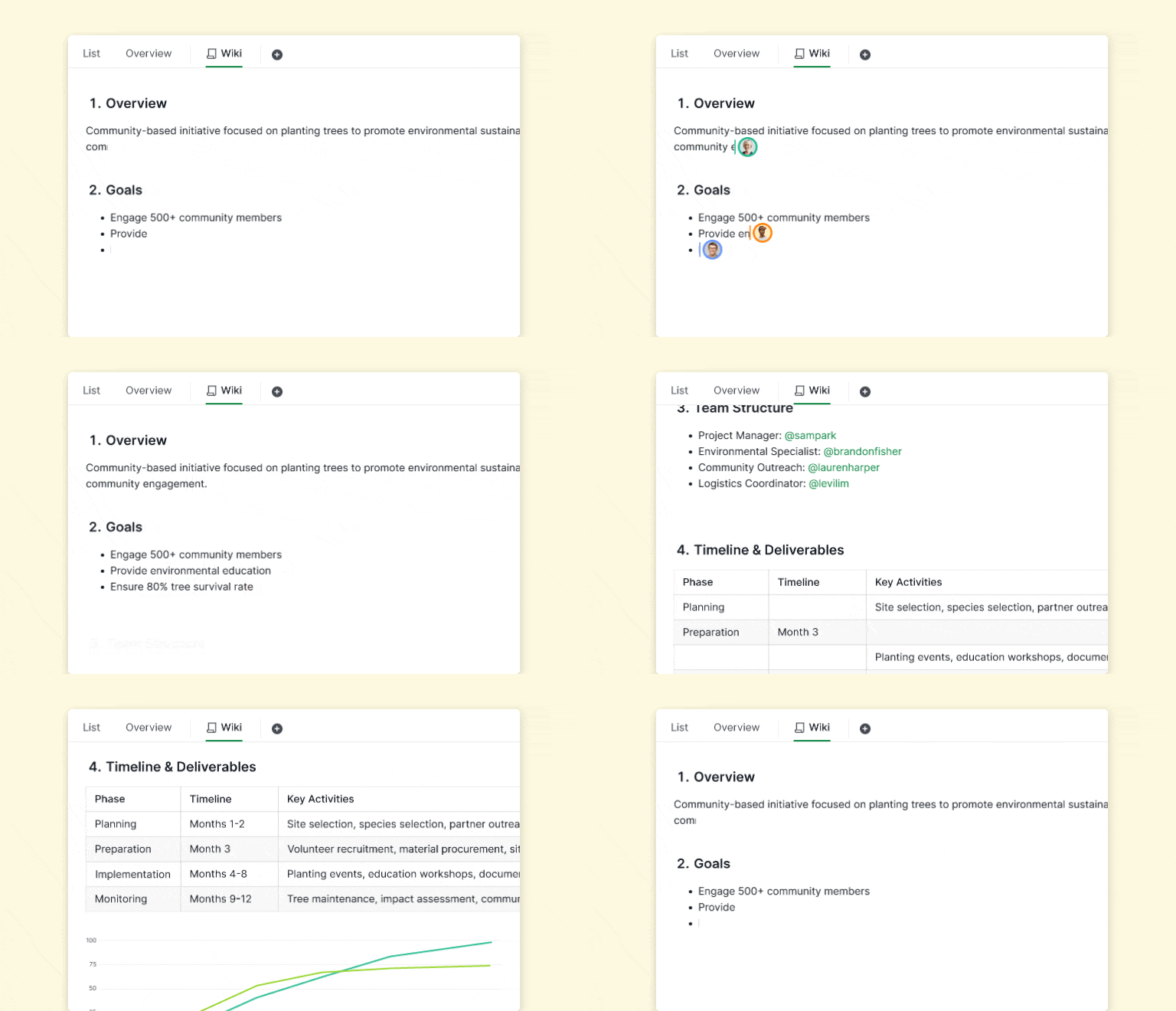
Quire Document is a rich-text workspace built into Quire where plans, briefs, and reports live next to the tasks they describe. You can link tasks inside a document for instant context and status, transform a document into a tailored team dashboard, and co-edit with your team in real time. Document is included on every plan, including free.
Most project docs die the moment they leave the doc. A plan written in Google Docs gets copy-pasted into the task tracker as a list of tickets, and within a sprint the original doc and the actual tasks have drifted apart. The spec says one thing; the work says another.
Studies have been measuring this gap for over a decade. McKinsey's Social Economy report found knowledge workers spend roughly a fifth of their working week searching for information that already exists somewhere. Atlassian's annual State of Teams survey keeps surfacing the same pattern from a different angle: when context lives in a different system from execution, decisions get rebuilt at meeting time.
Quire Document keeps them connected. It is a rich-text workspace built into Quire where you write the plan, link the tasks the plan creates, and let the linked tasks reflect their current status right inside the doc. The plan stops being a snapshot and starts being a live view of the work.
Document is made for all subscription plans. More information can be found on our Pricing page.
What is Quire Document?
Quire Document is a collaborative rich-text workspace built directly into Quire. Use it for drafting plans, brainstorming, or writing detailed reports without leaving the project the work lives in.
The integration is the point. You can link tasks inside a document to pull in their current status, transform a document into a tailored dashboard for your team, and co-edit in real time with sharing and inline comments. The document and the project are the same workspace, not two systems you keep in sync by hand.
For a step-by-step guide on how to best utilize Quire Document, please visit our guide.
Our team recorded a 50-minute tutorial on Document, Chat, and Templates, built around real use cases.
How does Quire use Document internally?
Three teams at Quire run Document in slightly different shapes. Here is the pattern at a glance:
| Team | Primary use | What the document becomes |
|---|---|---|
| Project managers | Sprint planning, deliverables, weekly progress reviews | A live sprint hub with tasks linked to objectives |
| Marketing | Campaign strategy and execution | A central campaign page linking content, design, and social tasks |
| Product | Feature ideation, roadmap, post-launch review | A spec → roadmap → retrospective document for one feature |
How do project managers use Document for sprint planning?
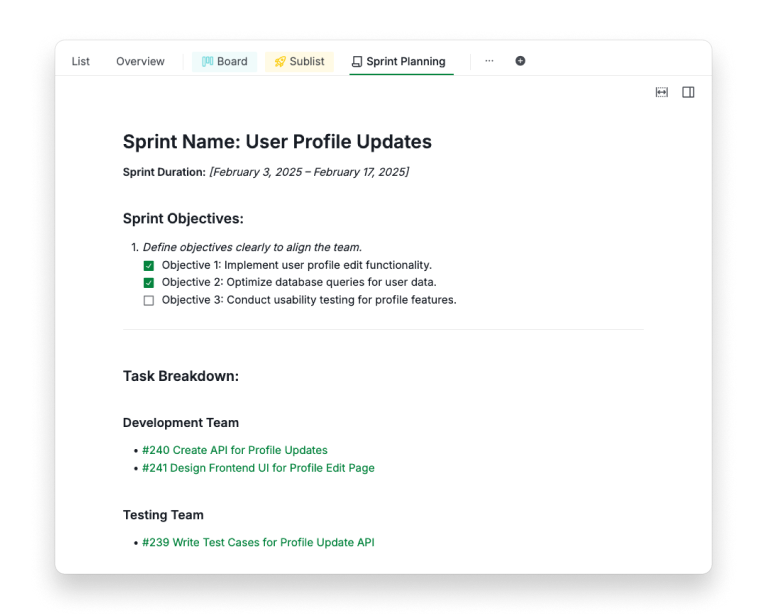
Our project managers use Quire Document to organize sprints and monitor progress. For instance, during sprint planning meetings, they draft detailed outlines of objectives, define deliverables, and prioritize tasks within a single document.
Each task is directly linked, providing instant access to its details and status updates. Weekly progress reviews are recorded in the same document, ensuring stakeholders have a complete view of what's on track and what requires attention. This integrated approach eliminates confusion and keeps everyone aligned.
How does the marketing team use Document for campaigns?
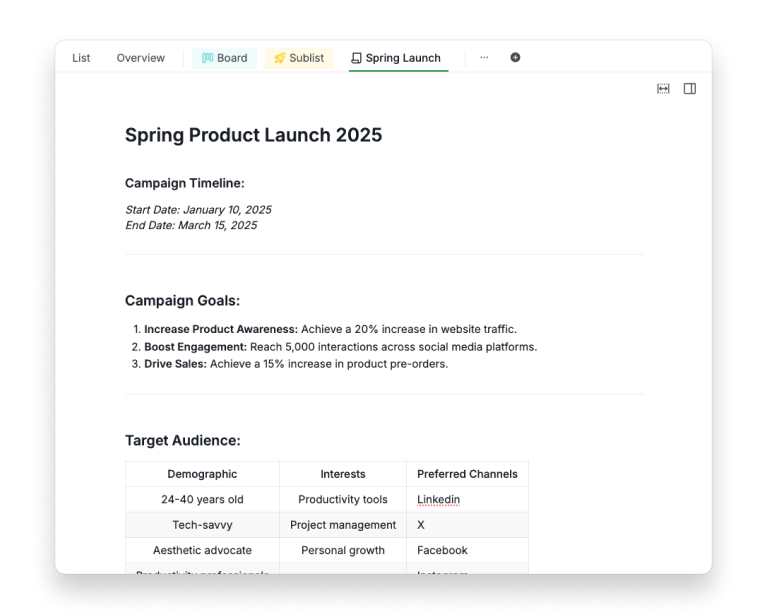
Quire marketing team uses Quire Document to craft and execute campaign strategies. When planning a new campaign, they begin by documenting the goals, target audience, and key messages.
This document becomes the central hub for all campaign activities. Tasks for content creation, graphic design, and social media scheduling are linked within the document, streamlining coordination across departments.
Content creation workflows, such as drafting blog posts or newsletters, also start in Quire Document, where team members collaborate in real-time to refine the messaging. Once finalized, tasks for publication and promotion are tracked directly from the document, ensuring nothing falls through the cracks.
How does the product team use Document for feature work?
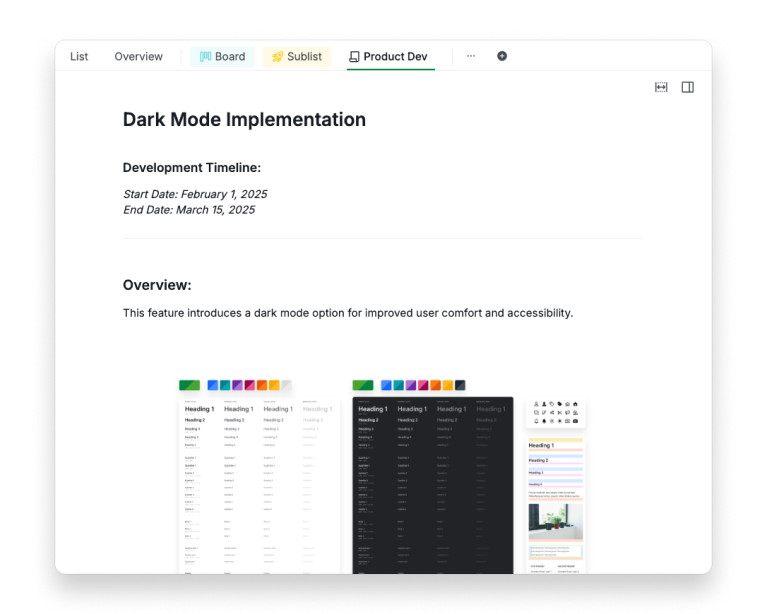
Our product team, on the other hand, uses Quire Document to manage feature development. When working on a new feature, they begin with a document to consolidate ideas and user feedback.
This becomes the foundation for detailed discussions and planning. As the project progresses, the document evolves into a roadmap with key milestones like design prototypes, testing phases, and launch dates, all linked to corresponding tasks.
Post-launch, the document is updated with analytics and feedback, serving as a reference for continuous improvement. This approach provides a clear, structured workflow from ideation to execution, fostering efficiency and collaboration.
What makes Quire Document different from a regular editor?
Three concrete things separate it from Notion, Google Docs, or a wiki page:
- Tasks and documents share the same workspace. A task reference inside a document is a live link, not a copy. Click into the task from the doc, see its current status without leaving the page.
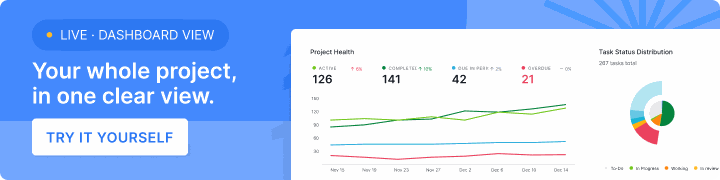
- A document can be flipped into a dashboard. Once you have structured a page around tasks, milestones, and progress markers, render the same content as a live dashboard your team checks rather than a static page nobody updates.
- It lives where the work lives. No "open Notion to write the spec, then come back to Quire to track it." The spec, the tasks it describes, and the conversation about them in Quire's built-in Chat are all in one place.
How do you get started with Quire Document?
Three steps to try it on a real project today:
- Log in to Quire and open any project.
- Create a new document and link three tasks from the project's task list into it.
- Open the doc on a Monday standup instead of the task list, and let the team update status from the linked tasks inside the document.
The first time you run a standup off a document instead of off a task list, the "spec and work in one place" idea stops being abstract.
How does Quire Document fit with the rest of your tools?
Quire Document is built to keep planning and execution in the same workspace. Two hand-offs keep it that way:
- Internal planning stays in Document. Plans and specs sit next to the tasks they produce, so nobody hunts through a second app for the brief.
- Published work goes out through your CMS. When a long-form piece is ready for an external audience, it ships from the publishing tool your site already runs on.
Coming from Notion? Here's how Quire compares as a Notion alternative.
Frequently Asked Questions
What is Quire Document?
Quire Document is a flexible collaborative workspace for rich-text content that lives inside your Quire projects. Use it for plans, brainstorms, or reports without leaving your project environment.
How is Quire Document different from a regular document editor?
Unlike standalone editors, Quire Document links directly to your tasks and projects, so notes and execution stay connected. You can also turn a document into a tailored dashboard for your team.
How do teams actually use Quire Document in their workflow?
Project managers use it for sprint planning, marketing teams build it into campaign hubs, and product teams consolidate feature ideas and roadmaps. Each team adapts the same canvas to their own workflow rhythm.
Is Quire Document included in the free plan?
Yes. Document ships on every plan, including free. See the Quire pricing page for the full breakdown.
How do I get started with Quire Document?
Log in to your Quire account and create your first document from any project. The step-by-step guide walks through linking tasks, real-time editing, and dashboards.
Does Quire Document work offline?
Yes. Quire Document works 100% offline, and your changes sync once you reconnect.
Read more on cross-functional project management. Document is the canvas, but on cross-team projects, the canvas only works if the operating model around it is sound. This playbook is the four-layer system (ownership, visibility, handoffs, rhythm) that decides what actually belongs on that canvas.
Ready to stop the spec and the work from drifting apart?
Write the plan in Quire, link the tasks the plan creates, and let the linked tasks reflect their current status right inside the doc. Document is included on every Quire plan, including free.
