
milestones · Dec 17, 2025
Quire 2025 Wrap-Up: A Year of Ideas and Upgrades

Last updated: July 29, 2026
In 2025 Quire shipped seven upgrades aimed at moving ideas from concept to execution faster. The lineup includes Documents and Chat for capturing and discussing work, Charts for visual progress, Templates for instant project setup, Milestones for key deadlines, and n8n plus Power BI integrations for automation and reporting. Documents and Chat are free on every plan.
- Where do ideas and conversations come together in Quire 2025?
- How did Quire Charts change progress tracking in 2025?
- How do Templates and Milestones speed up project starts?
- How does Quire automate work with n8n and Power BI?
- You Made It Happen! ✨
- What patterns did Quire teams settle into in 2025?
- Frequently Asked Questions
Can you believe 2025 is already behind us? One minute we were sketching out feature ideas over coffee, the next we were shipping updates and looking back on a year full of progress, collaboration, and yes, a few surprises along the way. 🚀
Time moves fast when your users keep you inspired, curious, and slightly overcaffeinated. If we had to summarize 2025 in a single line, it would be this: you shared ideas, we built them, and teamwork became smoother for everyone. 🥳
A short note on context first: 2025 was the year the project management tool category got crowded with AI-everything launches.
Microsoft's Work Trend Index reported that knowledge workers were drowning in tools, not lacking them, and Atlassian's State of Teams survey kept finding the same thing from the team-collaboration angle: most teams said "we have enough tools, what we need is fewer places to lose context."
Quire's 2025 lineup was deliberately scoped against that pattern. Each feature solves a coordination friction inside the existing workspace instead of asking you to learn another app.
Here is everything that landed in 2025 at a glance, and where to dig into each one:
| Feature | What it does | Type |
|---|---|---|
| Documents | A home for brainstorms and long-form plans your whole team can edit and share | Collaboration |
| Chat | In-project conversations that keep questions and updates attached to the work | Collaboration |
| Charts | Turns task lists into visual progress so bottlenecks and wins are easy to spot | Visualization |
| Templates | Launch a project from a ready-made blueprint instead of rebuilding the structure | Project setup |
| Milestones | Marks key deadlines and checkpoints, visible to everyone on the timeline | Tracking |
| n8n integration | Automates repetitive steps across apps without custom code | Automation |
| Power BI integration | Pipes Quire data into dashboards for KPI tracking and trend analysis | Analytics |
Where do ideas and conversations come together in Quire 2025?
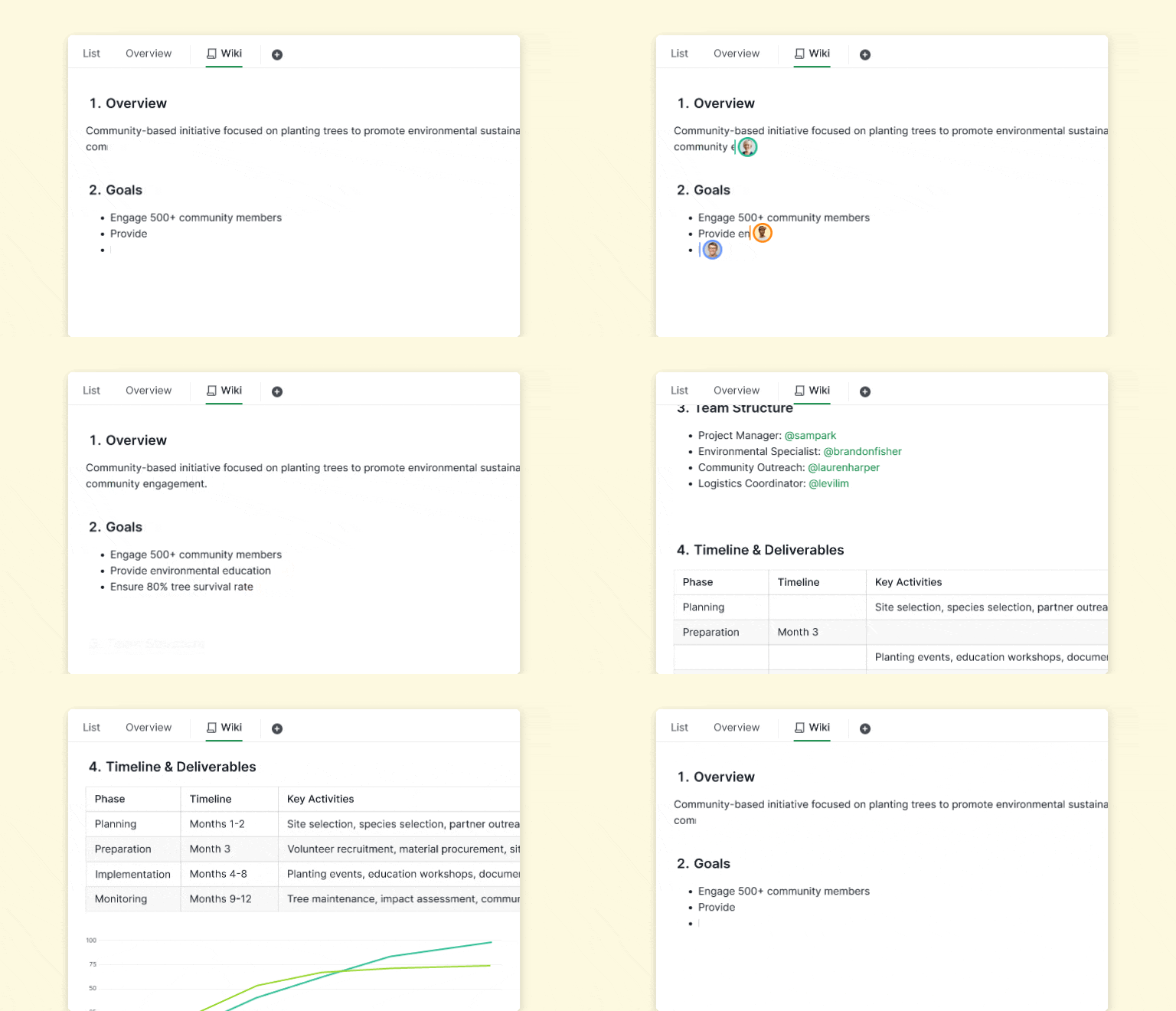
Every big project starts with a spark. In 2025, we wanted to make sure those sparks didn’t fizzle out. Documents became a true home for your brainstorms, where ideas could grow, evolve, and finally find a plan to live by. No more scattered notes, forgotten post-its, or half-baked plans lost in someone’s inbox.

Everything you imagined could now be captured in one space and easily shared with your team. Chat became the place to keep momentum alive. Quick questions, small clarifications, or last-minute updates could stay part of the project instead of disappearing into a thread that nobody checks.
Together, Documents and Chat closed the gap between “someone had an idea” and “someone is actually doing it.”
Documents and Chat are made for all subscription tiers. More information can be found on our Pricing page.
How did Quire Charts change progress tracking in 2025?
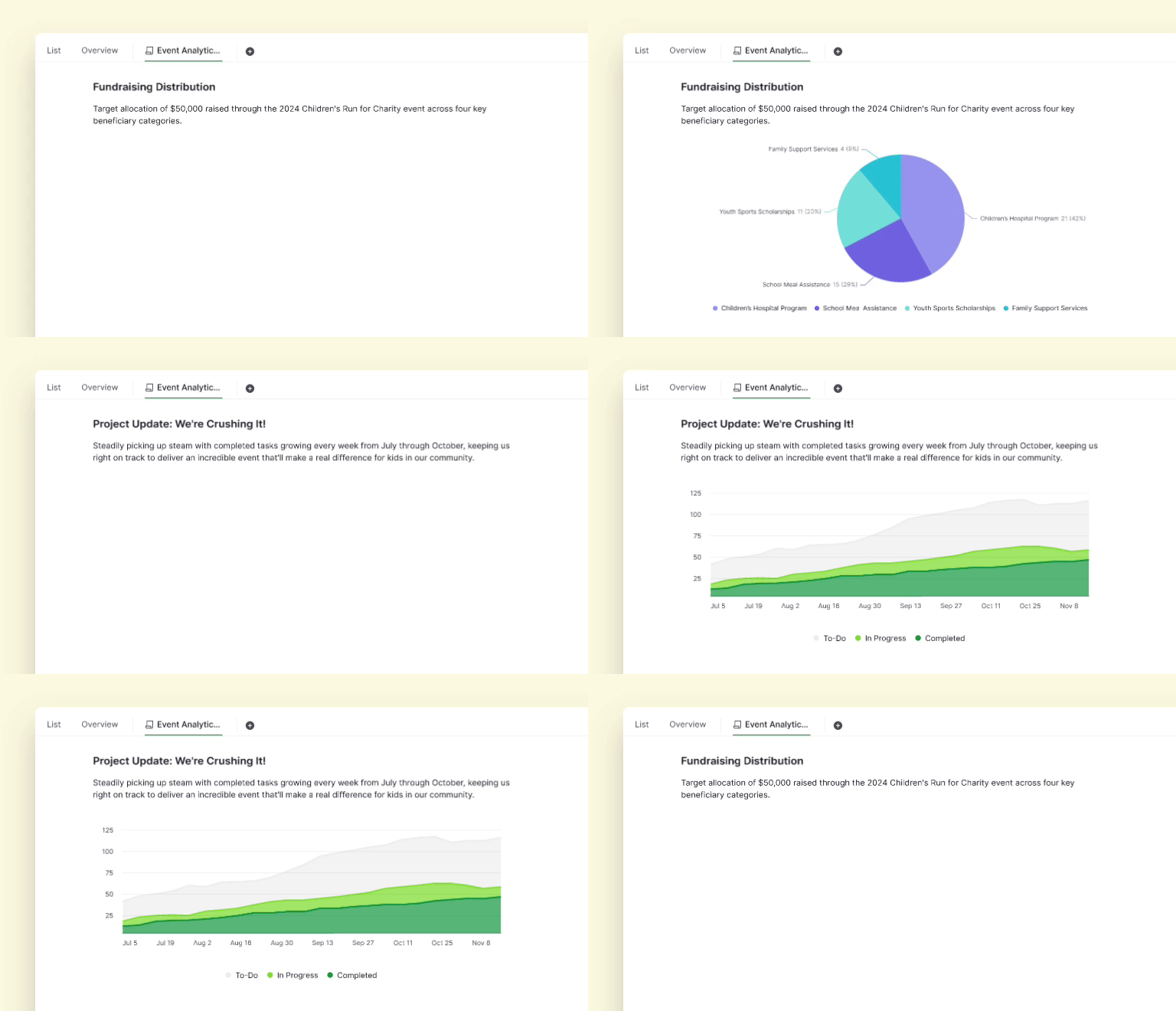
Tracking progress can be tricky, but seeing it shouldn’t be. That’s why Charts became a big part of our 2025 story. Turning task lists into colorful, clear visuals helped teams quickly understand where projects stood, spot potential bottlenecks, and celebrate wins that might have gone unnoticed.
Check-ins became shorter, more productive, and a lot more fun. The satisfaction of seeing a project evolve right before your eyes is hard to beat, and Charts helped make that happen every week. (Charts gained a data-savvy sibling in January 2026: see Insight View for BI-style summaries on top of your tasks.)
For a step-by-step guide on how to best utilize Quire Charts, please visit our guide.
How do Templates and Milestones speed up project starts?
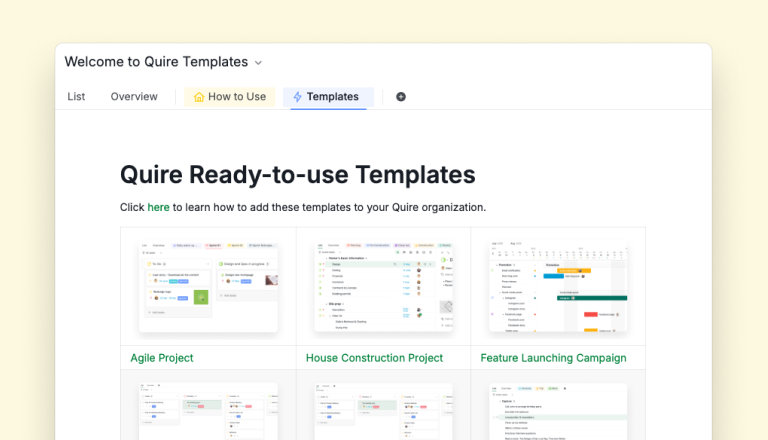
Starting a new project used to be a tedious process. You had to recreate the same steps over and over again. In 2025, Templates changed that. Launching projects became almost instantaneous. Whether it was a product release, an event, or a marketing campaign, teams could now start with a blueprint and dive straight into action.
To access all of Quire Templates, please visit our template page.
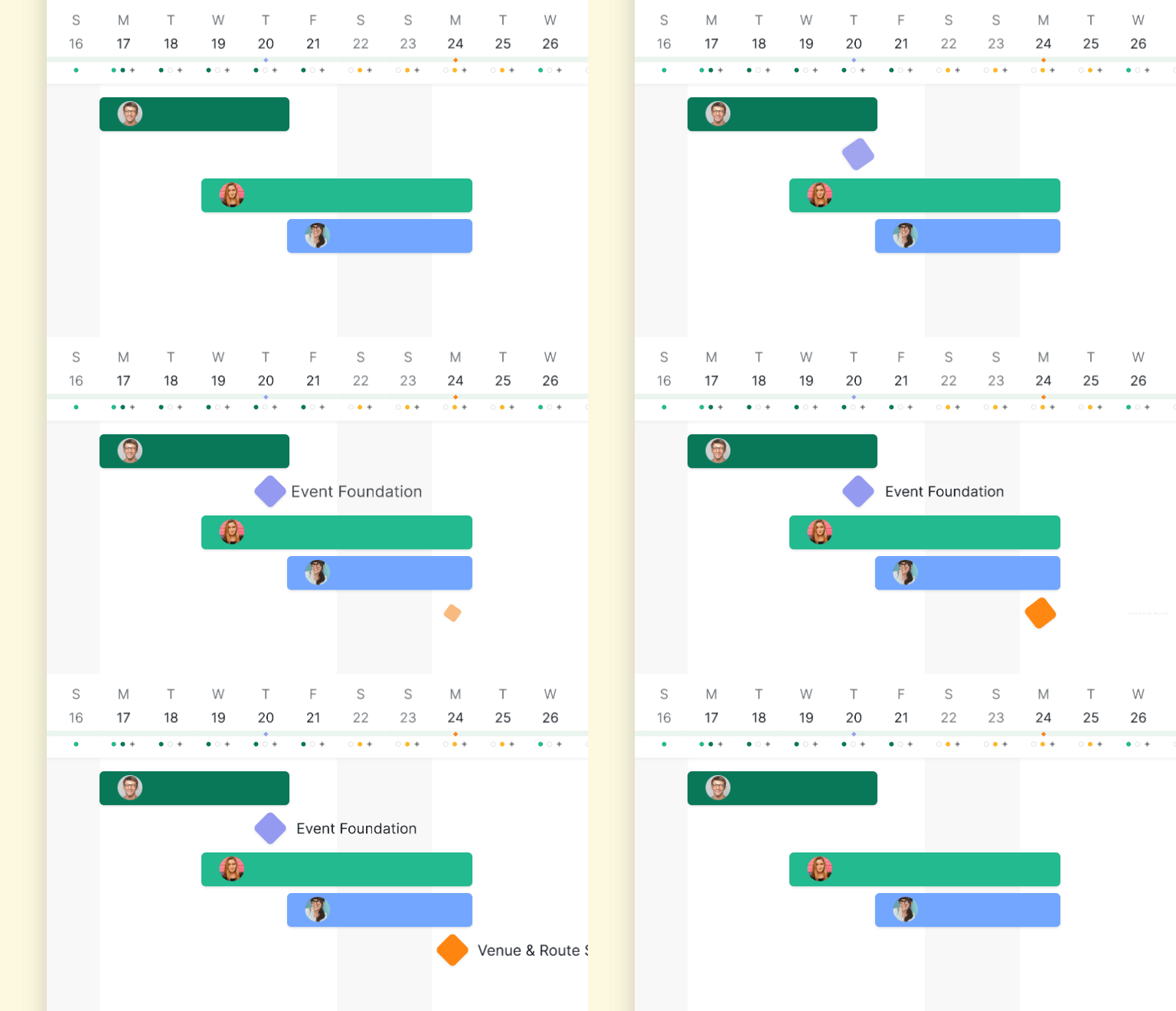
Milestones added another layer of clarity. Big moments, critical deadlines, and key project markers were suddenly visible to everyone on the team. They weren’t just reminders; they became motivating checkpoints.
That little diamond icon turning blue when a milestone was achieved? Pure satisfaction. It’s the kind of small, tangible moment that keeps a team energized, focused, and aligned.
How does Quire automate work with n8n and Power BI?
For teams that love efficiency, 2025 was also the year the busywork started doing itself. The n8n integration took over the repetitive steps between apps, the status updates and copy-overs nobody will miss, and handed that time back to work that needs a human.
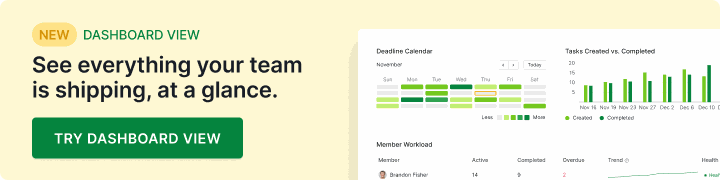
Meanwhile, Power BI turned Quire data into dashboards that actually made sense. KPIs, trends, and the “so how are we really doing?” question all got answers you could point at in a meeting. Less time assembling reports, more time acting on them. (Dashboards came home in July 2026, too: Dashboard View now builds them natively inside Quire.)
You Made It Happen! ✨
Of course, the real story of 2025 isn’t just about features and updates. It’s about the people using Quire every day.
Your feedback, feature requests, and stories shaped everything we built this year. You told us what slowed you down, what excited you, and what made your team tick. Every brainstorm, chat, chart, template, and milestone was inspired by you. 🎉
From early 2025 brainstorms to the final milestone of the year, we hope Quire has been a space where your team could plan, execute, and celebrate together. That is what we build for, every single day.
As we close the books on 2025, we’re reflecting on a year of creativity, collaboration, and progress. We couldn’t have done it without the teams that challenged us, inspired us, and shared their workflows. ❤️
2026 is already shaping up to be exciting, and we can't wait to share the next set of features, improvements, and surprises with you. Here's to another year of smoother teamwork, bigger wins, and more milestones worth celebrating. See you in 2026! 👏
What patterns did Quire teams settle into in 2025?
Looking at how our own customers used the seven new features through the year, three patterns stood out.
The Documents-first workflow. Teams that adopted Documents stopped using a second tool for planning. The pattern was almost always the same: kick off the project with a doc, link the tasks the doc creates, then run weekly check-ins off the doc instead of off the task list. The teams that landed on this rhythm reported the biggest reduction in "where do I find the latest plan?" questions. Documents weren't replacing Google Docs in their lives, they were replacing the cycle of copy-paste between docs and the task tracker that used to silently drift.
The two-or-three Templates habit. Most teams adopted exactly two or three Templates, not all of them. The pattern was: pick the most-repeated project shape on your team (a quarterly campaign, a recurring audit, a sprint kickoff), fork the closest Quire template, customize it once for your team's reality, and use it as your standard. Future projects of that shape are duplicate-and-rename operations rather than design operations. The teams that tried to template everything usually ended up with a maintenance burden; the teams that templated three workflows usually got it right.
The Milestones-as-anchor pattern. Milestones turned into the most common cross-team coordination tool, not because they had the most features but because they were the most visible. A single diamond icon on the timeline carried more weight than a Slack ping or a calendar invite. Teams that adopted Milestones used them sparingly (three to five per quarter, not three per week) and treated them as commitments rather than reminders. The pattern that quietly worked: name the milestone like a verb-noun ("Beta Launched," "Audit Closed"), set the date, link the tasks that have to land before it, and treat the date as fixed until something material changes.
More Quire history: Quire's 2024 Year in Review: Where Productivity Meets Possibility! and Quire's 2023 Roundup: A Year of Wins and Workflows.
Frequently Asked Questions
What new features did Quire launch in 2025?
Documents, Chat, Charts, Templates, Milestones, an n8n integration, and a Power BI integration. The common theme across all seven was moving work from idea to execution with less friction.
Are Documents and Chat available on the free Quire plan?
Yes. Both are core collaboration tools available on every tier, including the free plan, so teams can use them from day one without upgrading.
How do Quire Templates help teams start projects faster?
Templates launch a project from a ready-made blueprint, so the task hierarchy, labels, and workflow are already in place and the team starts executing on day one instead of setting up.
What is the difference between a Milestone and a regular task in Quire?
A task is a unit of work; a Milestone marks a significant deadline or checkpoint. Milestones show as diamond icons on the timeline and turn blue once achieved, keeping key dates visible to the whole team.
Can I connect Quire with automation or analytics tools?
Yes. The n8n integration automates repetitive steps across apps without custom code, and the Power BI integration pipes project data into dashboards for KPI tracking and trend analysis.
Ready to put the 2025 lineup to work?
Every feature above is live in Quire today. Start a project from a Template, drop your plan into a Document, and watch progress fill in on a Chart.
