
Google Assistant Permalink
With Google Assistant, you can quickly capture tasks and manage your to-do list using voice commands—without opening the Quire mobile app.
Note: All tasks created via Google Assistant will be added to My Tasks as personal tasks.
On iPhone, you can capture tasks the same way with Siri.
Get Started with Google Assistant
- Say “Okay Google” to your device.
- Wait for Google Assistant to start listening.
- Speak your command to create or manage tasks in Quire.
Create Tasks Using Voice Commands
You can use the following voice commands with Google Assistant:
- Save [task name] to Quire
- Add [task name] to Quire
- Open Quire and add a new task [task name] [due date]
- Open Quire and create a new task [task name] [due date]
-
Open Quire and remind me to [task name] [due date]
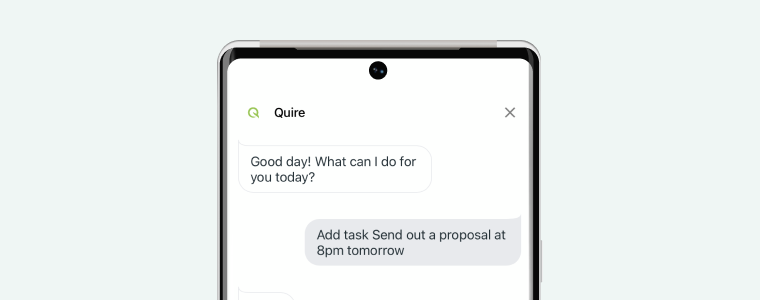

Read more on our blog about Google Assistant.
Frequently Asked Questions
How do I add a task to Quire using Google Assistant?
Say “Okay Google,” then use a command such as “Add [task name] to Quire” or “Open Quire and add a new task [task name] [due date].” Tasks are added to My Tasks as personal tasks.
Where do tasks created with Google Assistant appear in Quire?
All tasks created via Google Assistant are added to My Tasks as personal tasks, not to any specific project.
Please contact us if you need more assistance.